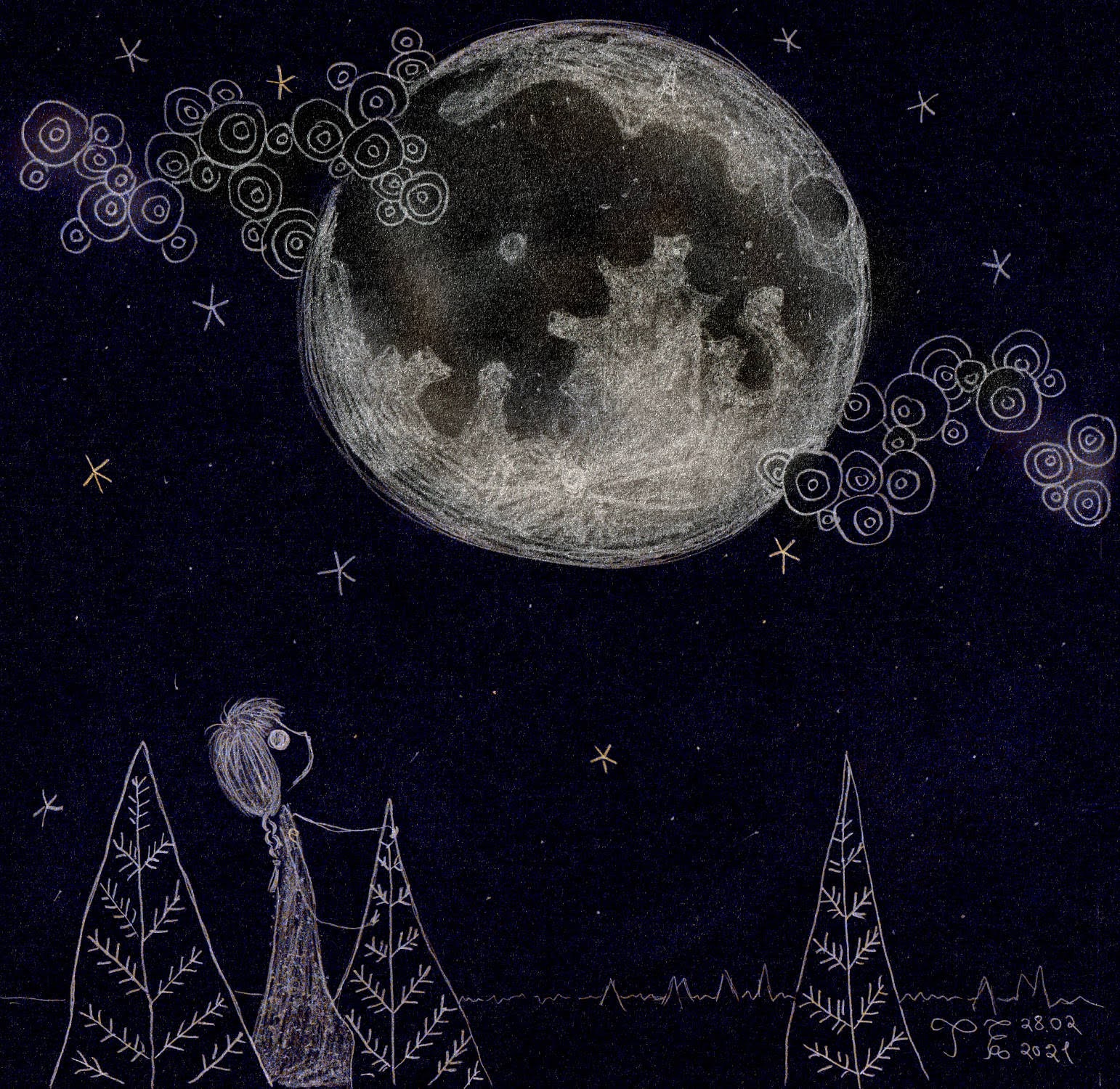
“Moved by the moon and inspired by the stars.”
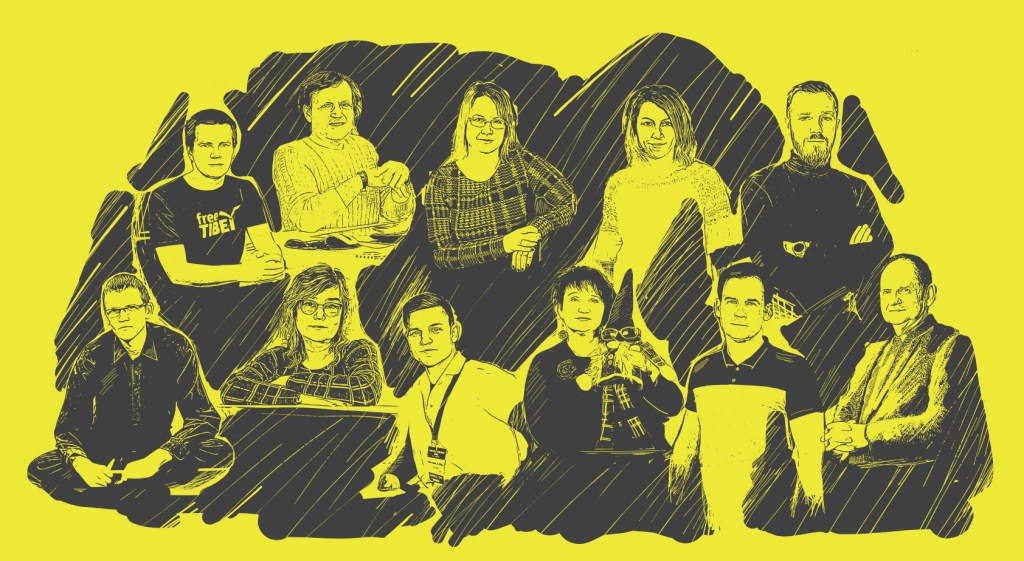
Illustration of stylized people
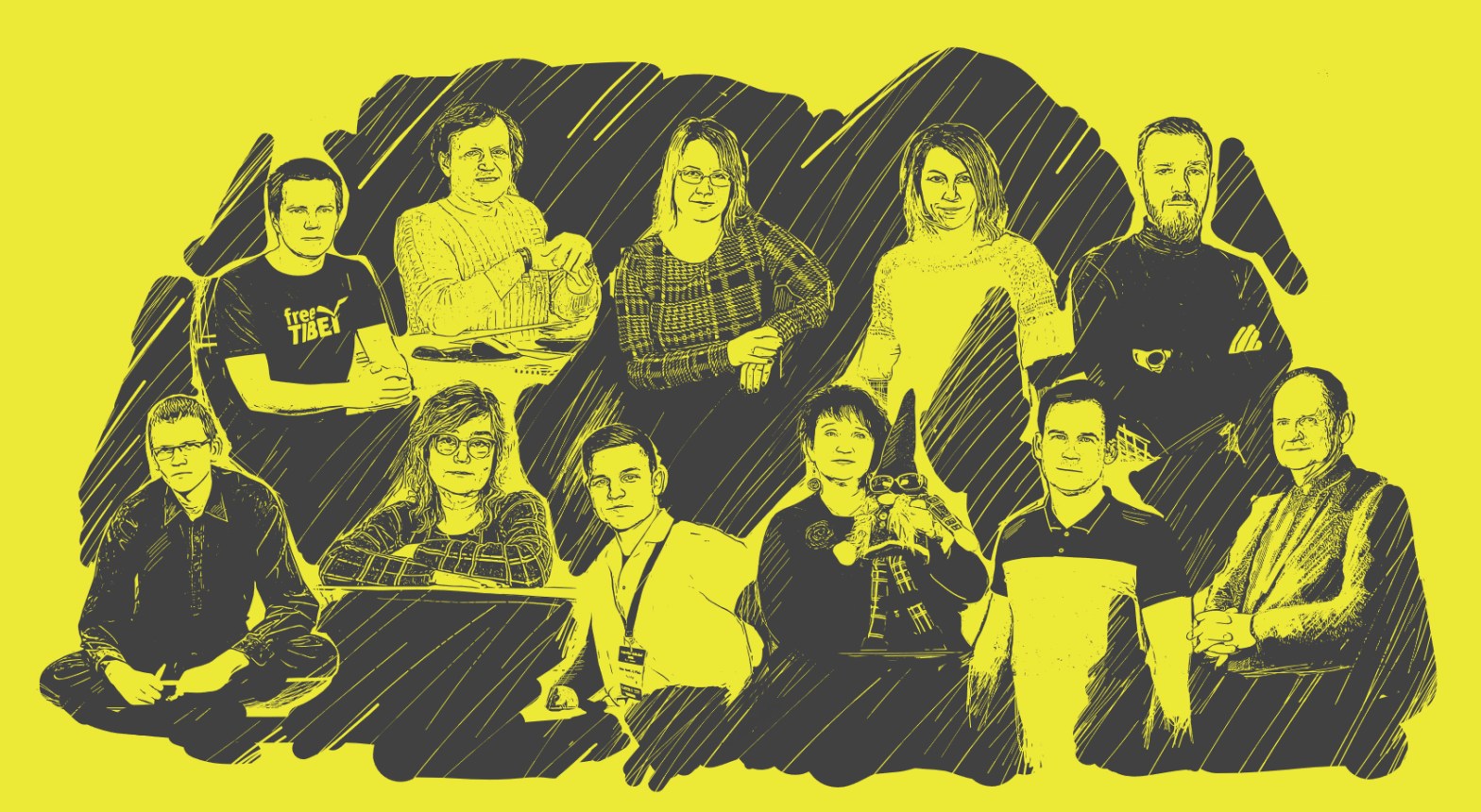
Illustration of simplified and stylized people. Based on photos on this website. I’m one of them.
And video about CNC woodworking:
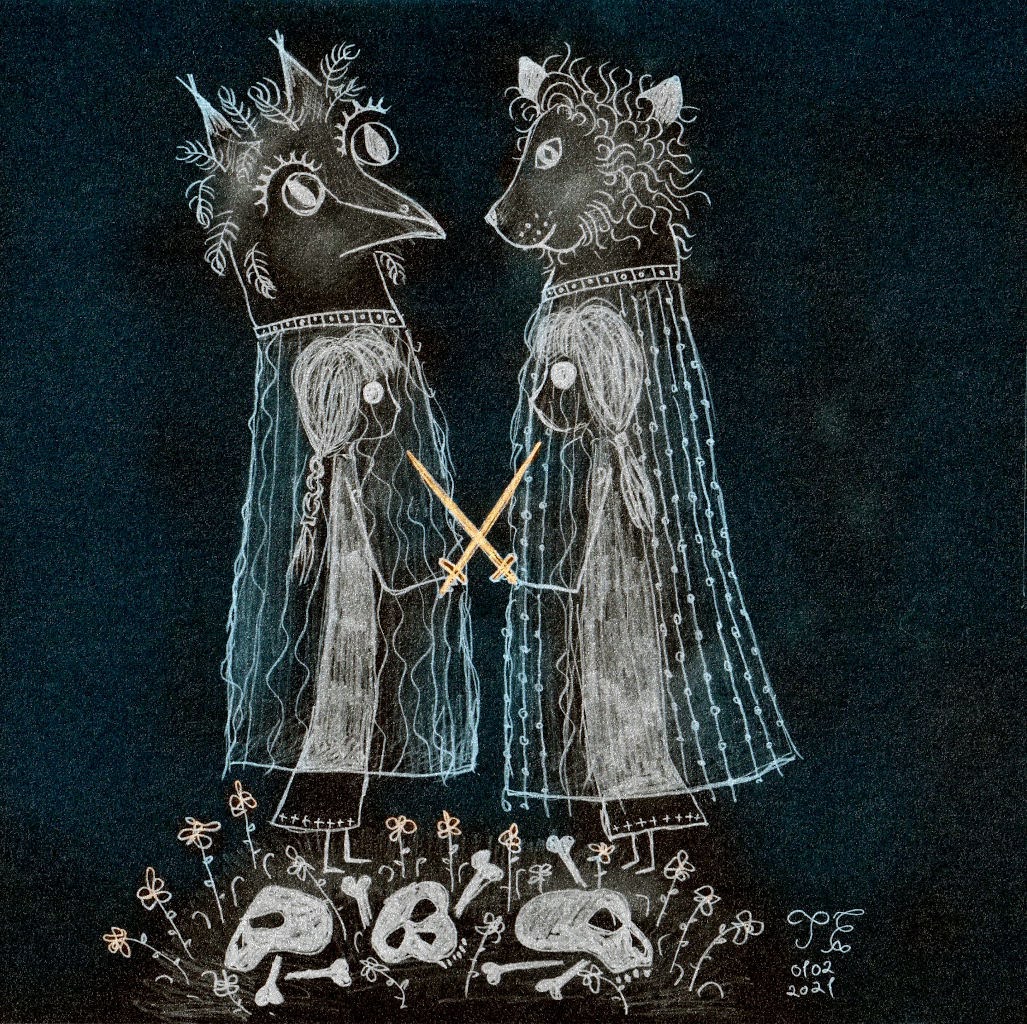
Royal wedding
Automatic darkness activated light
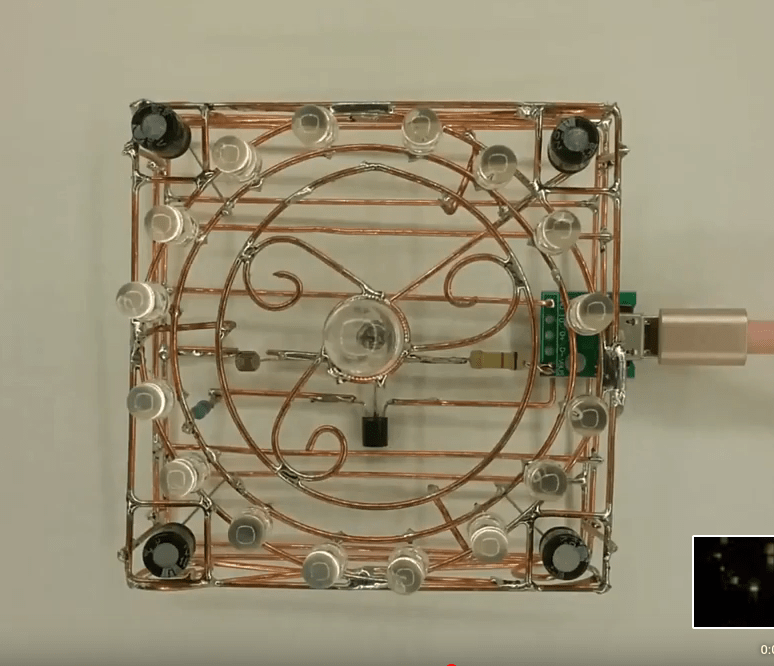
It uses special candle flickering LEDs.
Desk Clock
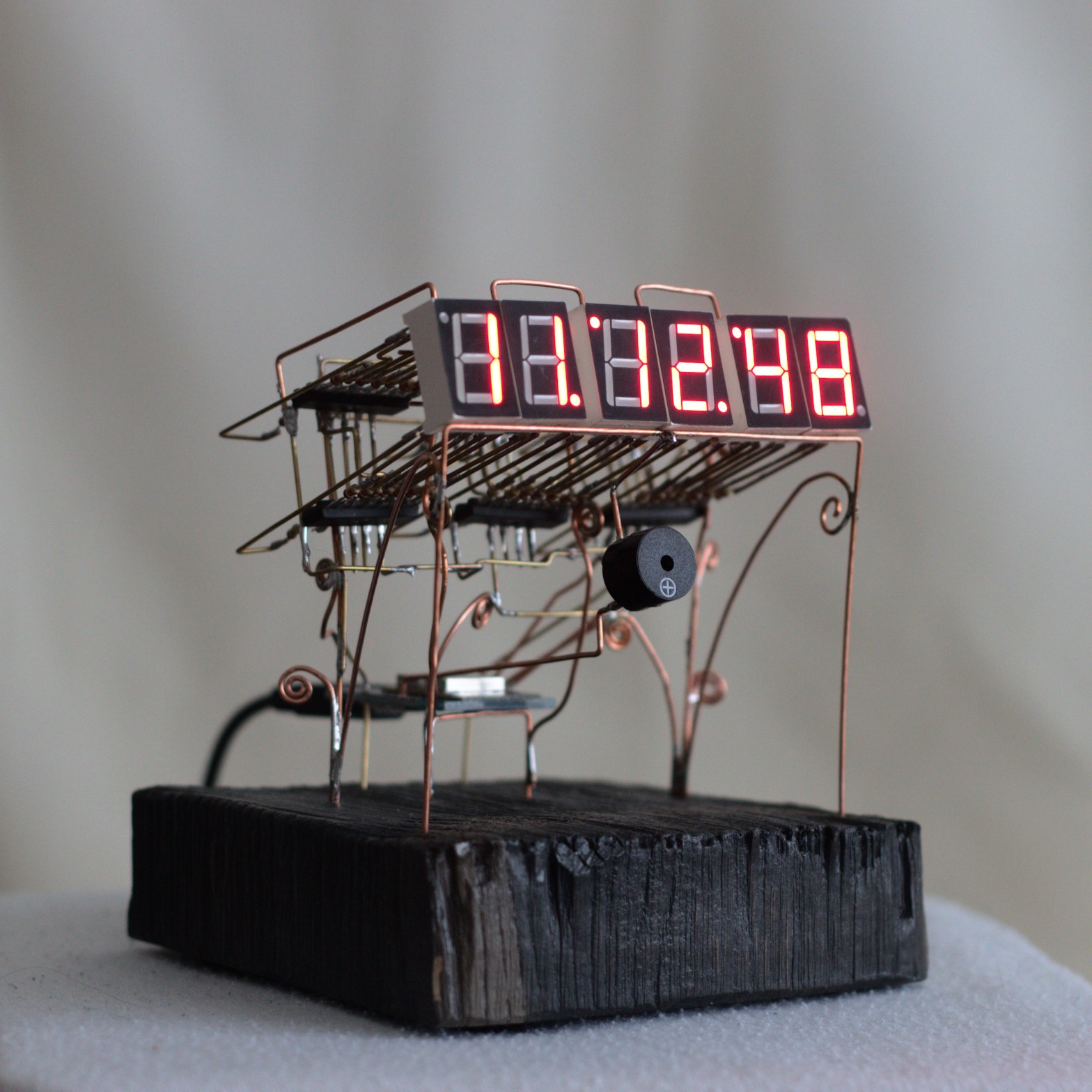
My desk clock is taking a shape. Once a day, it contacts with NTP time server to synchronise the clock.
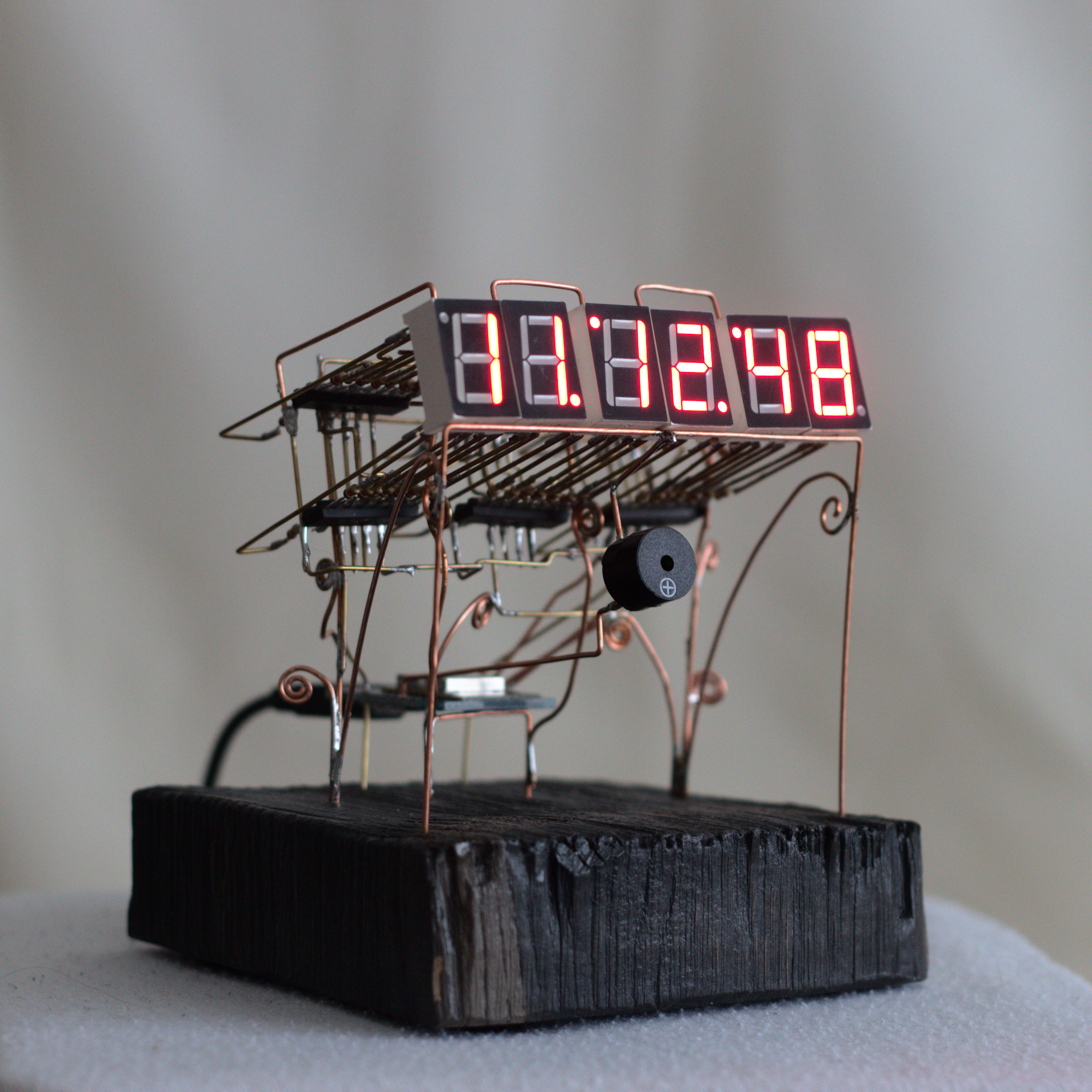
On one way it is simple and minimal. But I want to make it more wild.
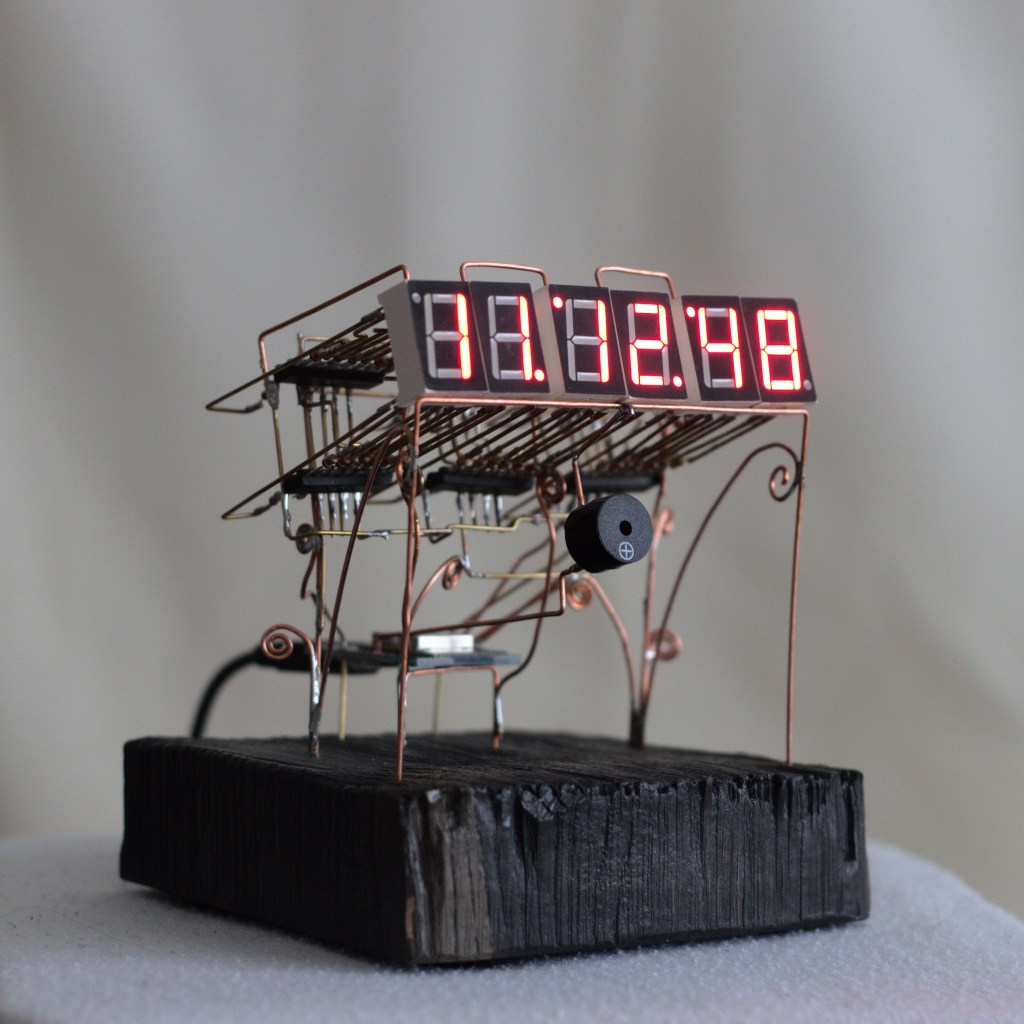
Desk clock
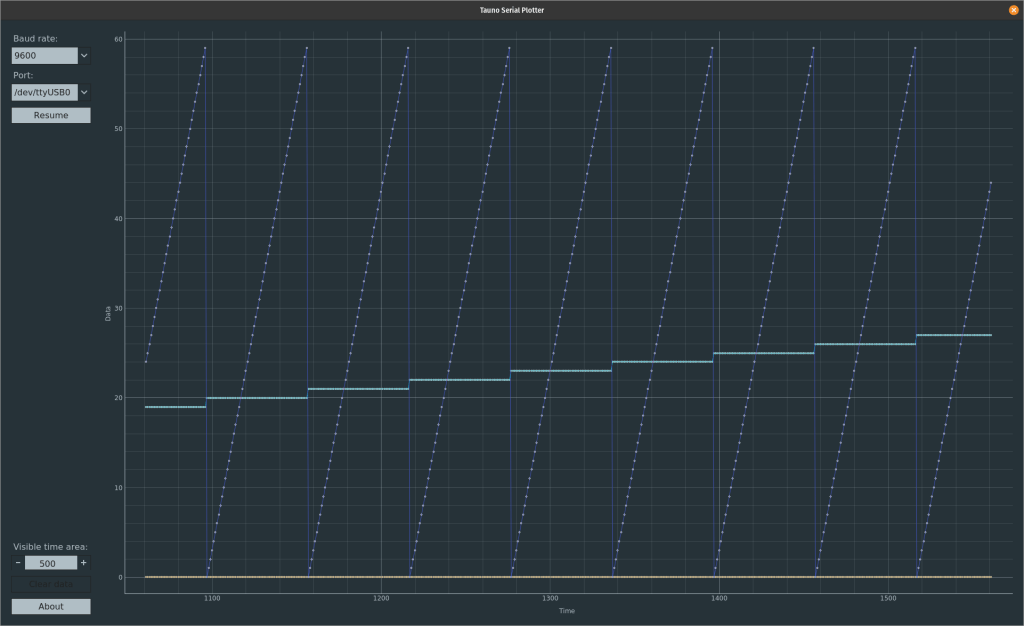
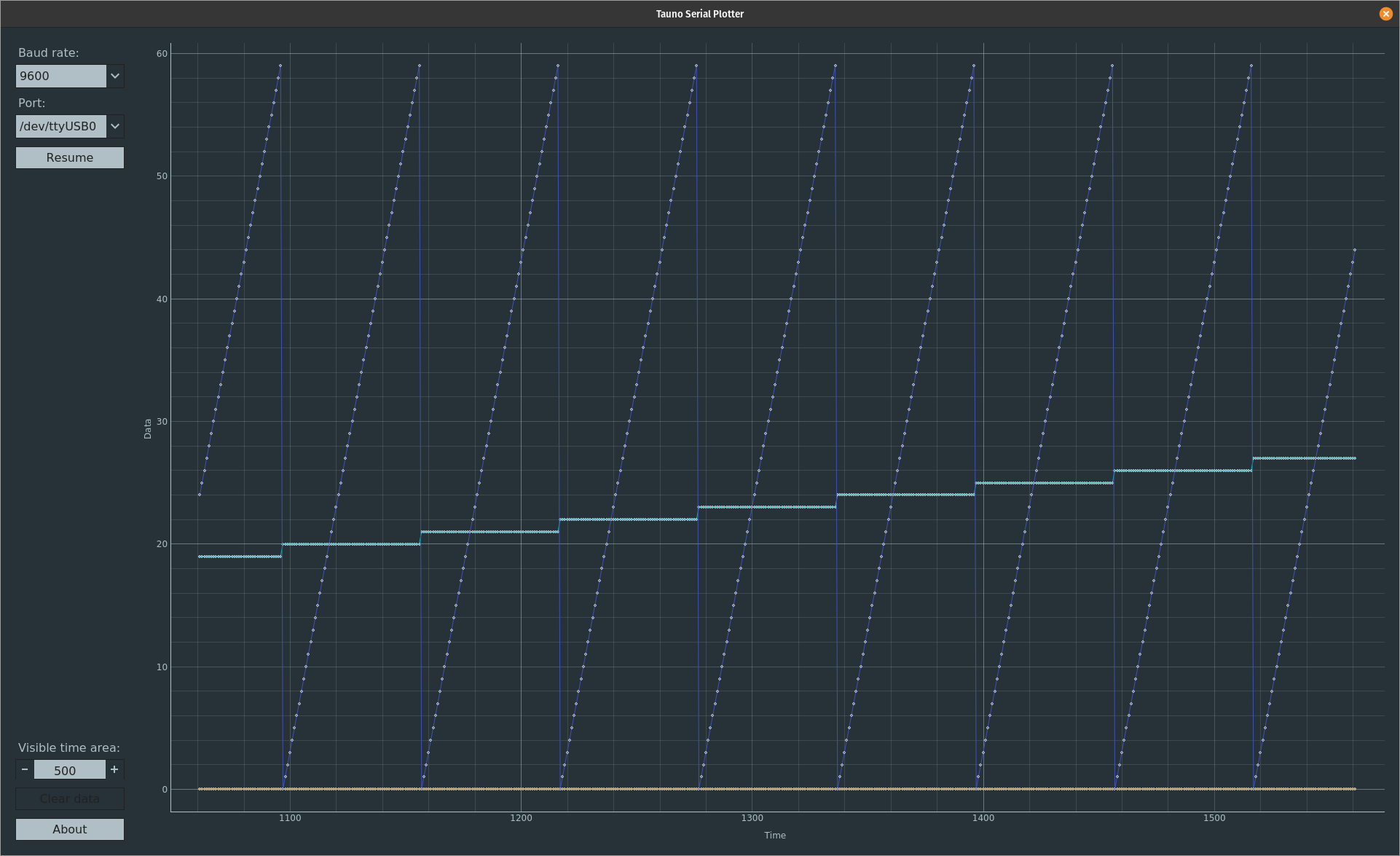
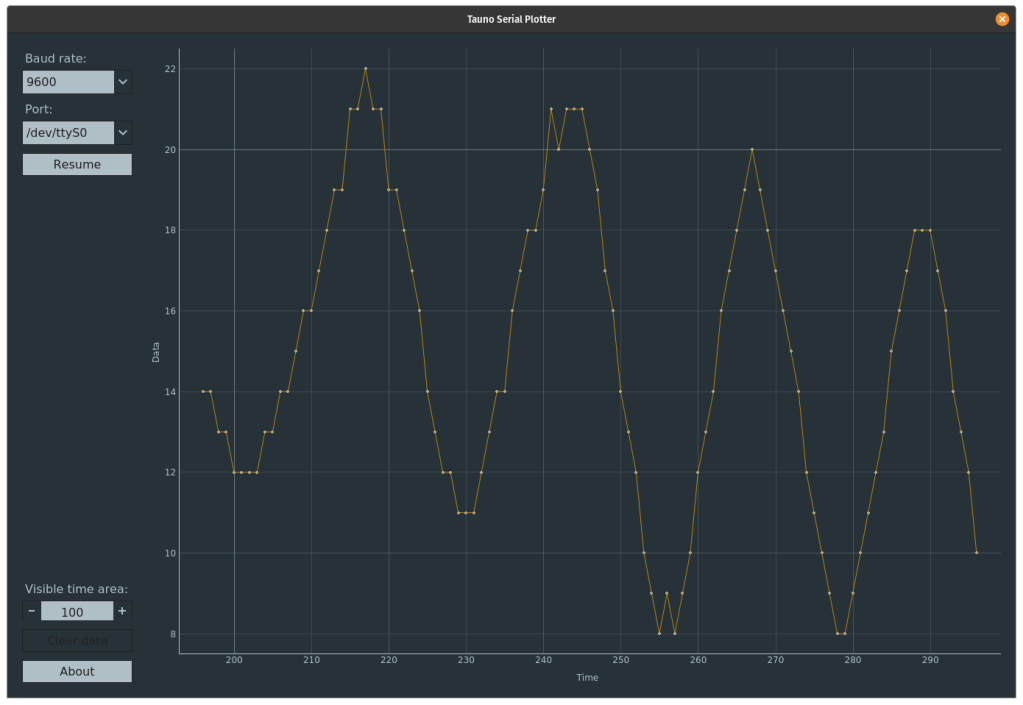
Clock dada on my Serial Plotter app
Code on GitHub “Lavva kellä” .
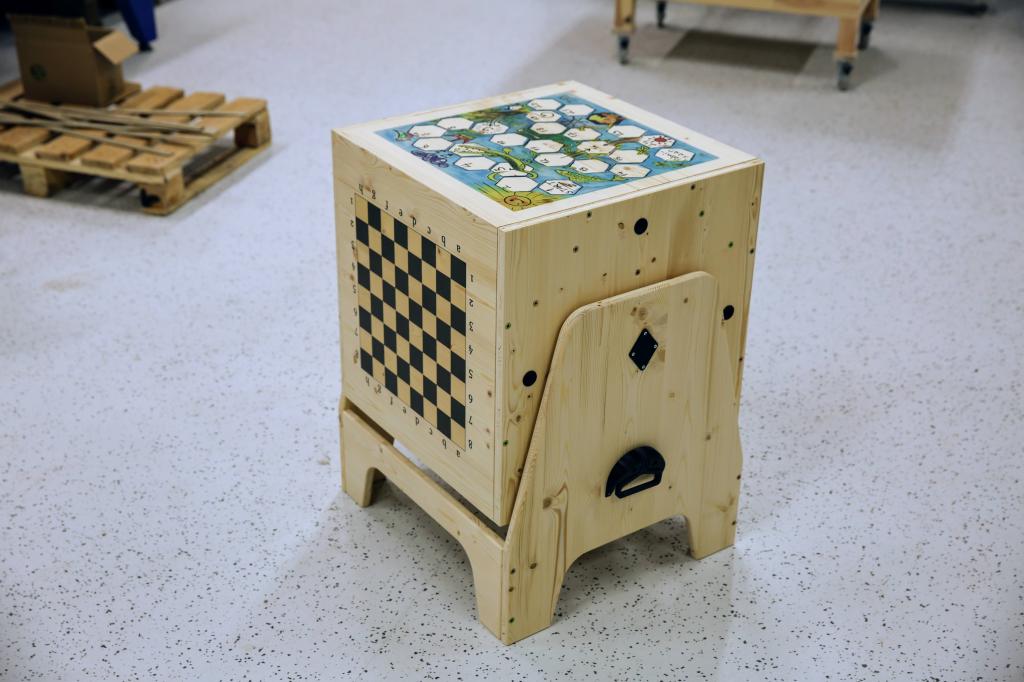
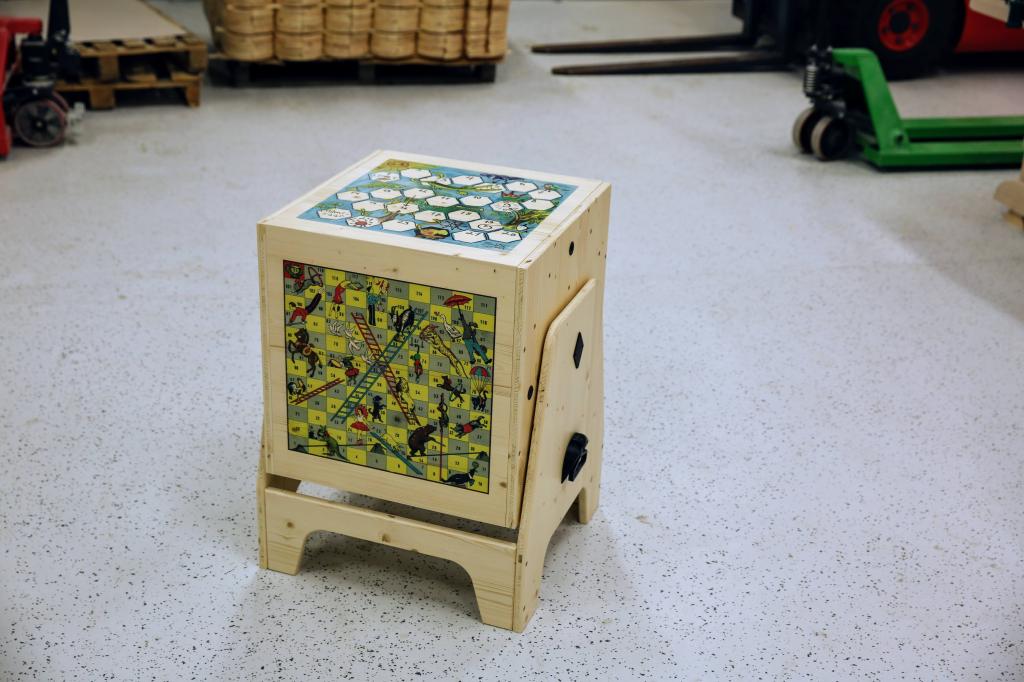
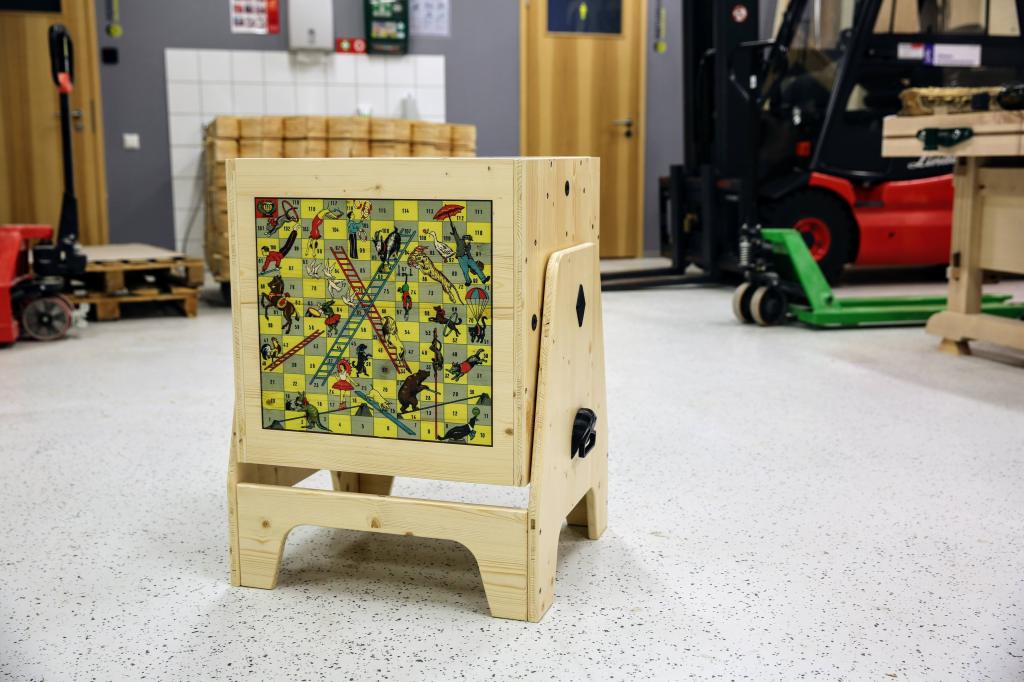
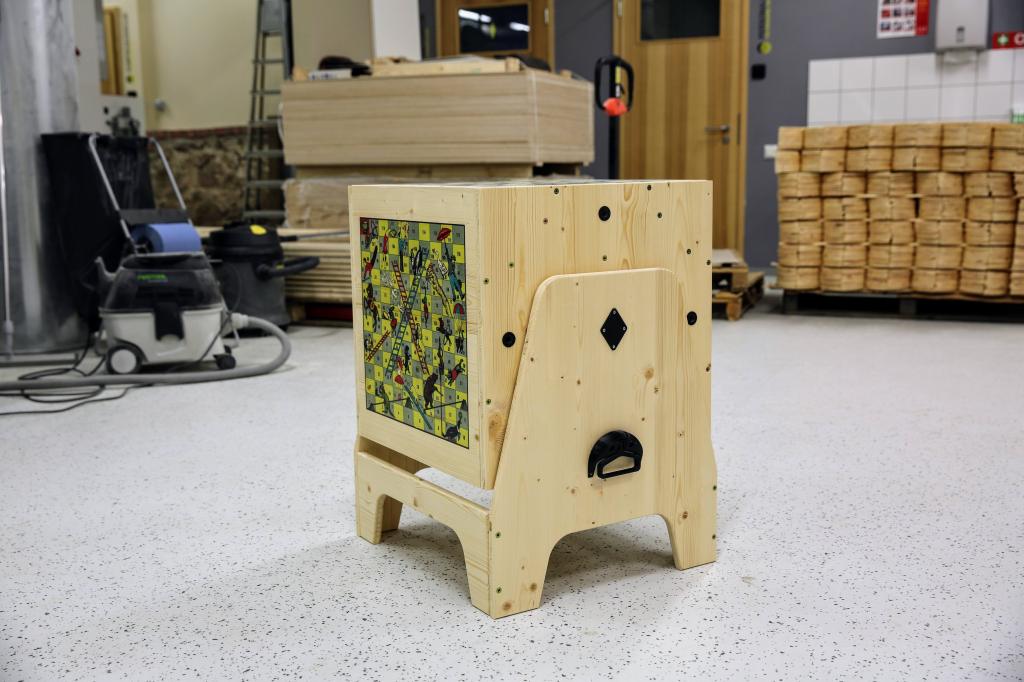
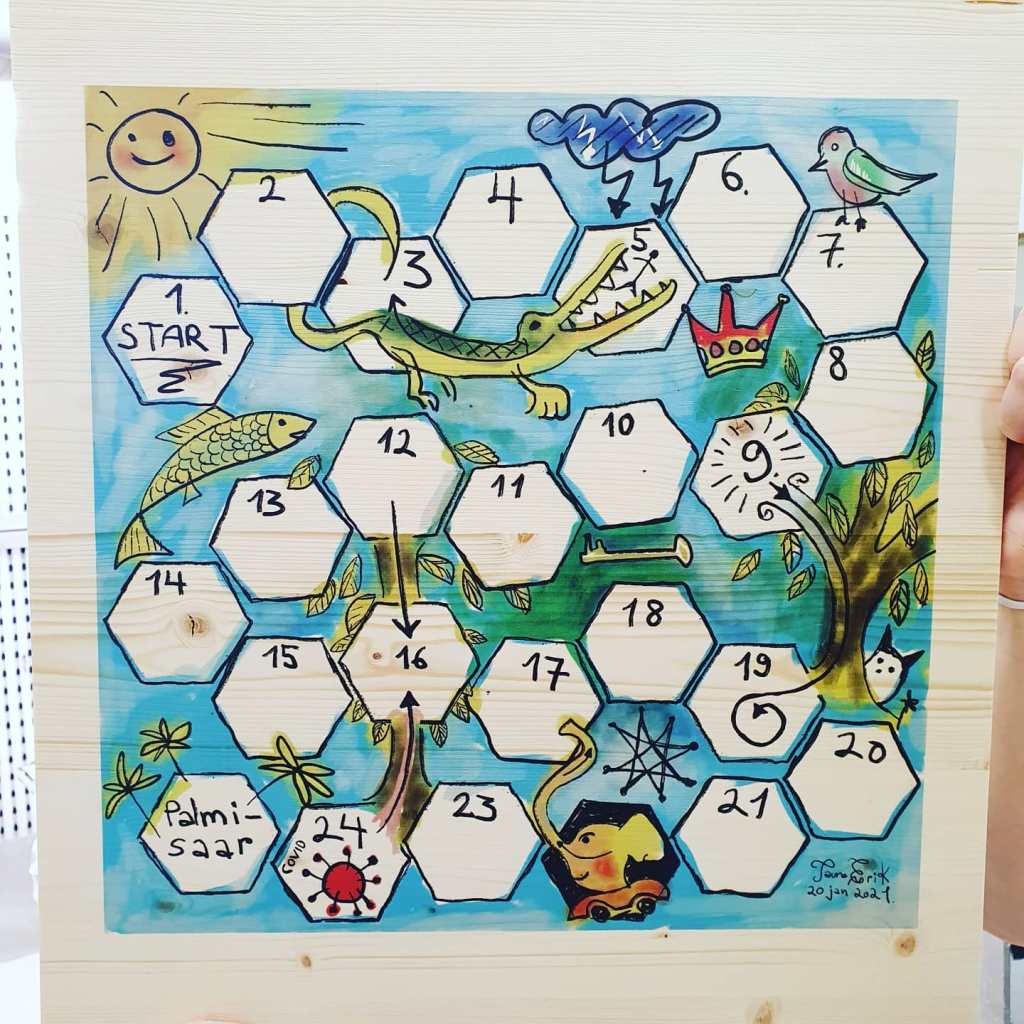
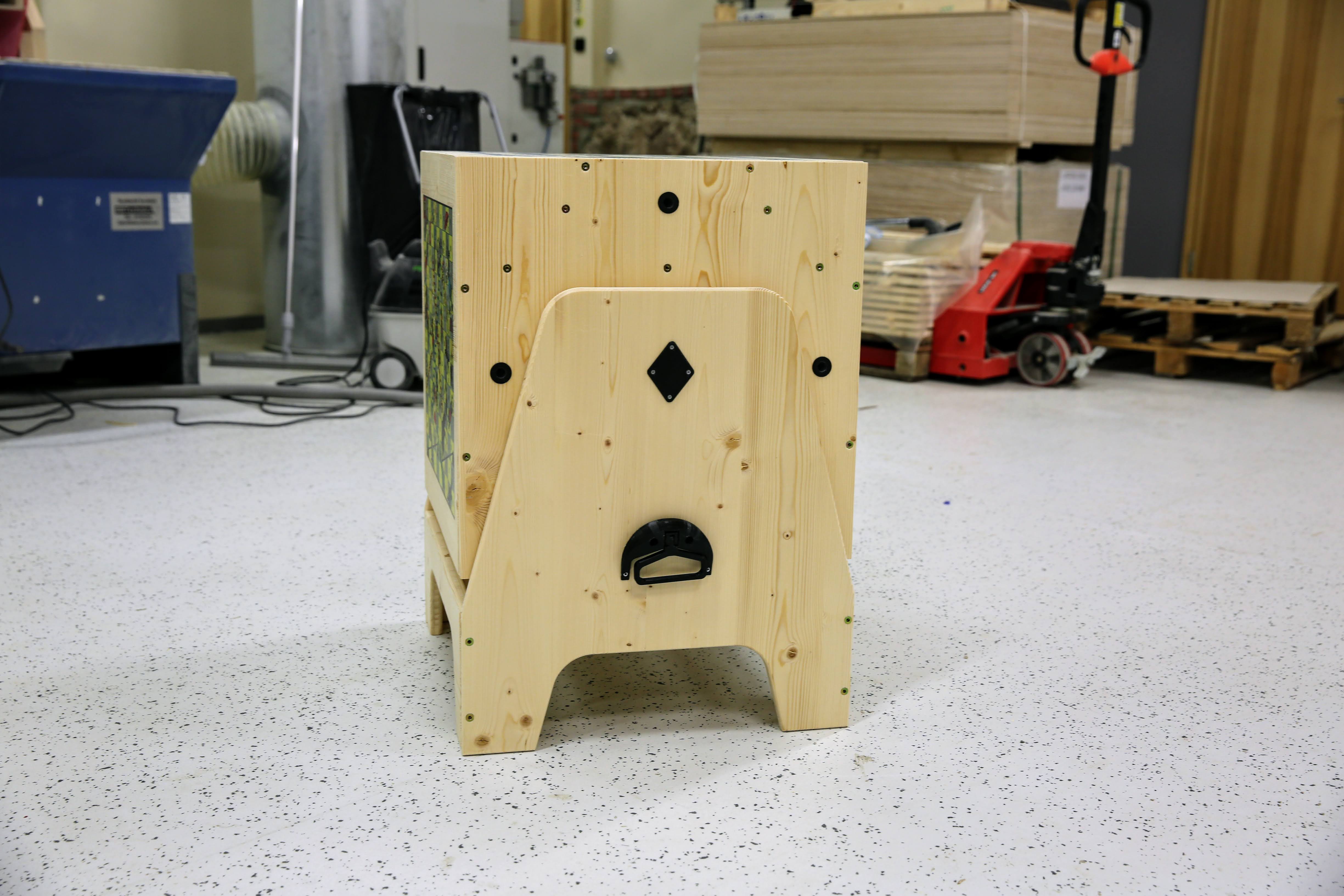
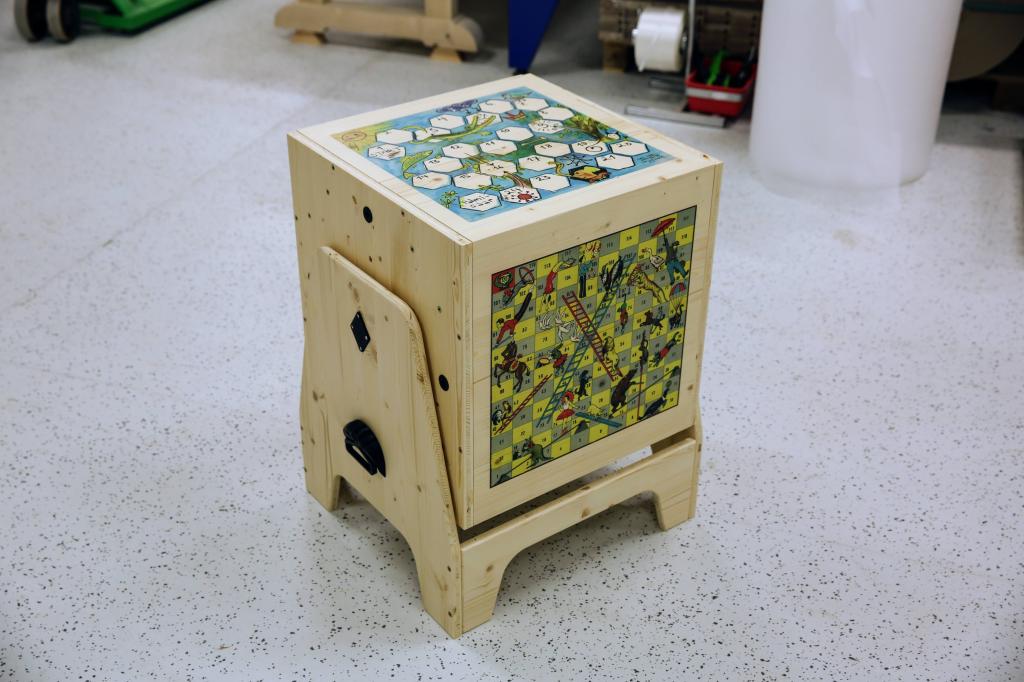
Board game table
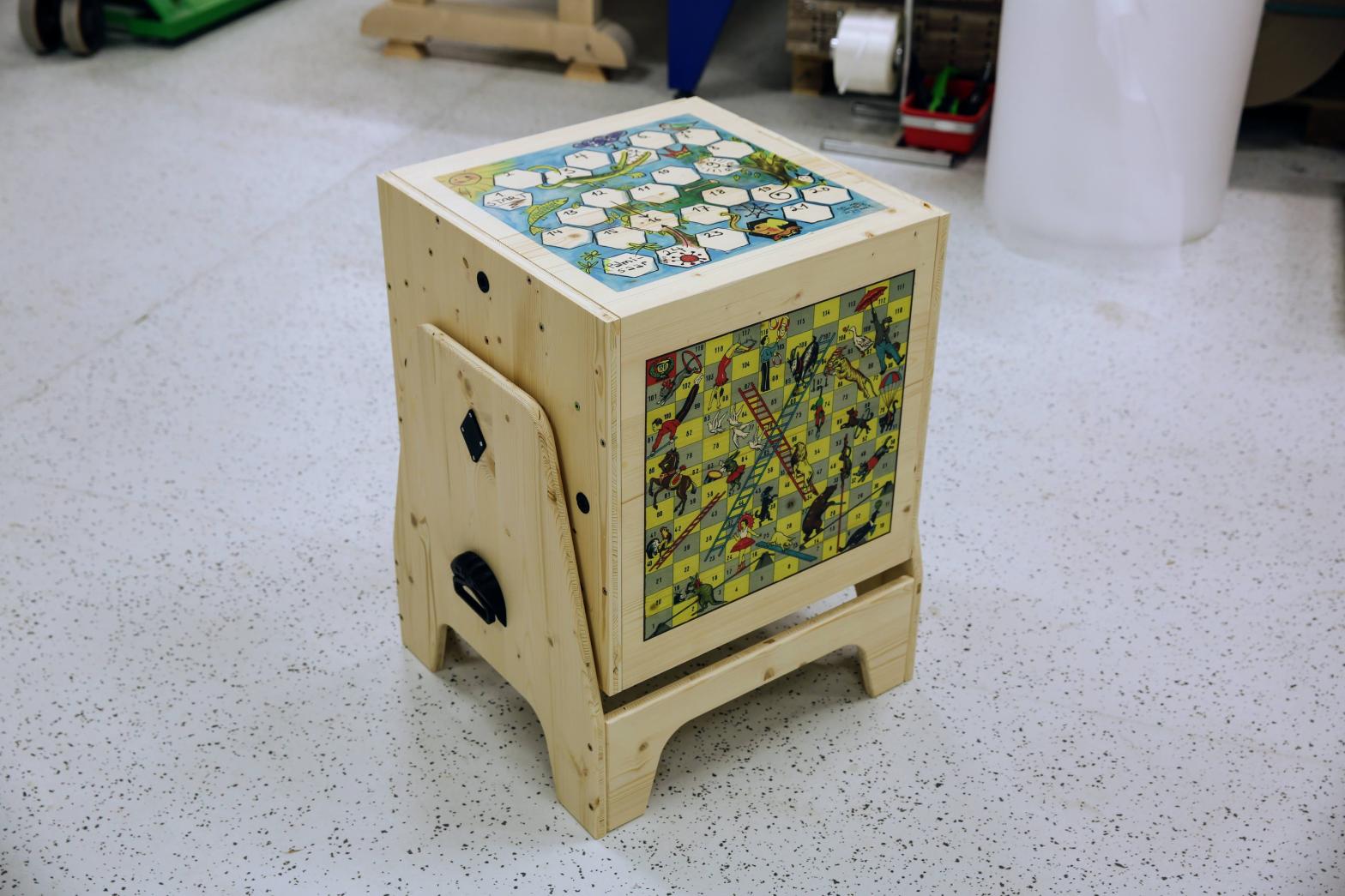
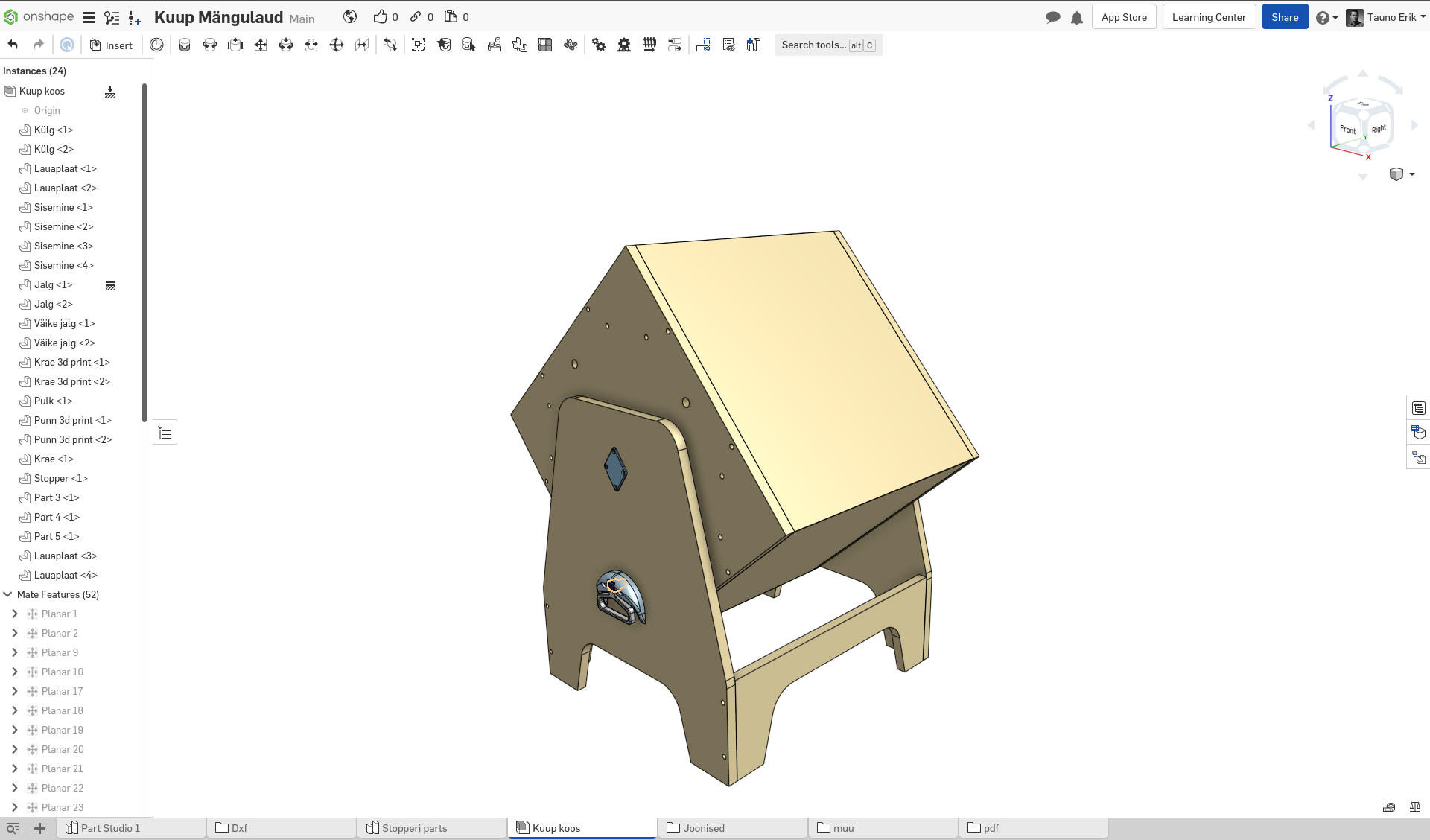
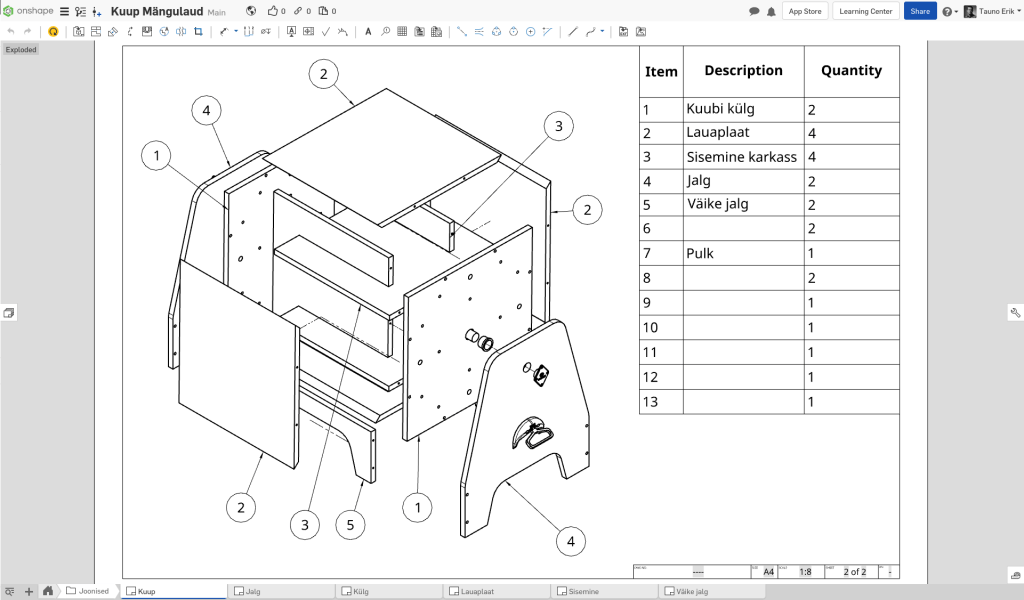
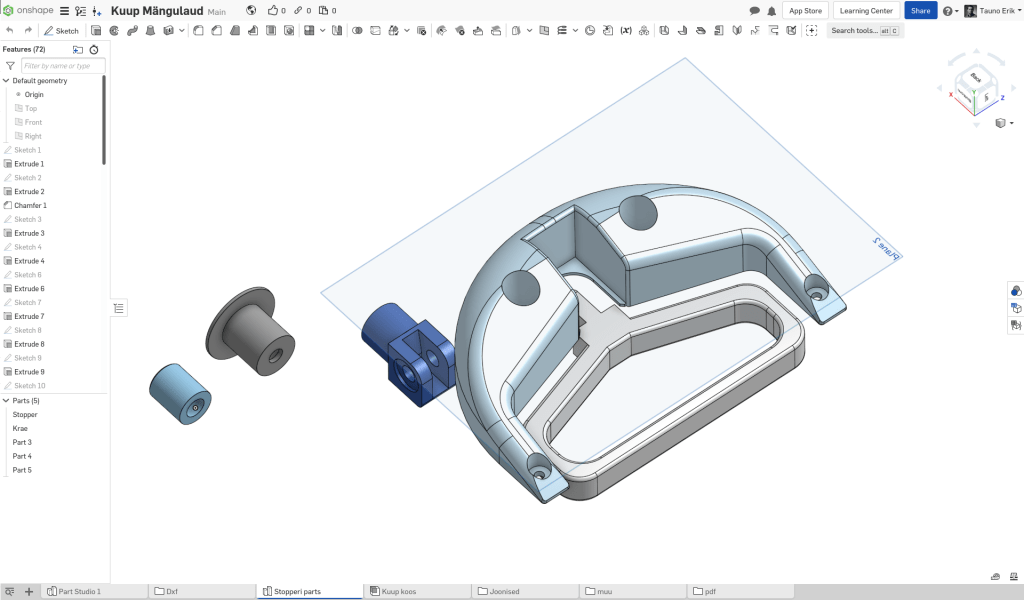
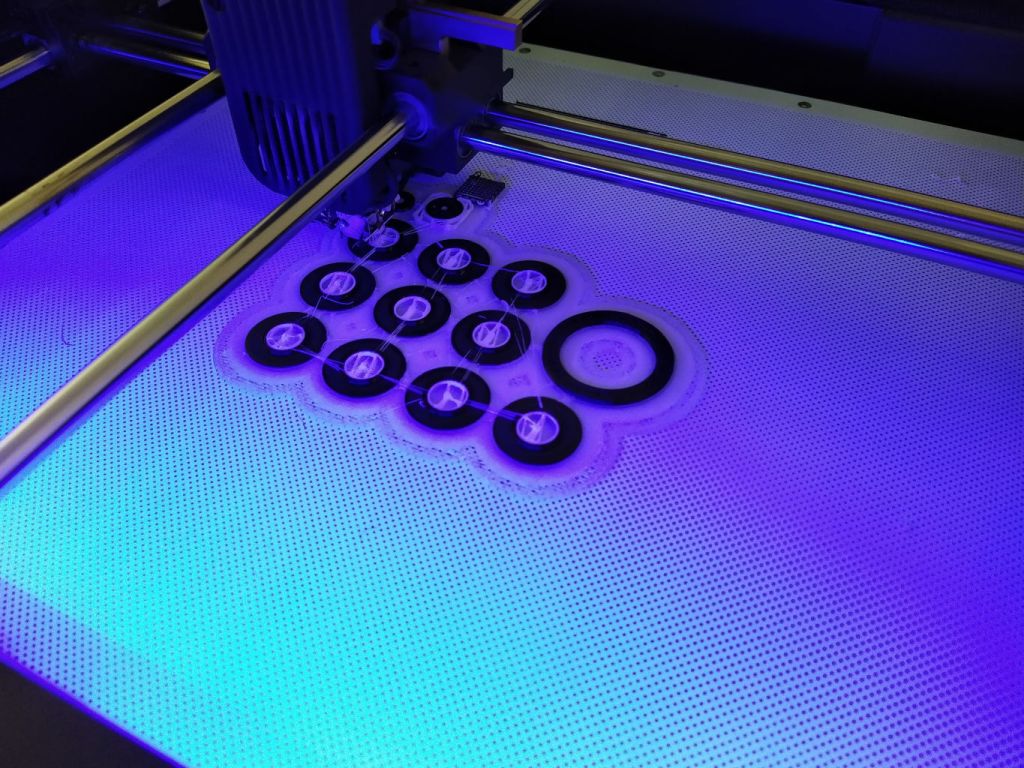
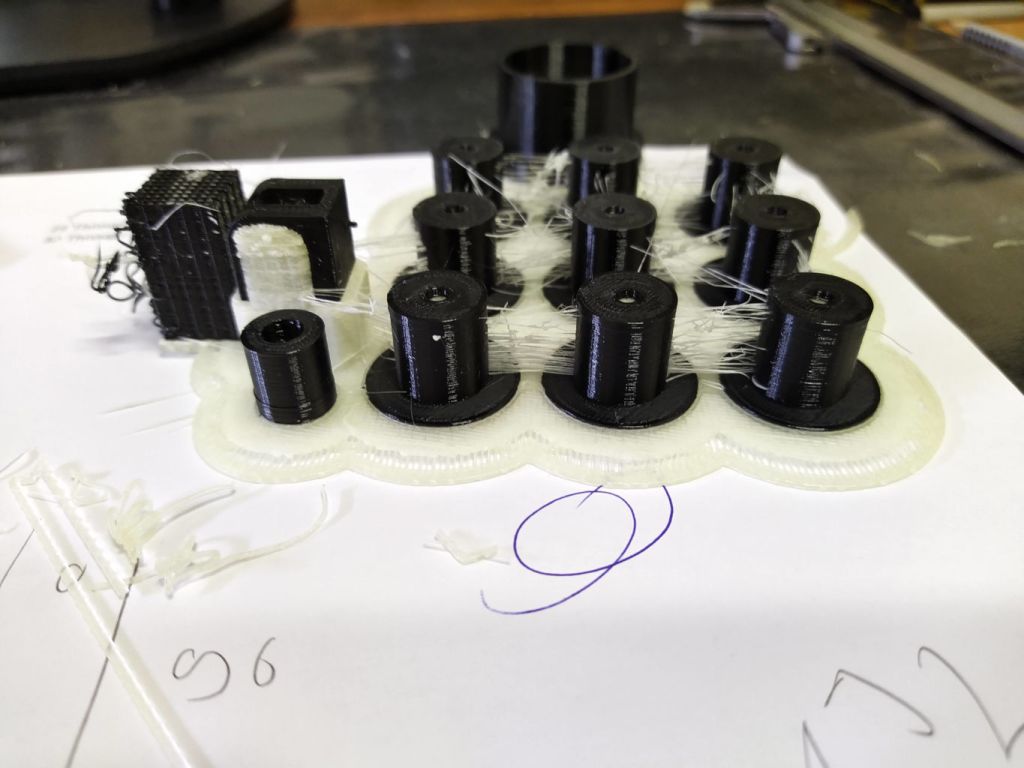
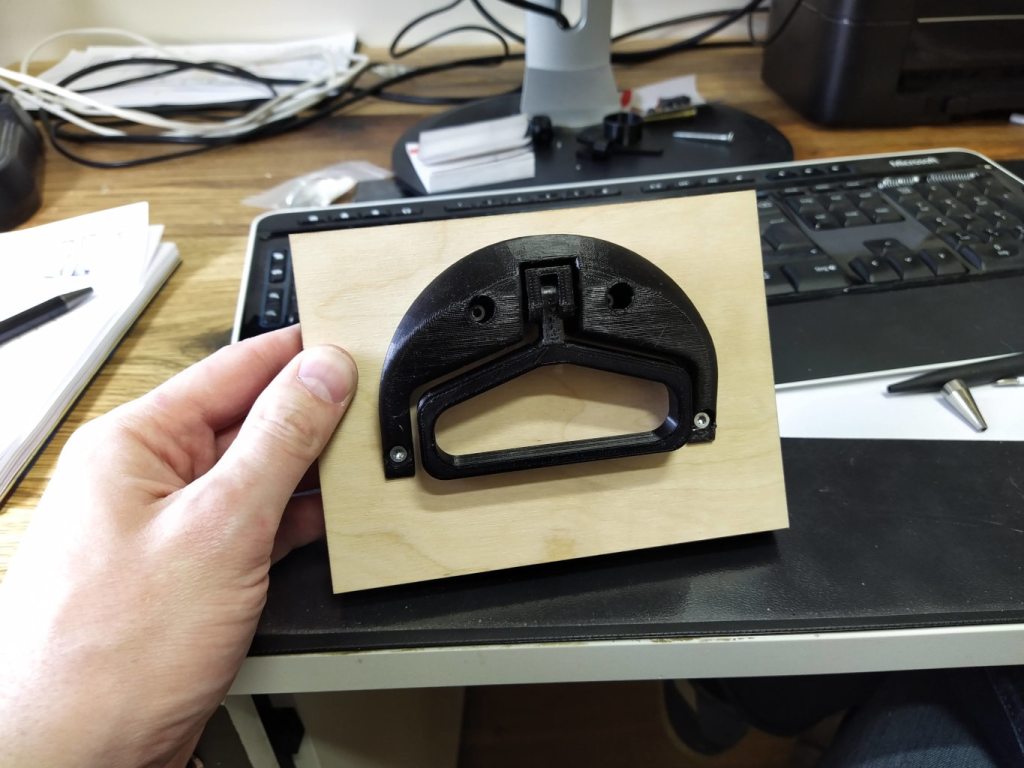
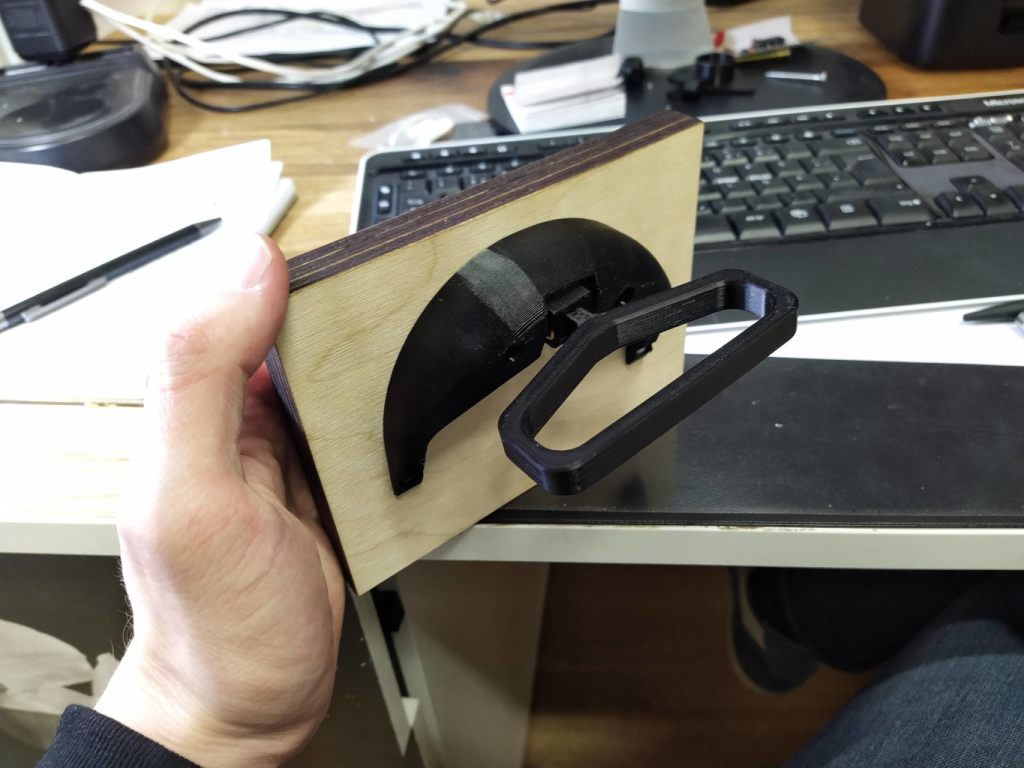
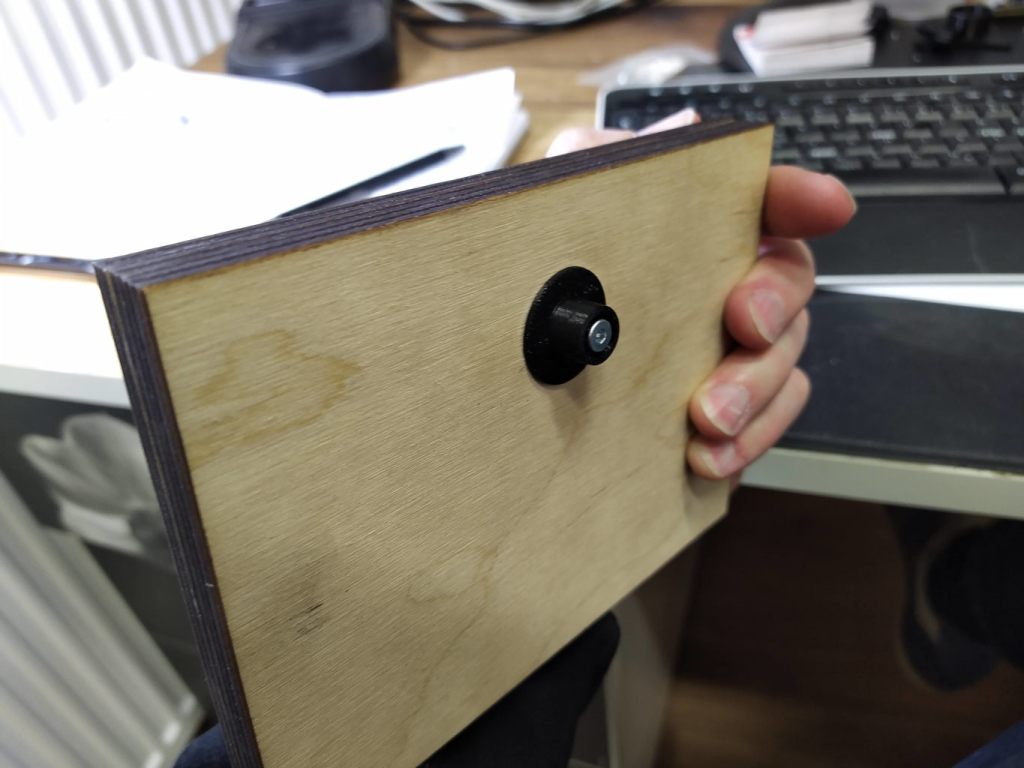
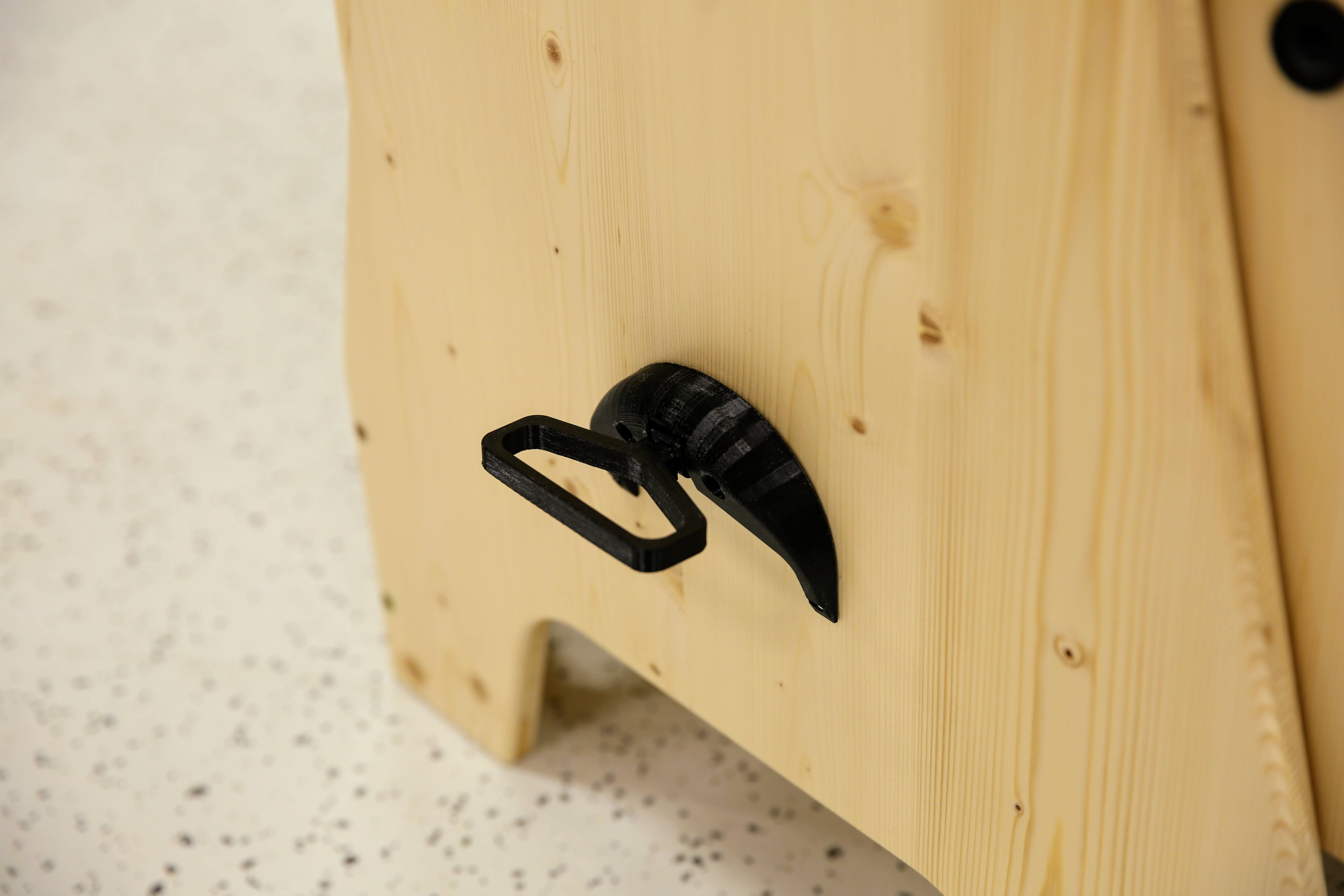
Last week I designed this board game table. It has four sides and users can select what they like to play. Most interesting part for me was to come up with a locking mechanism and 3d-print it.
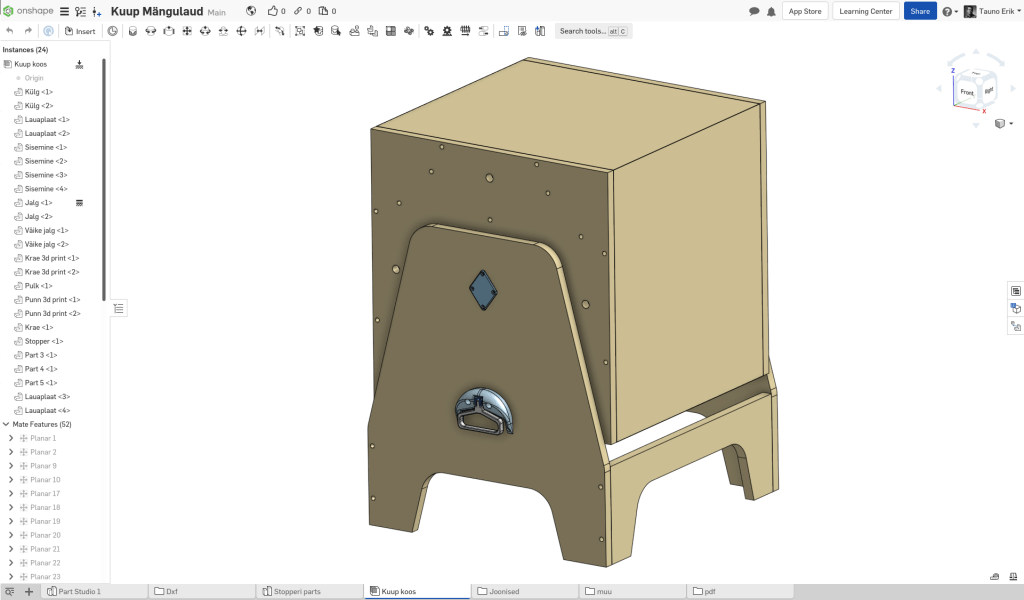
3d and CNC files are designed completely with Onshape free maker version.
Links
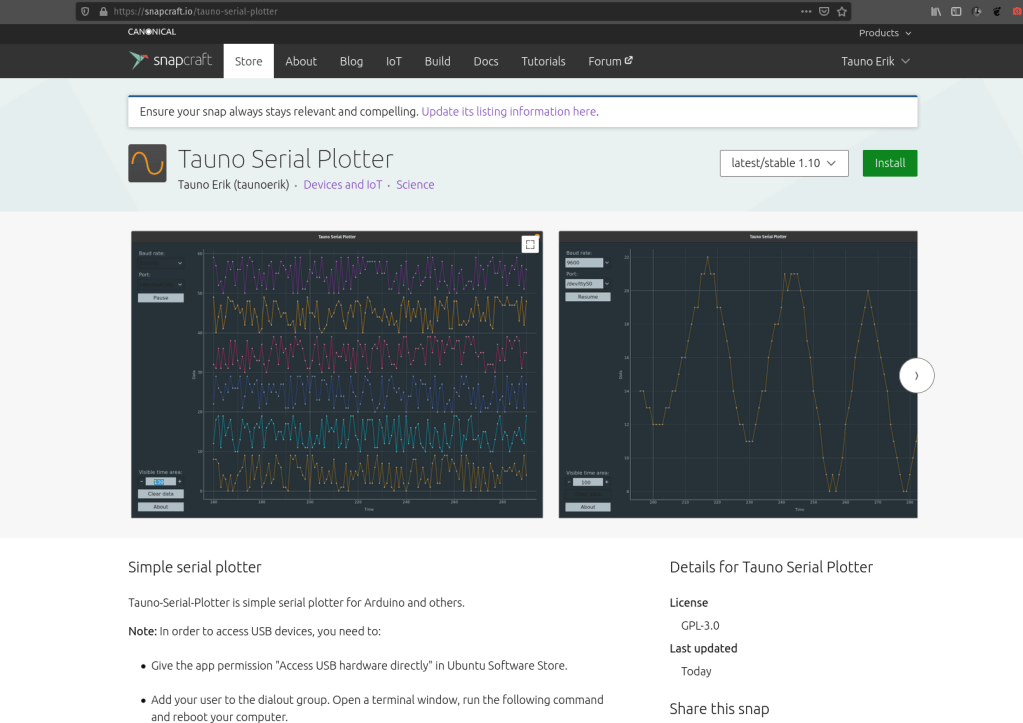
Tauno Serial Plotter
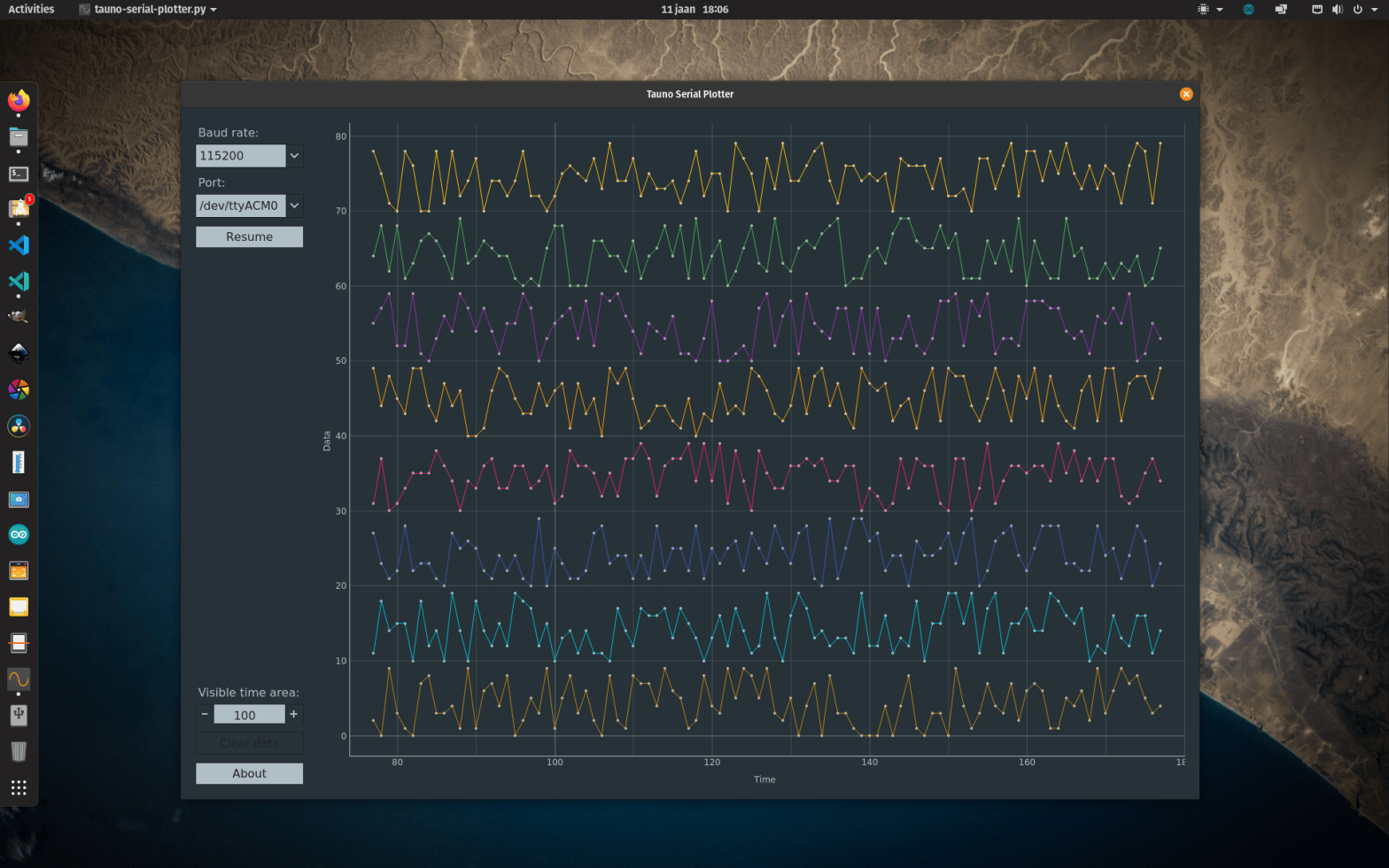
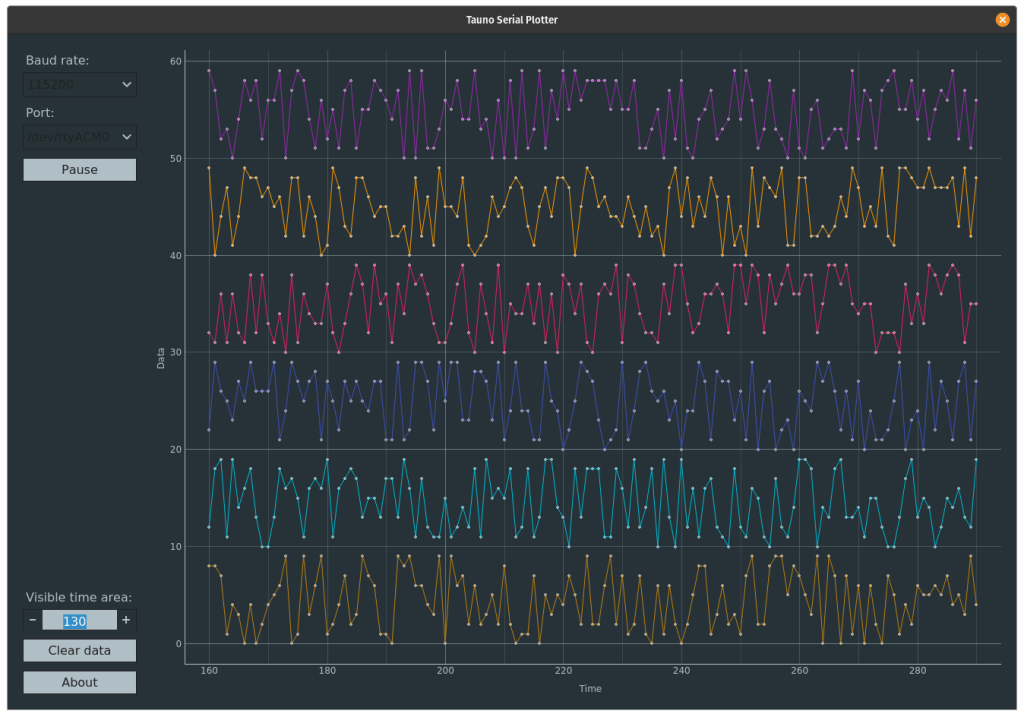
Tauno-Serial-Plotter is simple serial plotter for Arduino and others boards. Written in Python3.
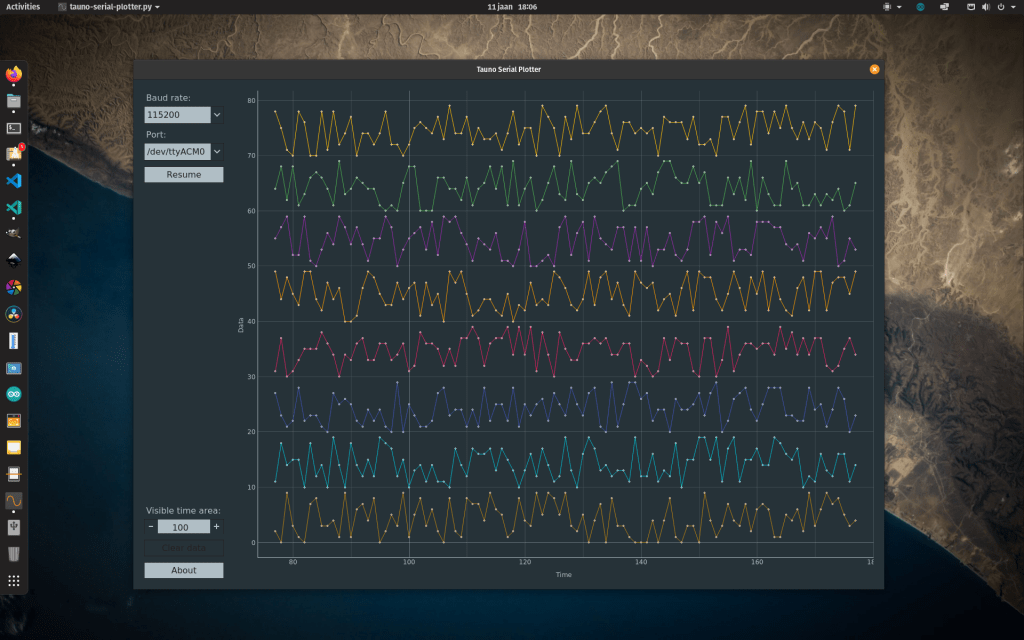
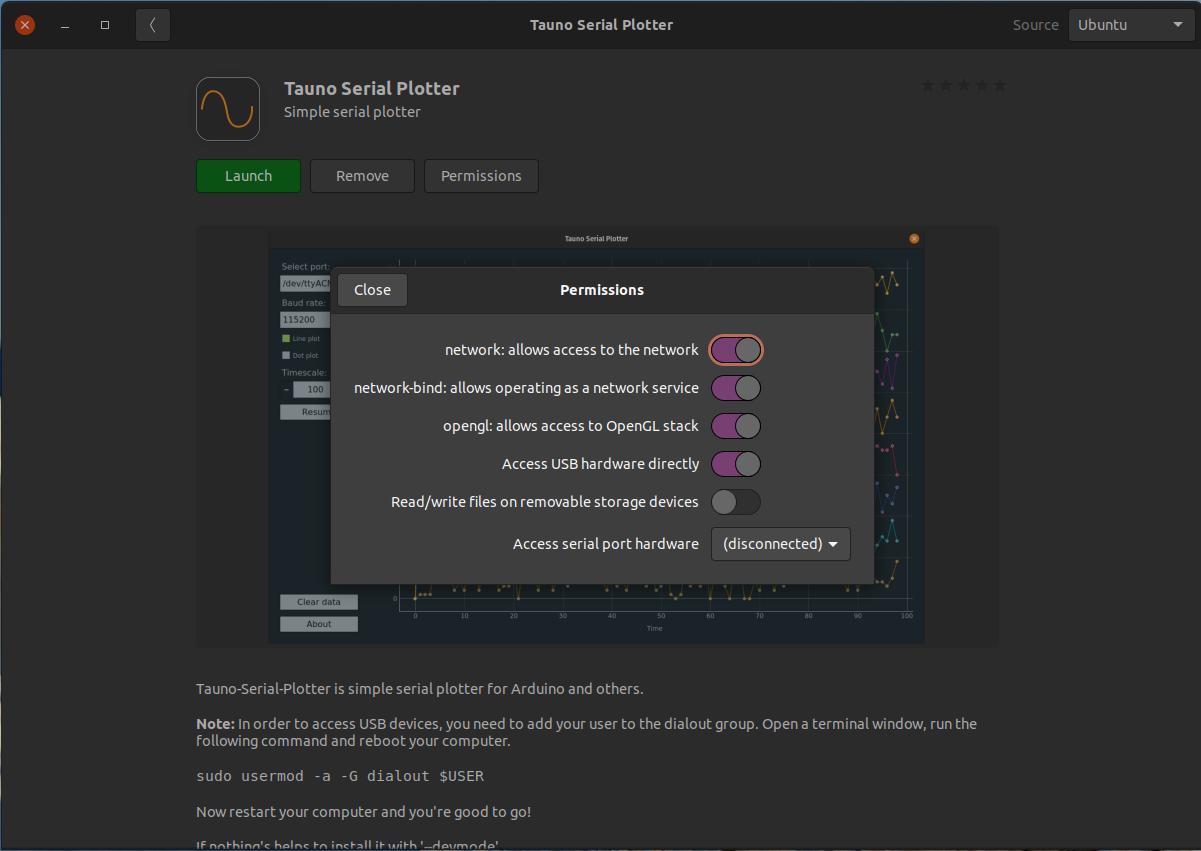
In the last few weeks, I have learned how to package my Serial Plotter app into Ubuntu Snap format and made it available in Snapgraft.io snap store. Also, I have a plan to make it available as a Flatpak.
It took a lot of time to fix all the small bugs. And to test it on different machines. Now it’s usable.
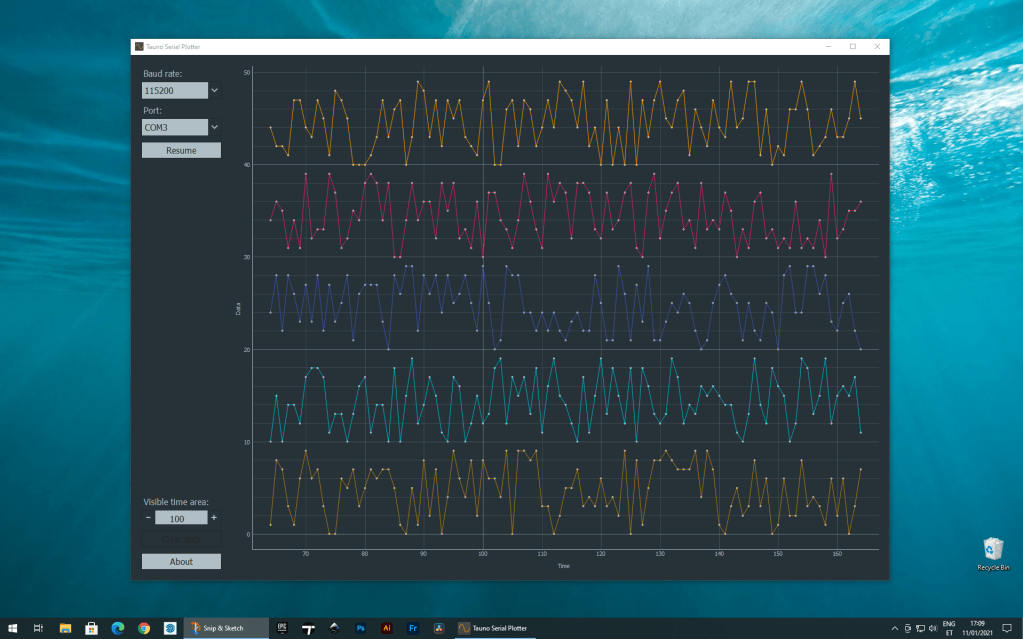
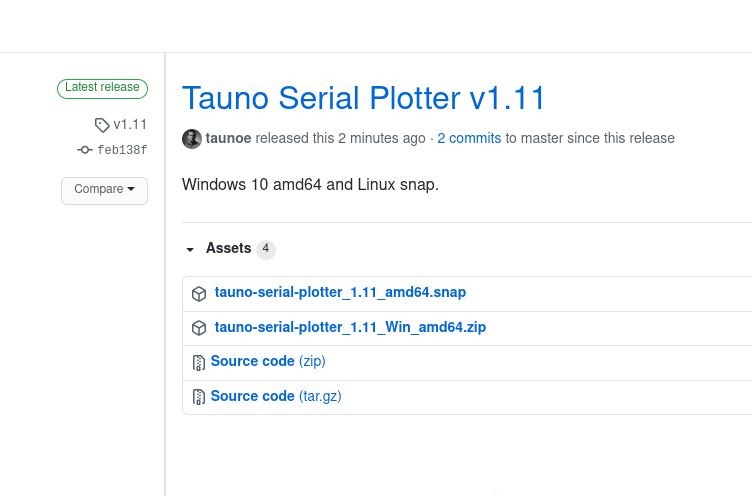
And I had made Windows 10 version. It’s on GitHub.

Links
Pages from notebook
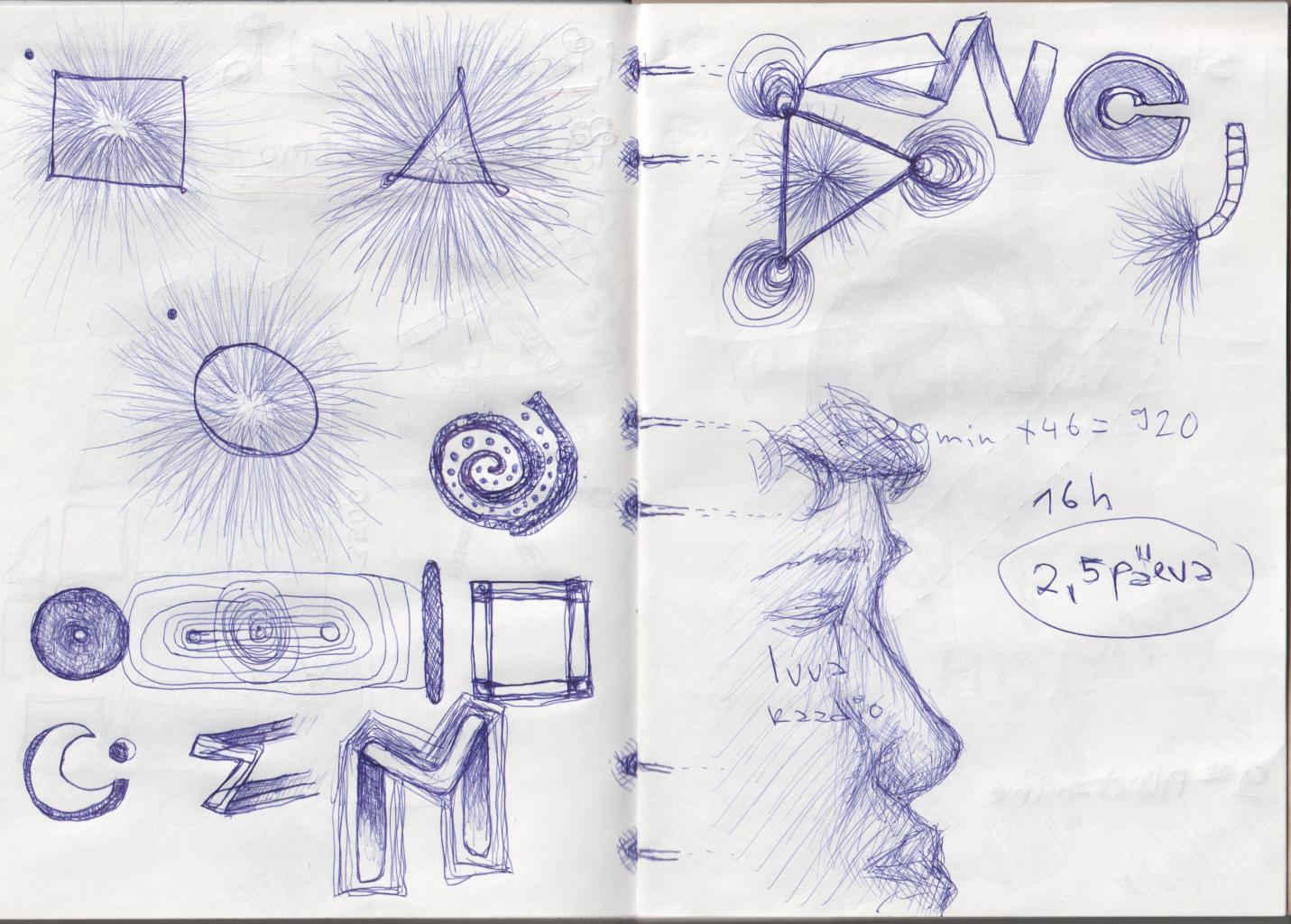
This is some selected pages from my last year (2020) notebook.
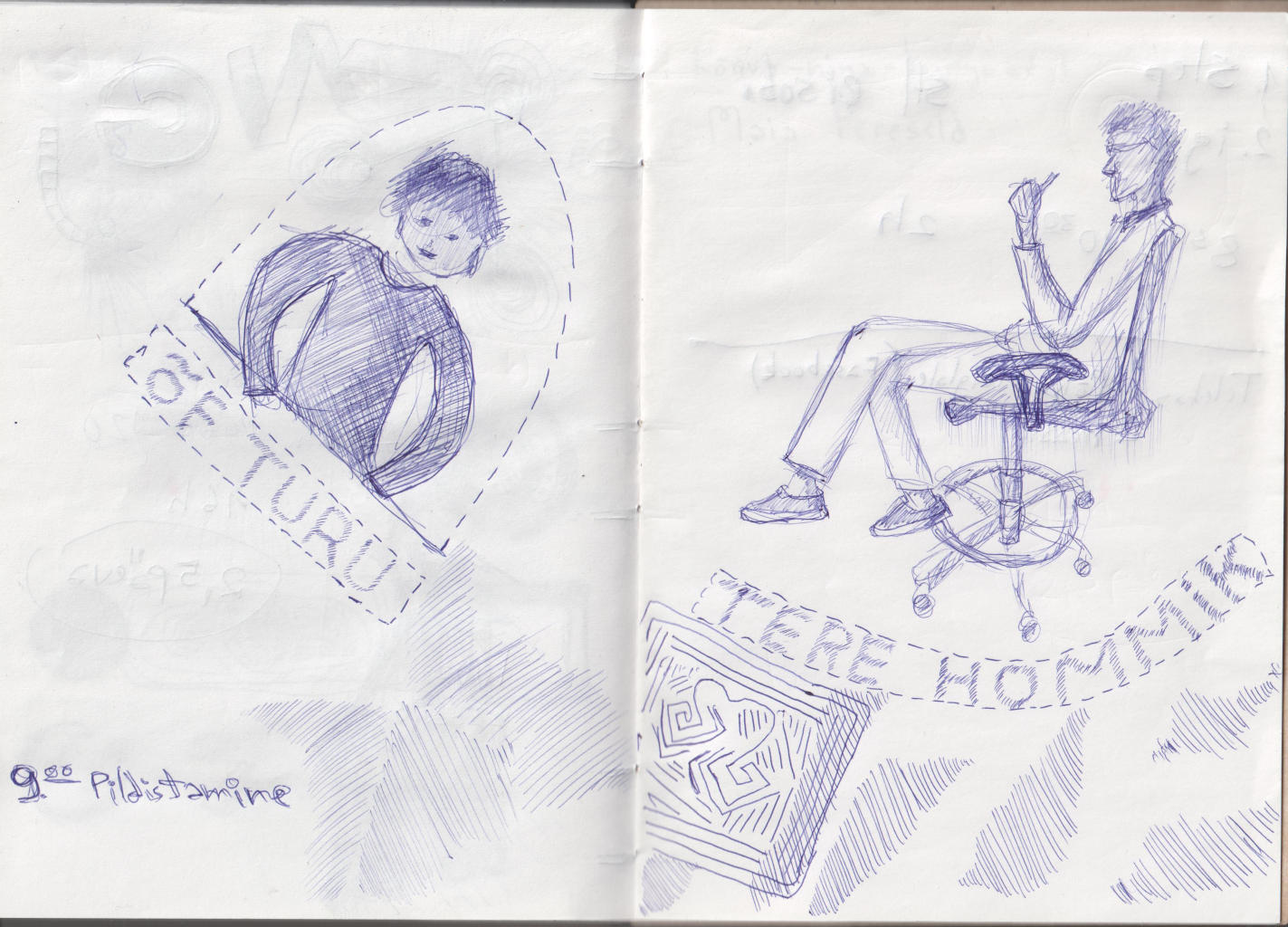
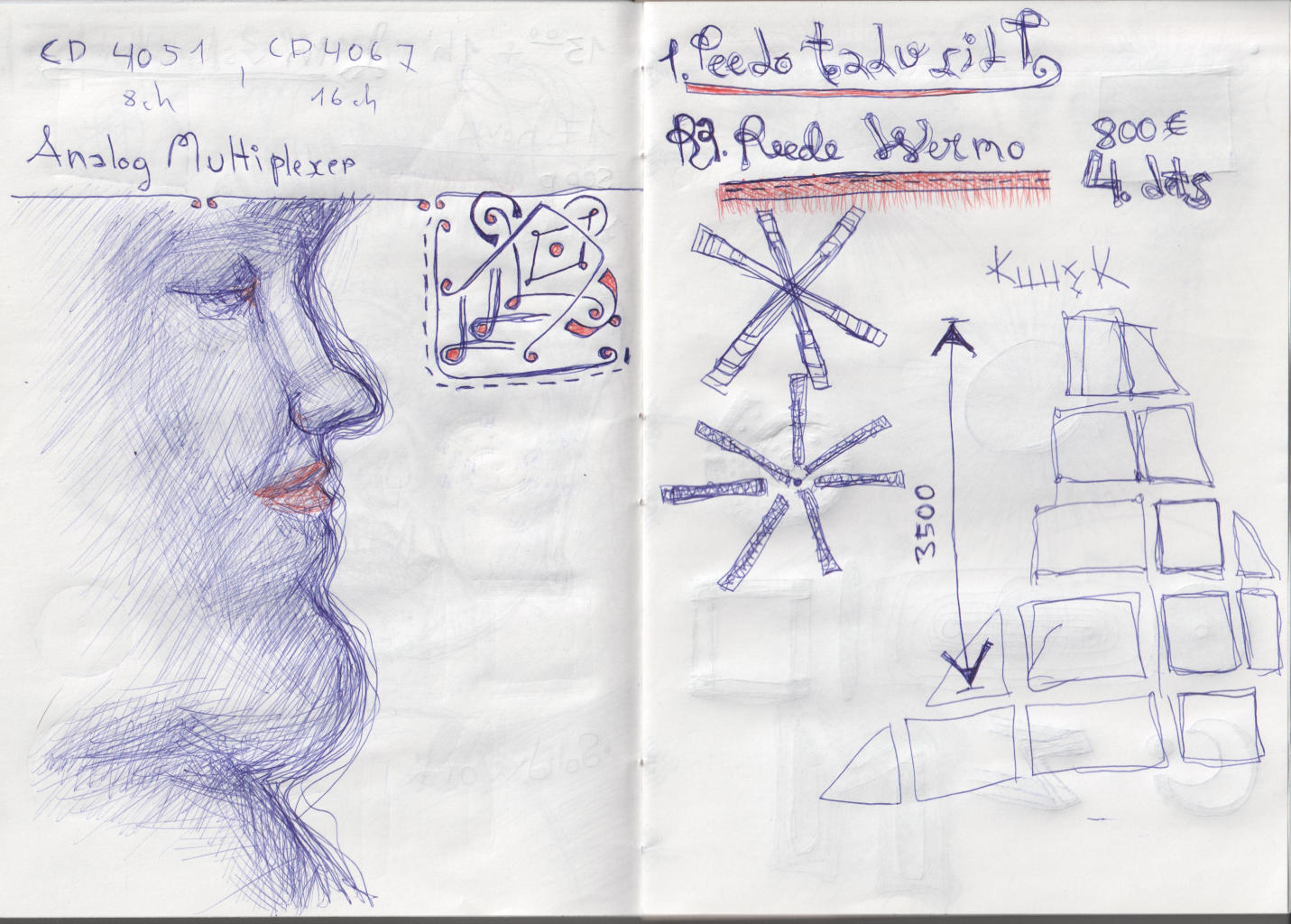
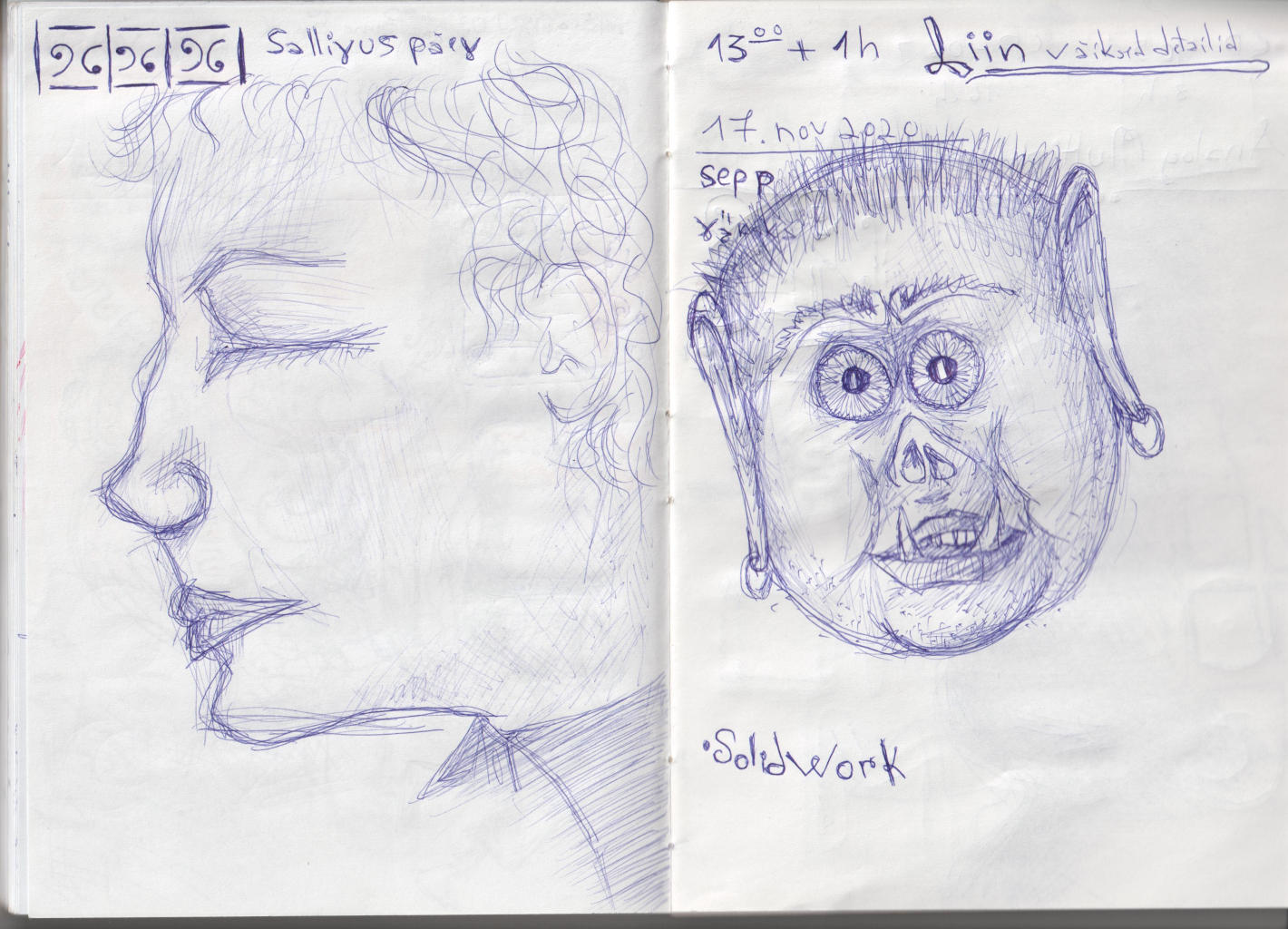
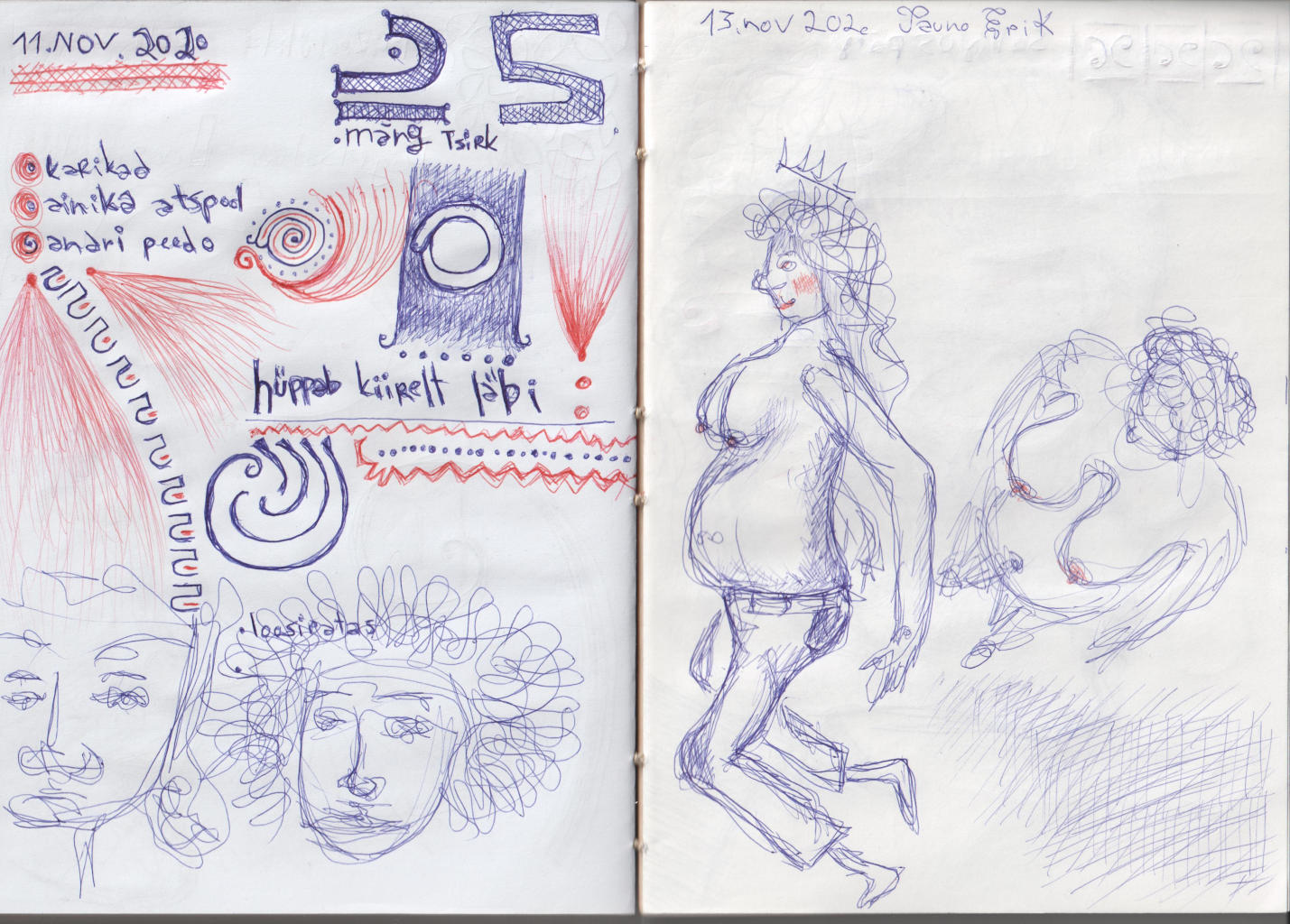
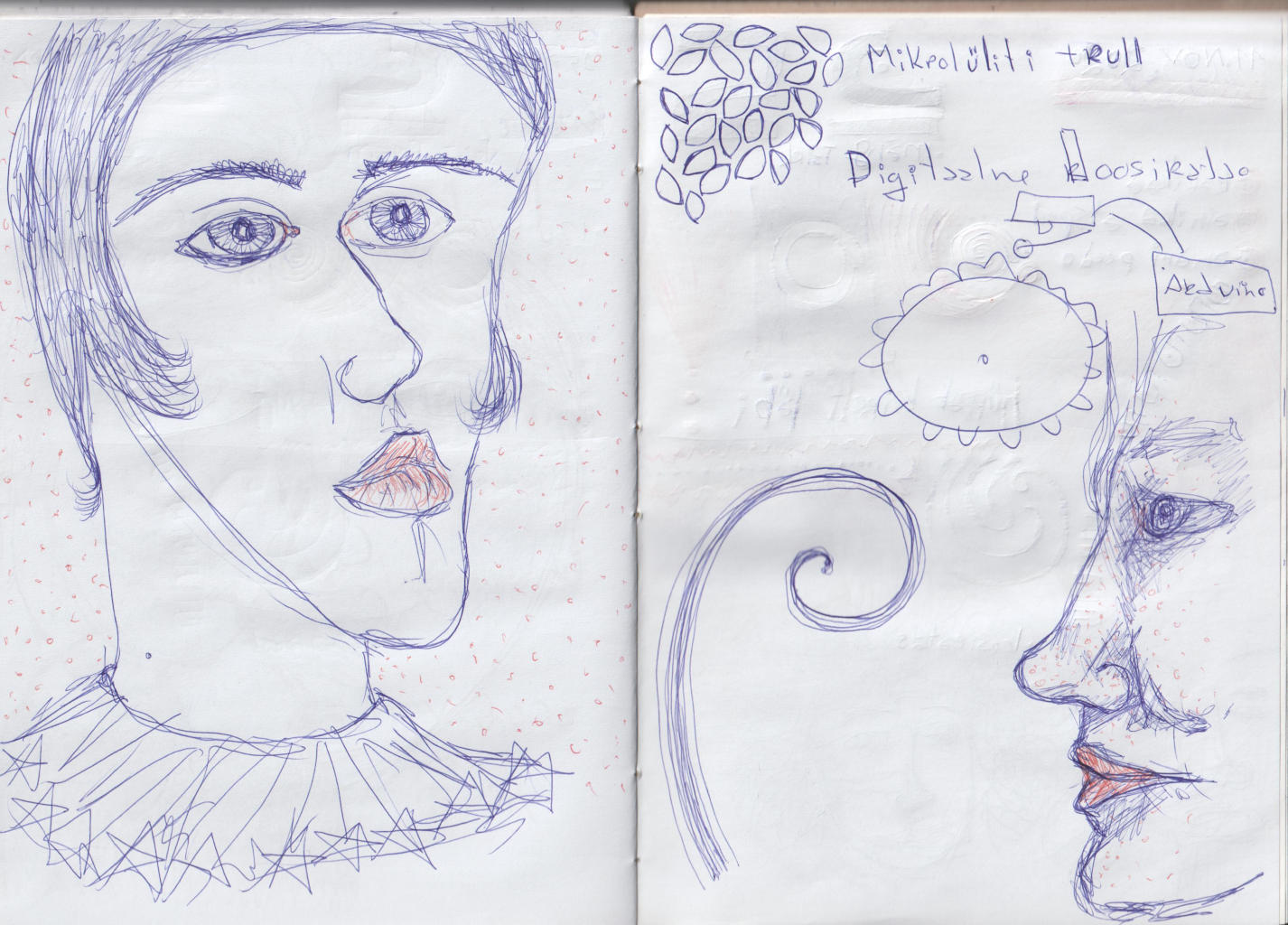
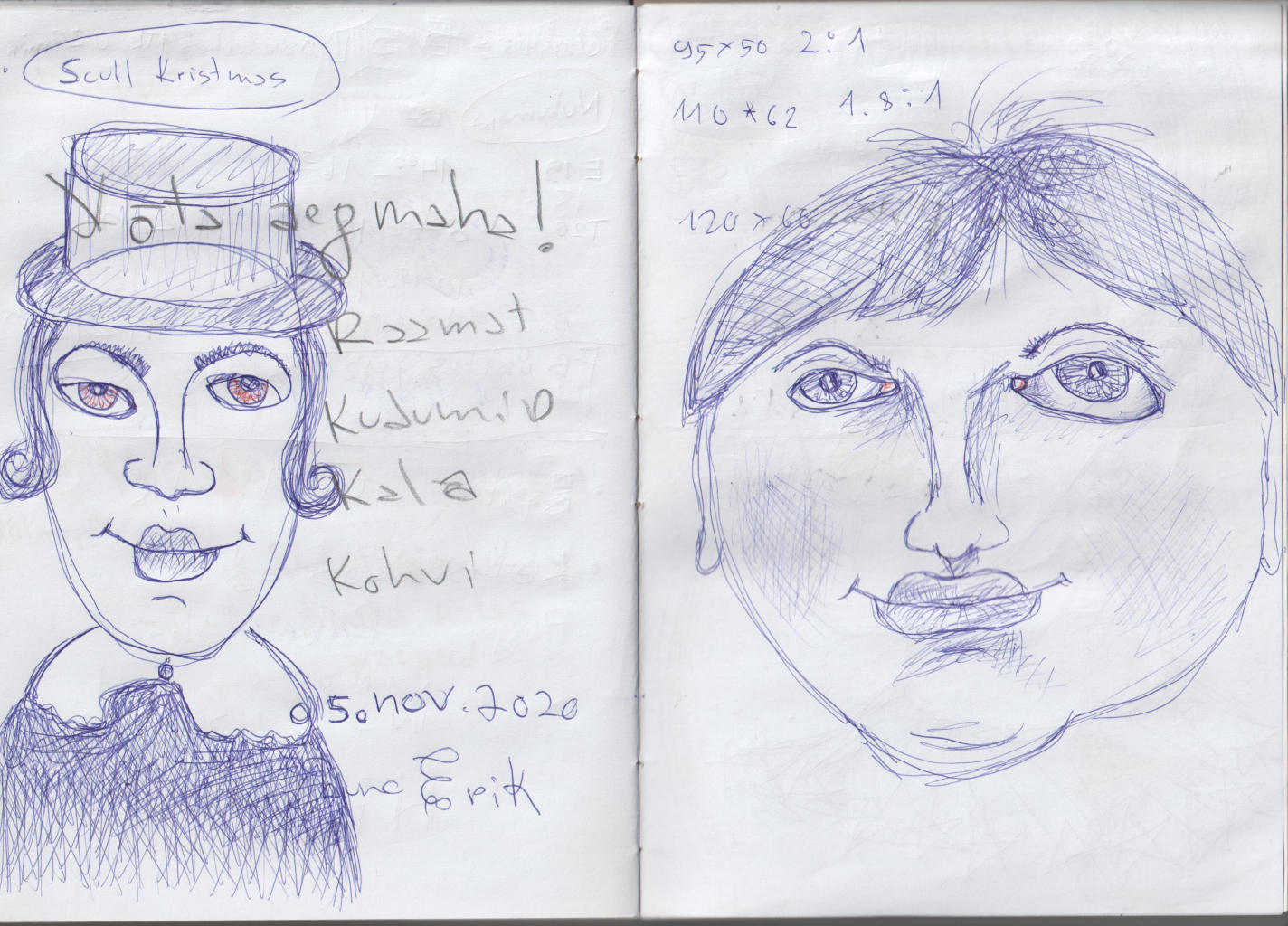
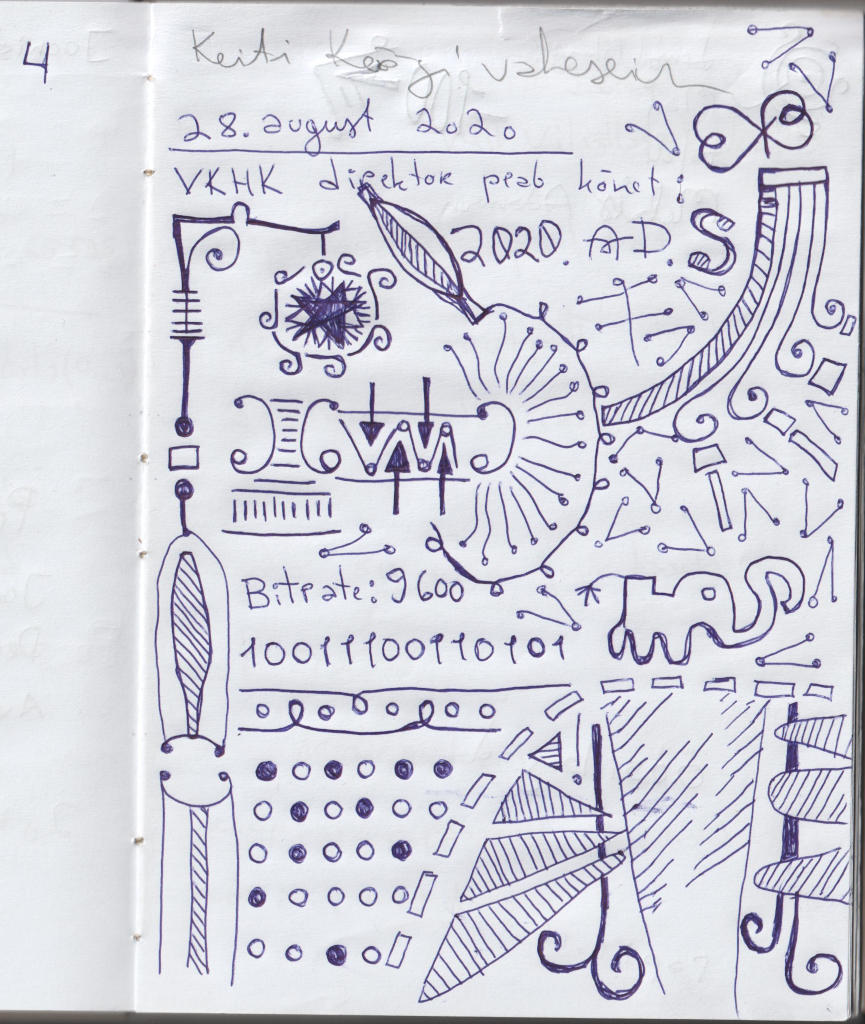
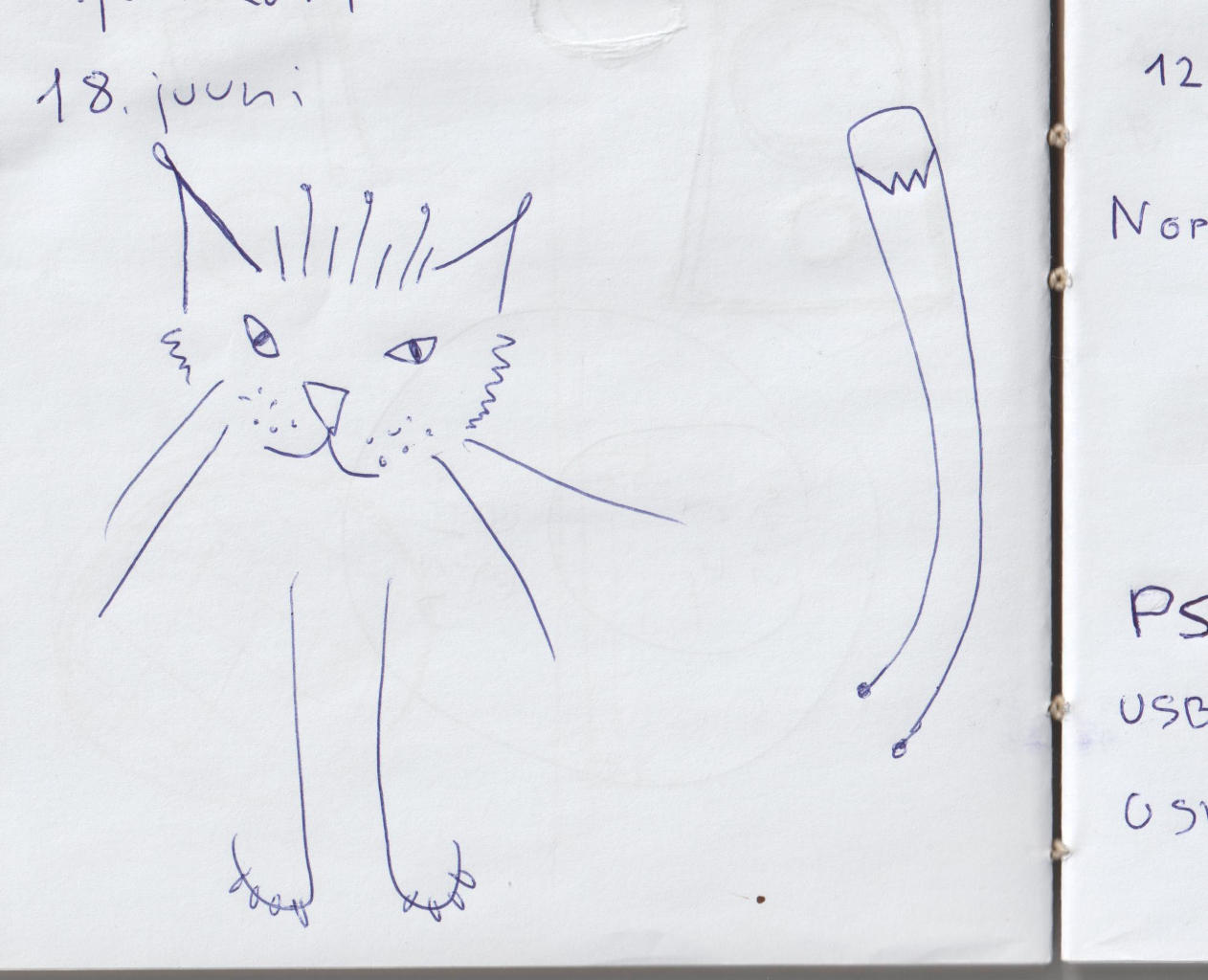
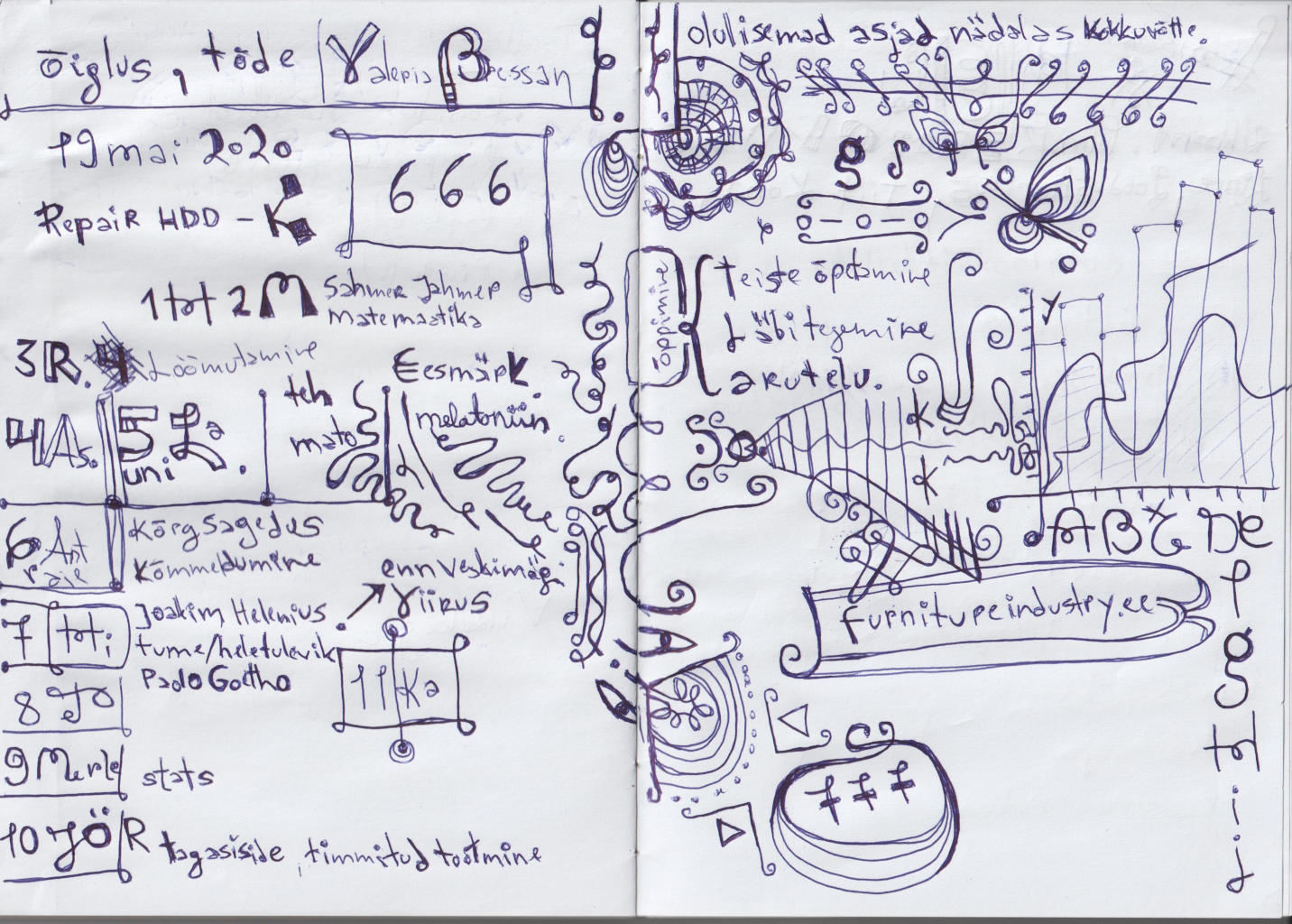
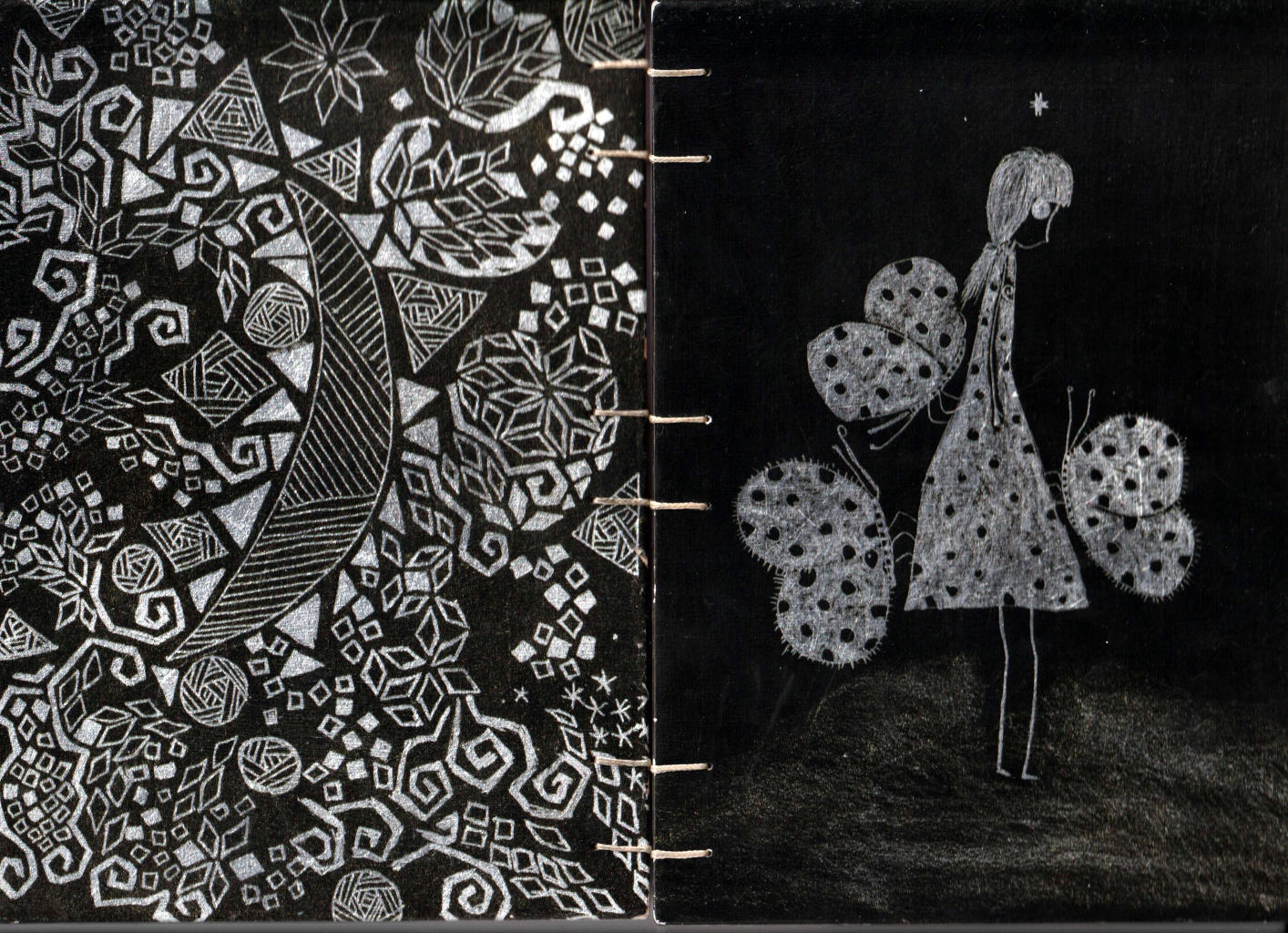
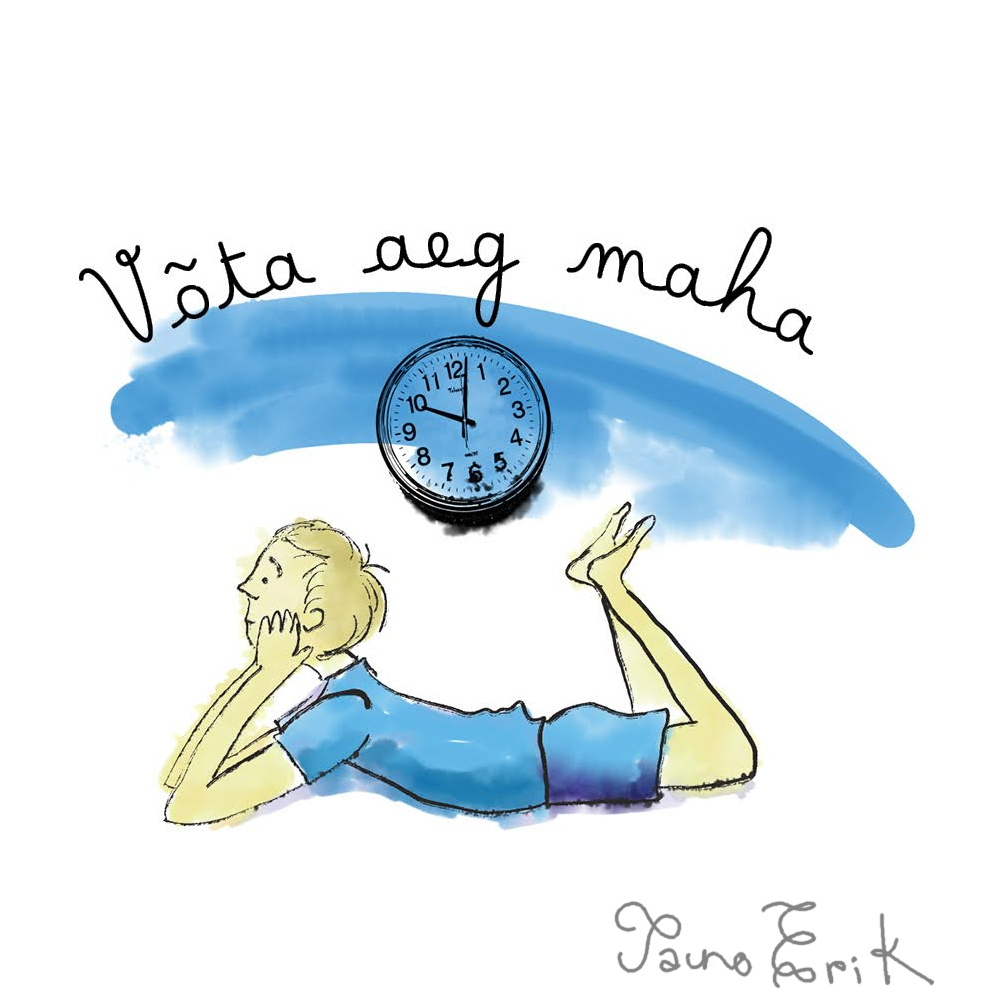
Võta aeg maha
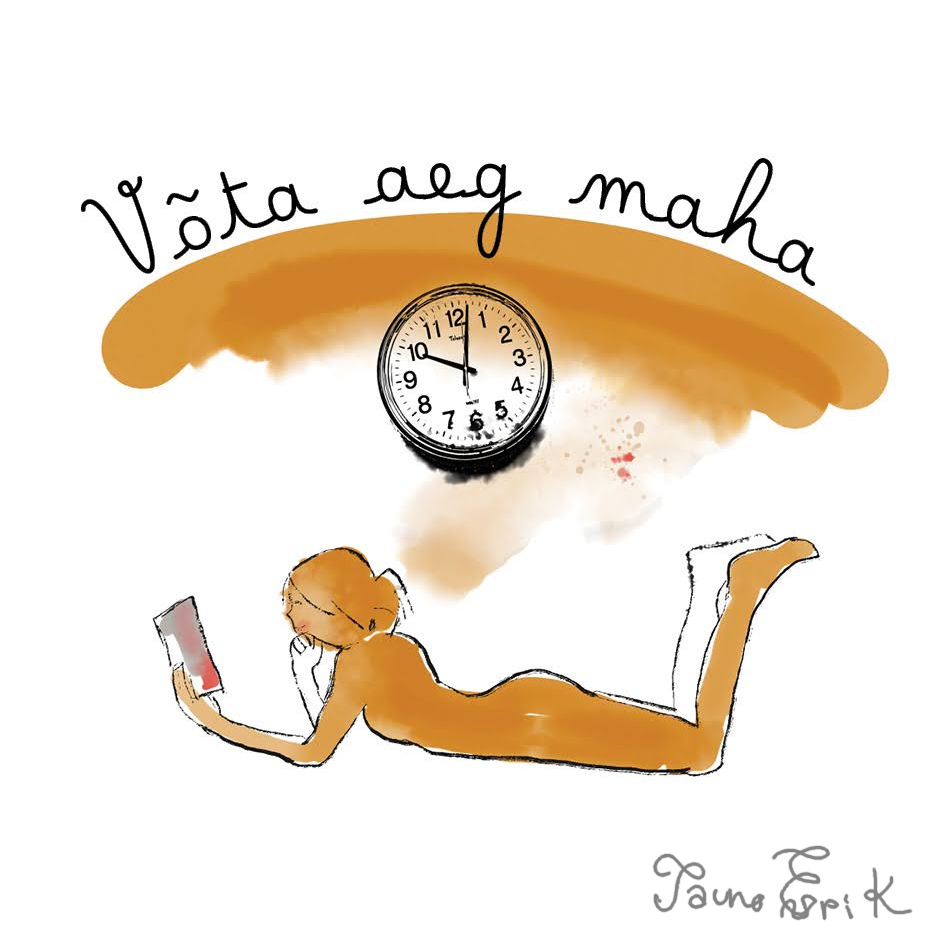
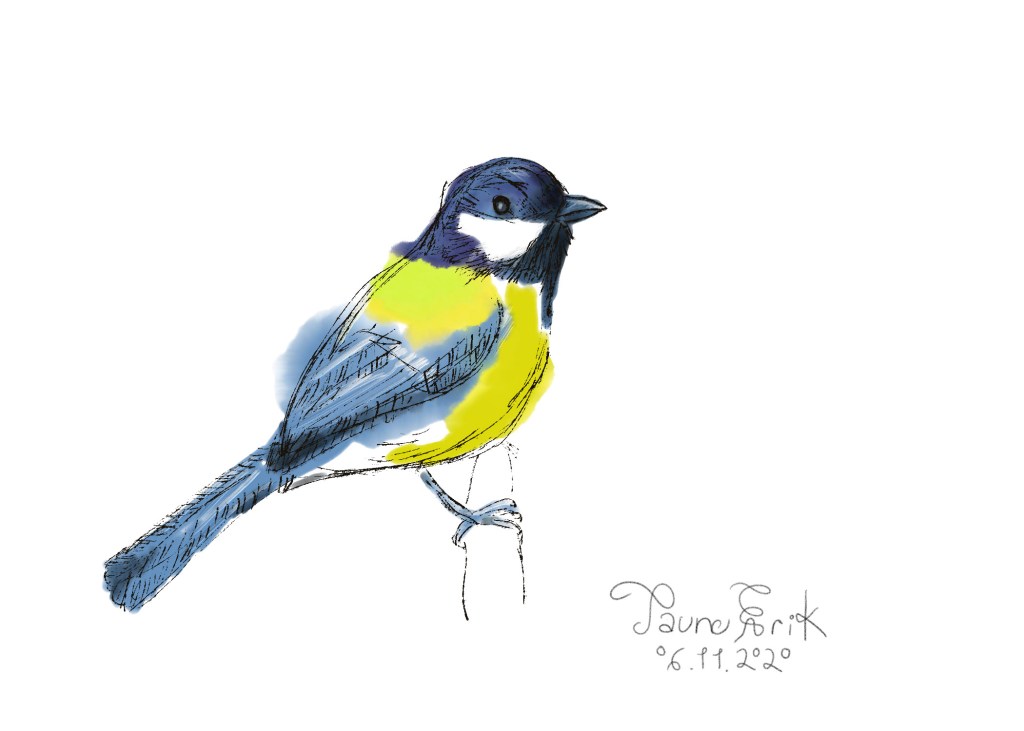
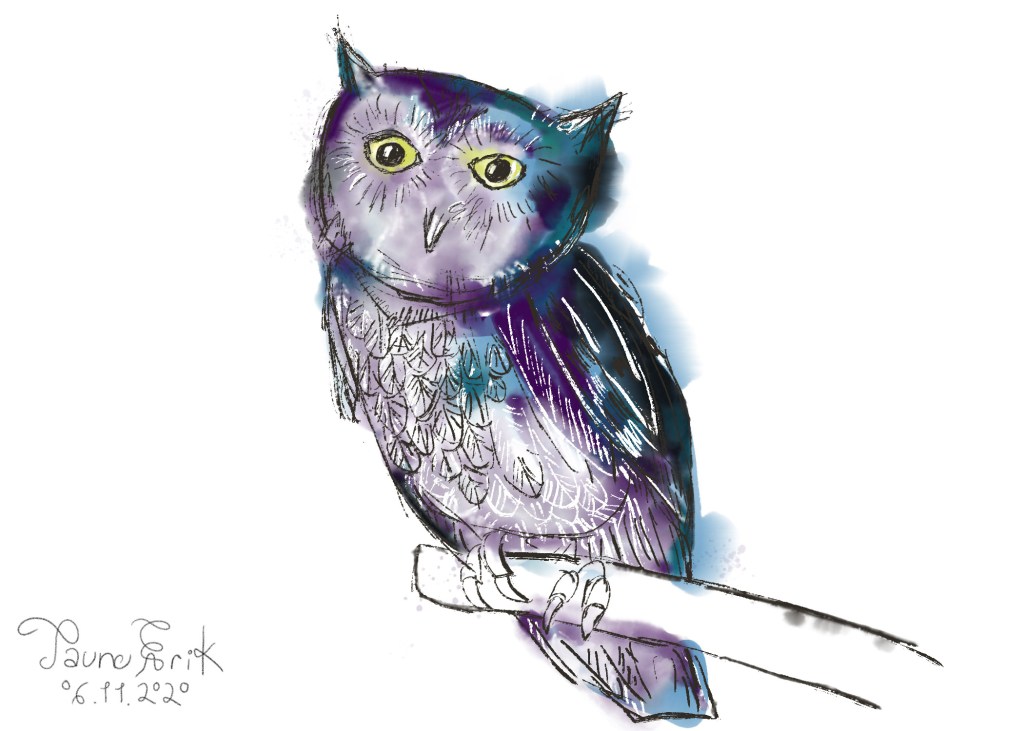
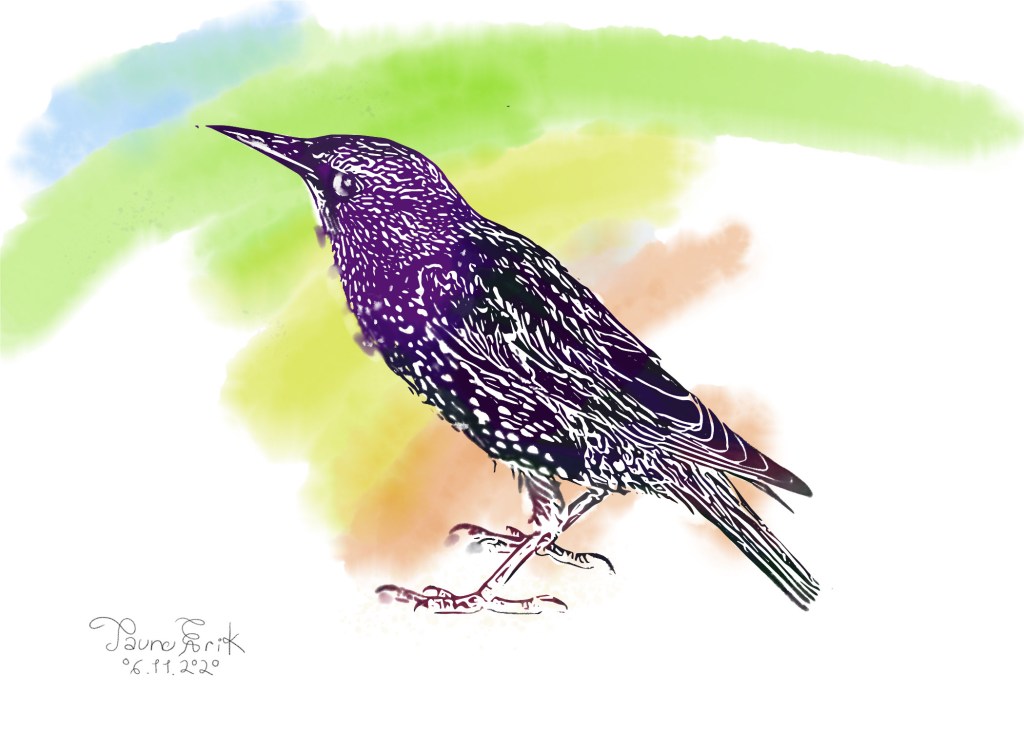
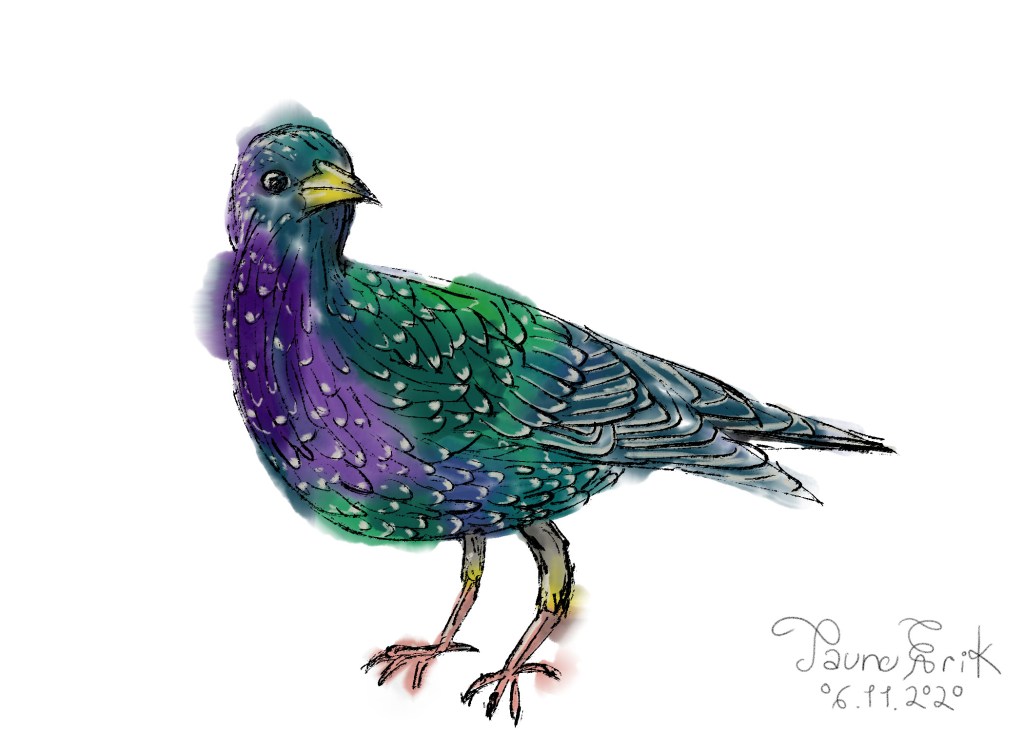
Some illustrations i did this autumn. They are digitally painted watercolours.

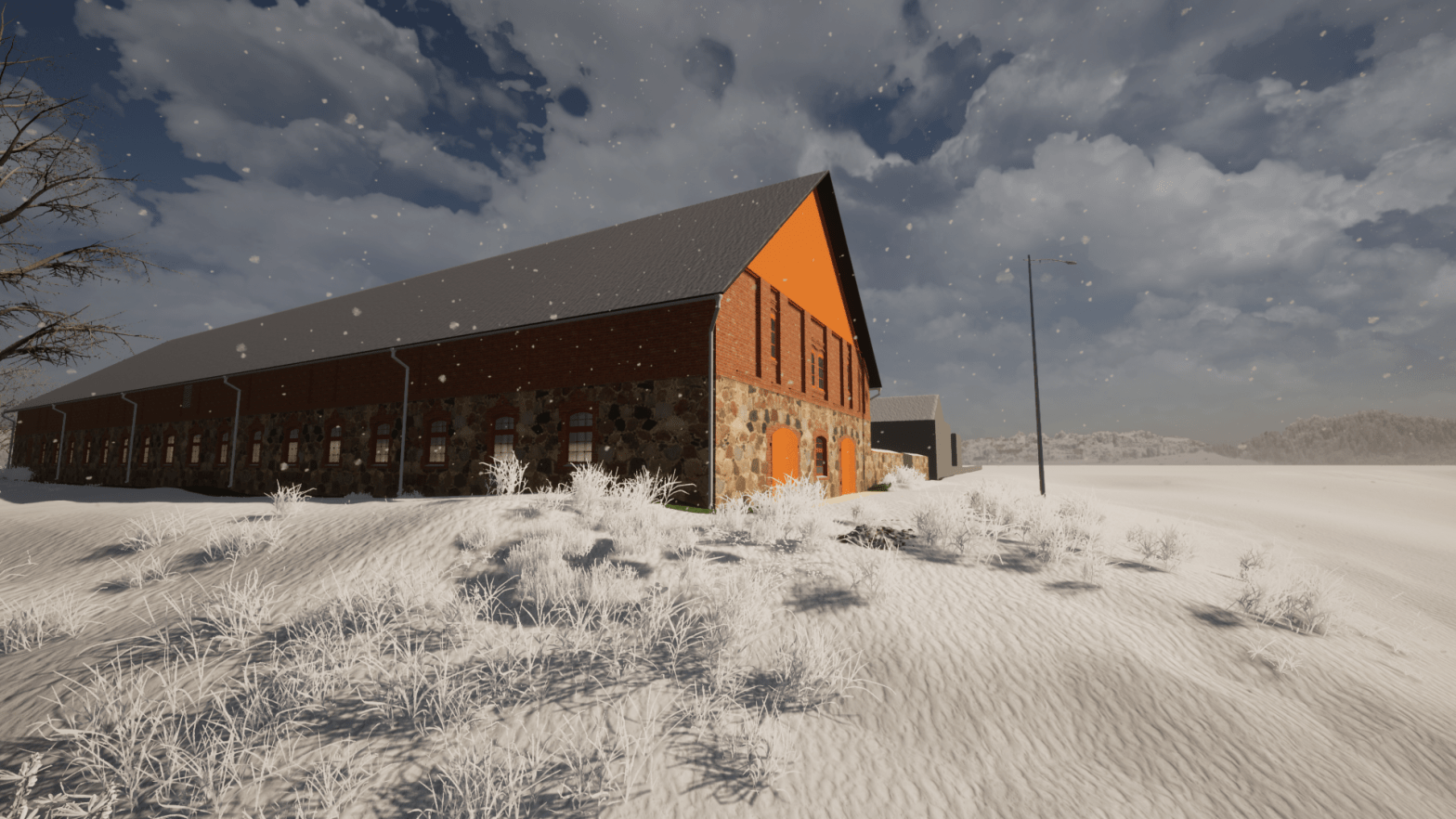
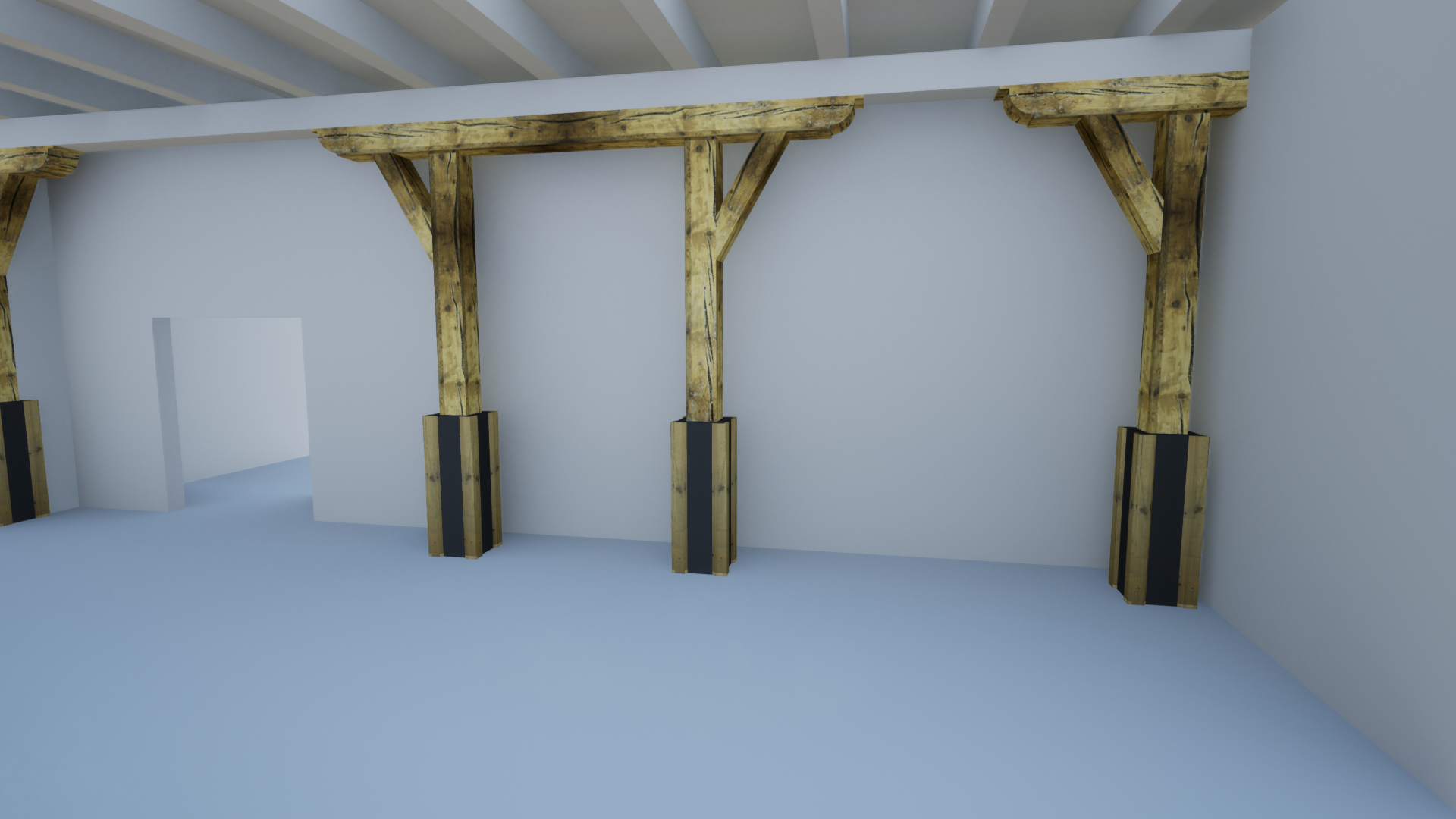
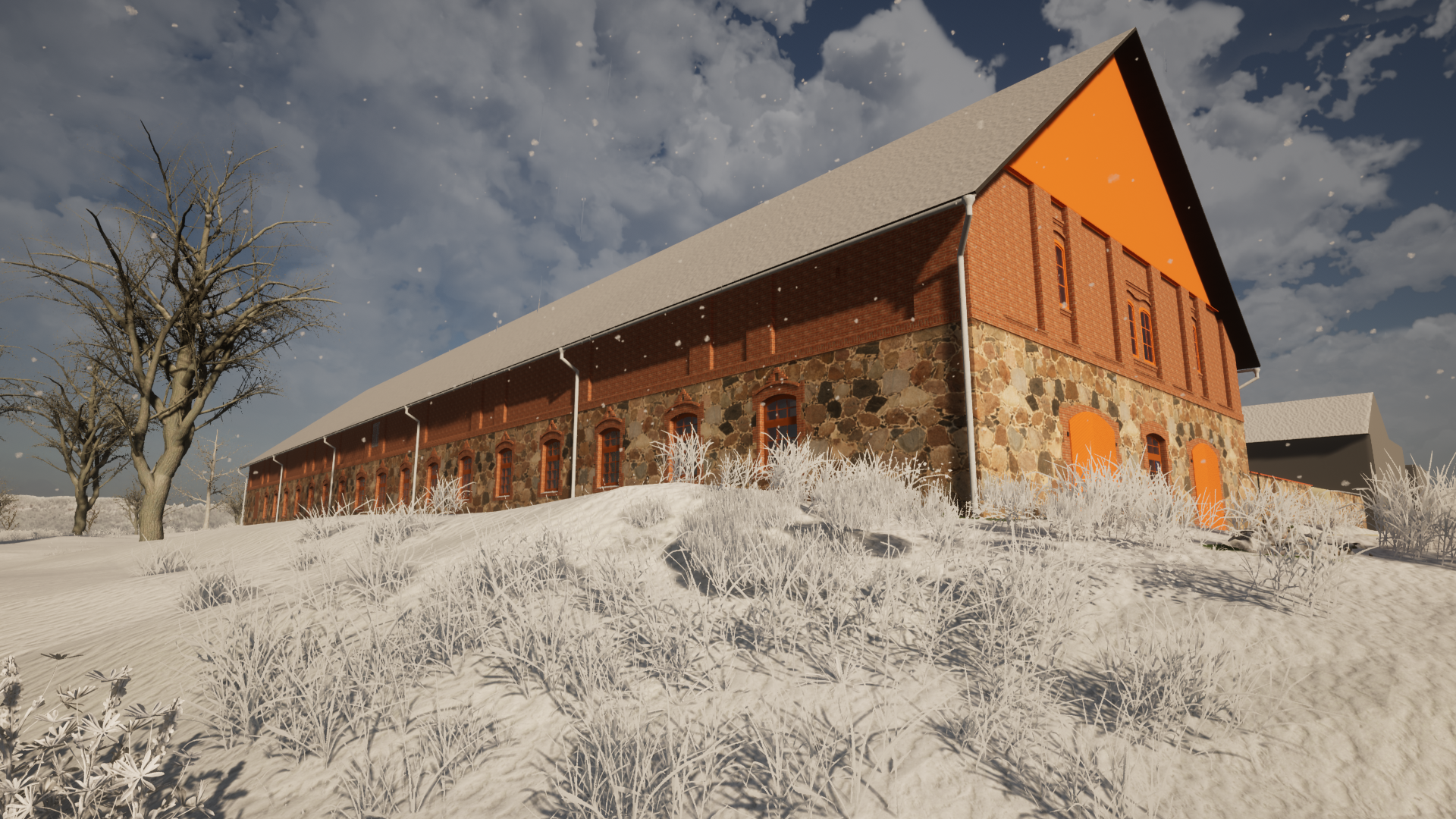
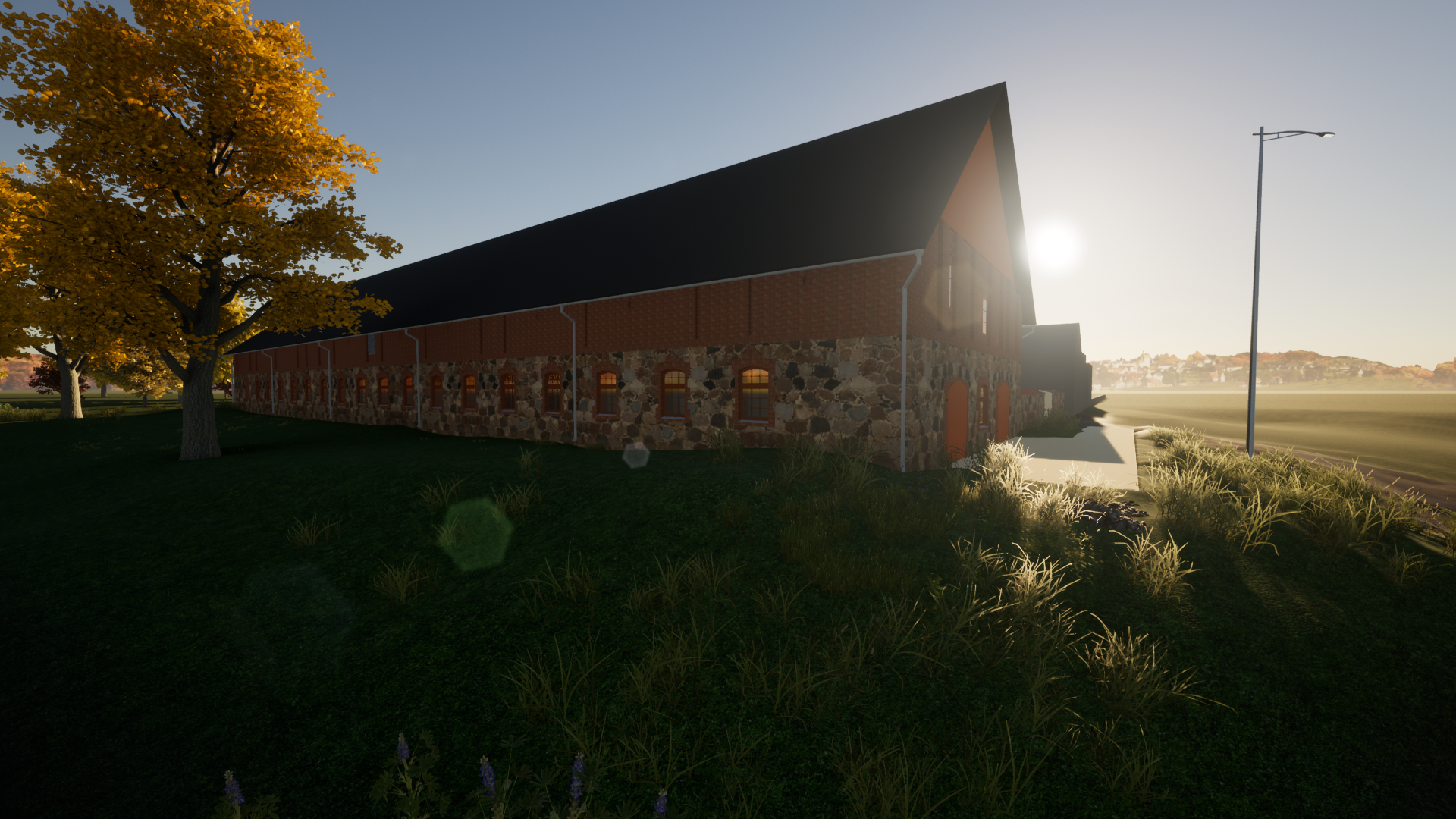
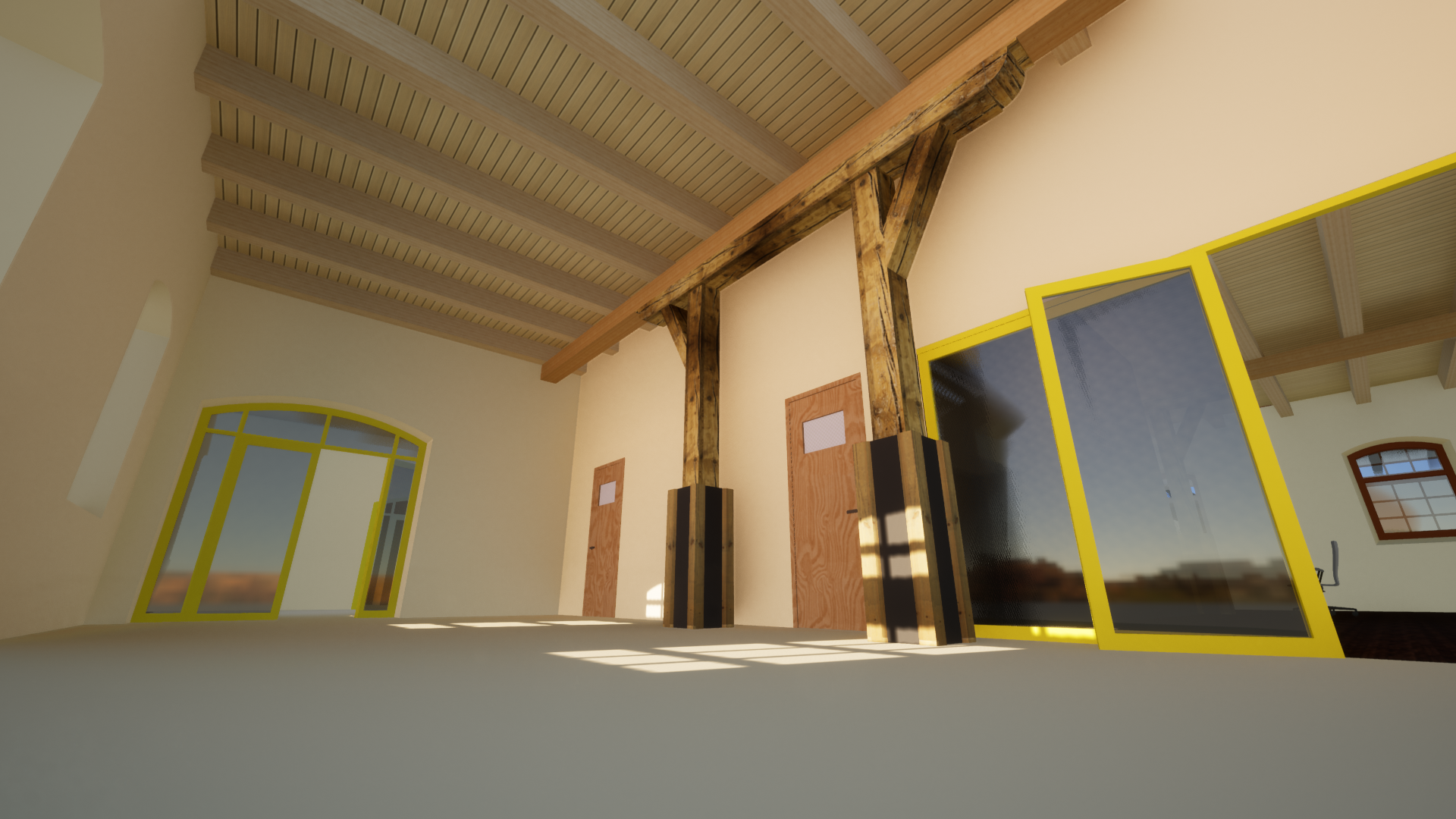
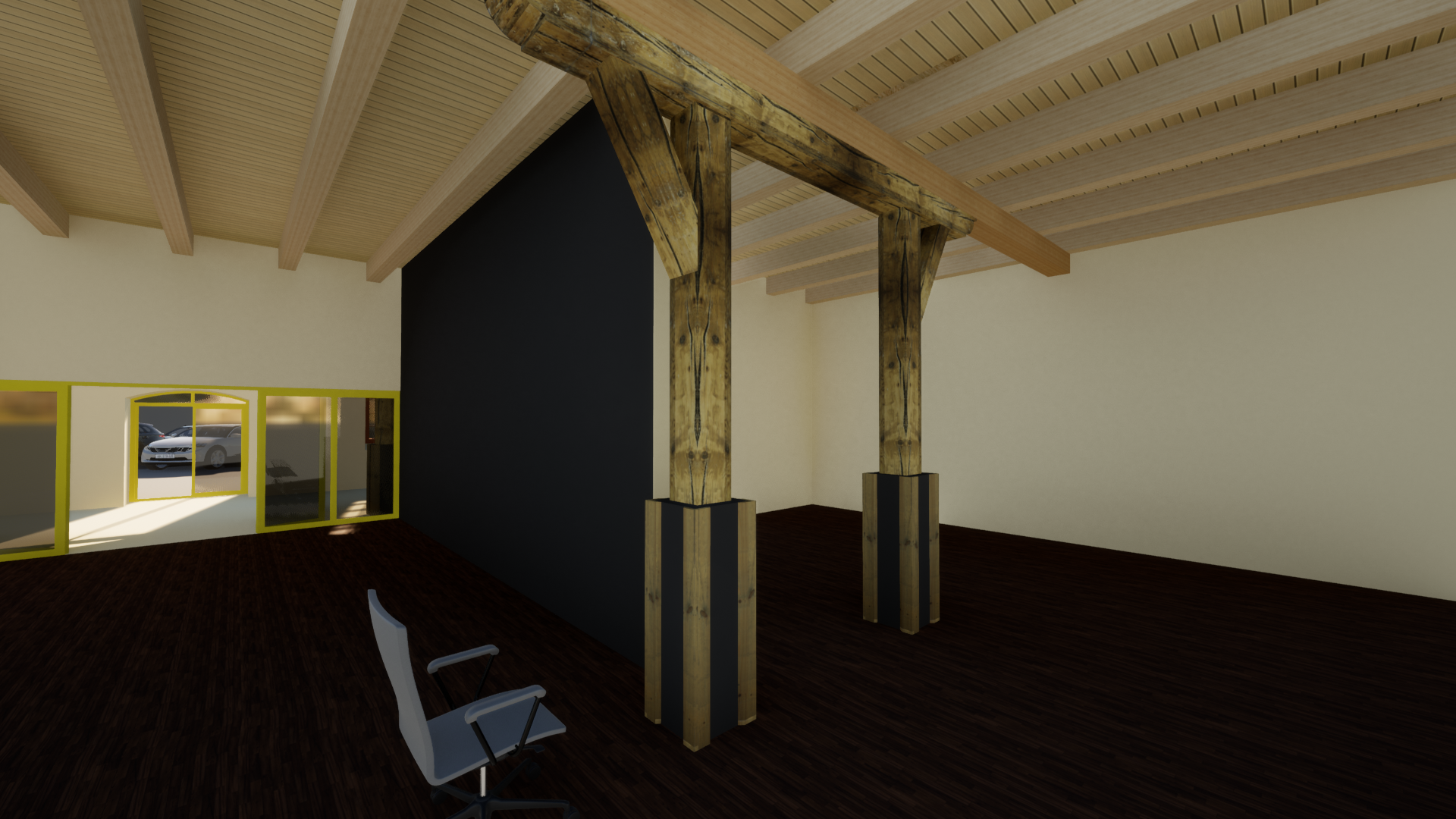
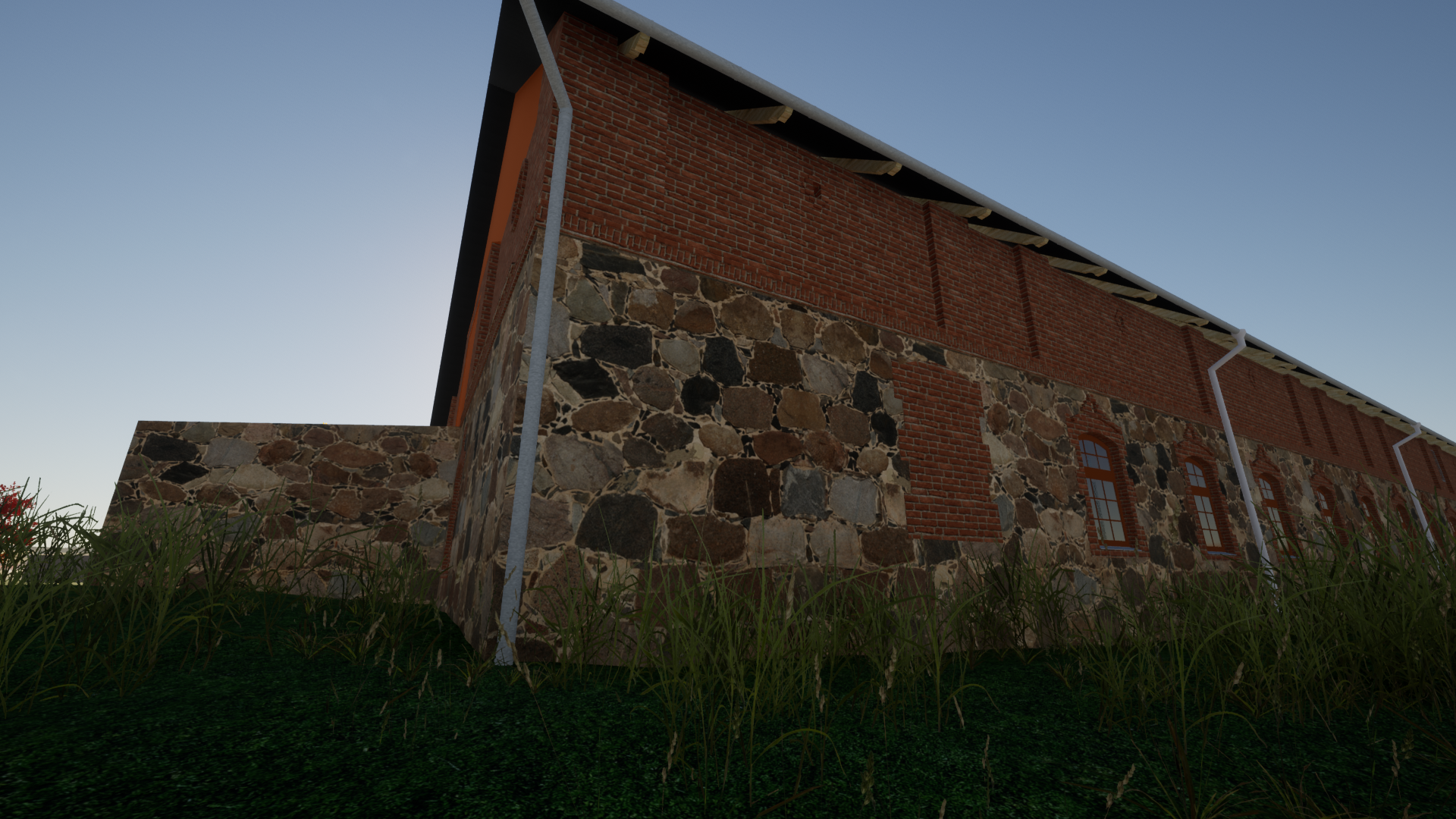
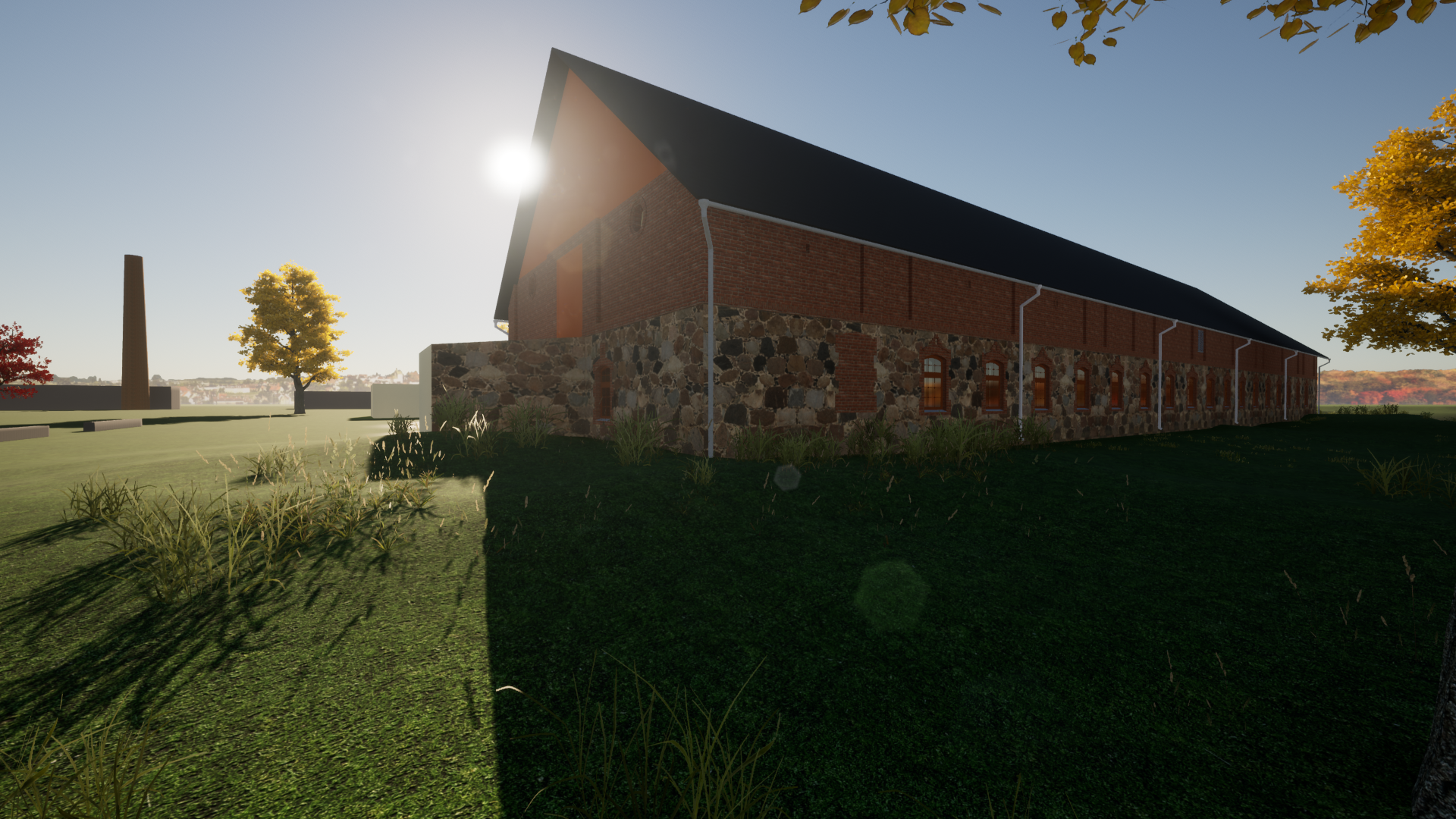
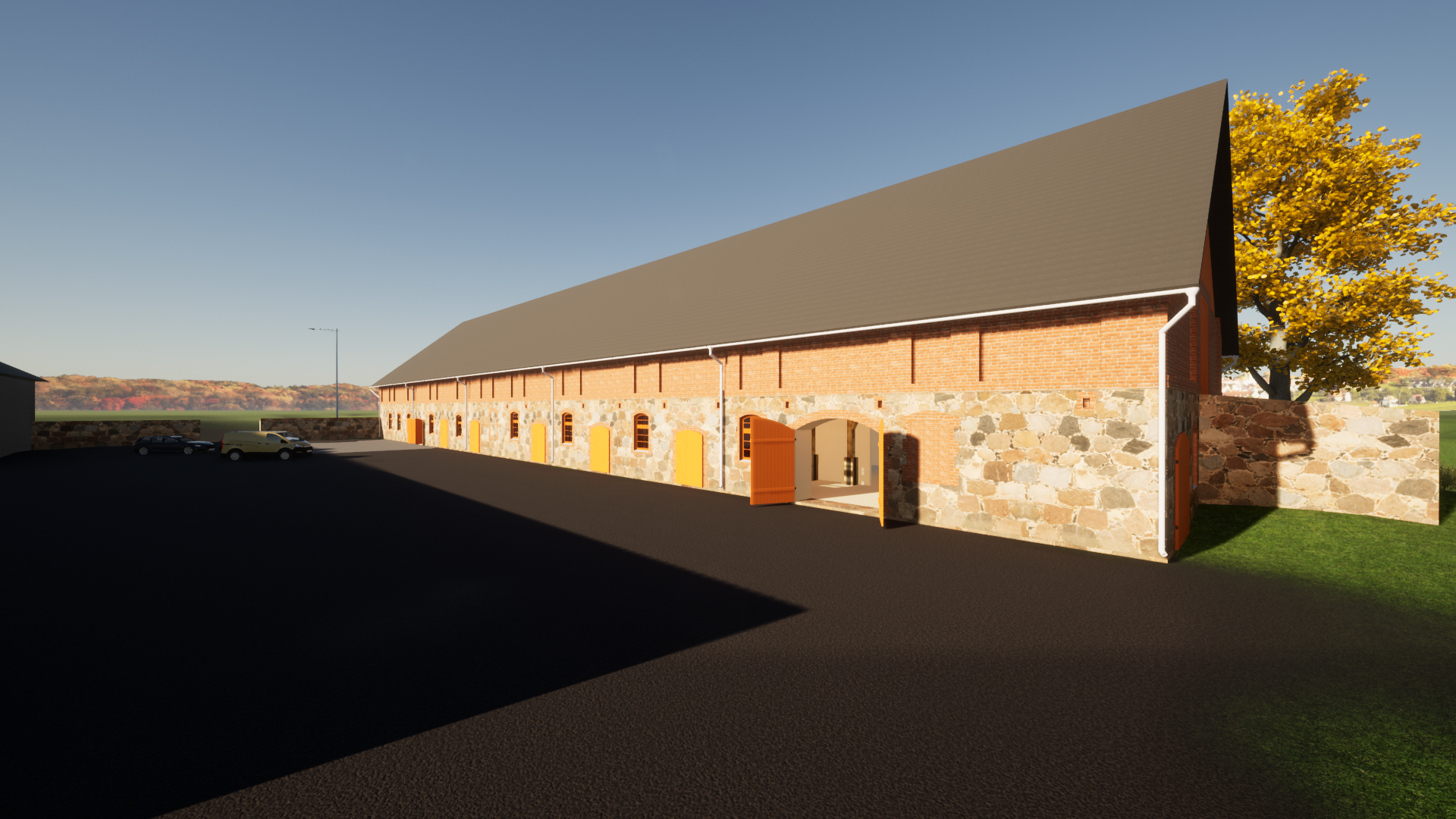
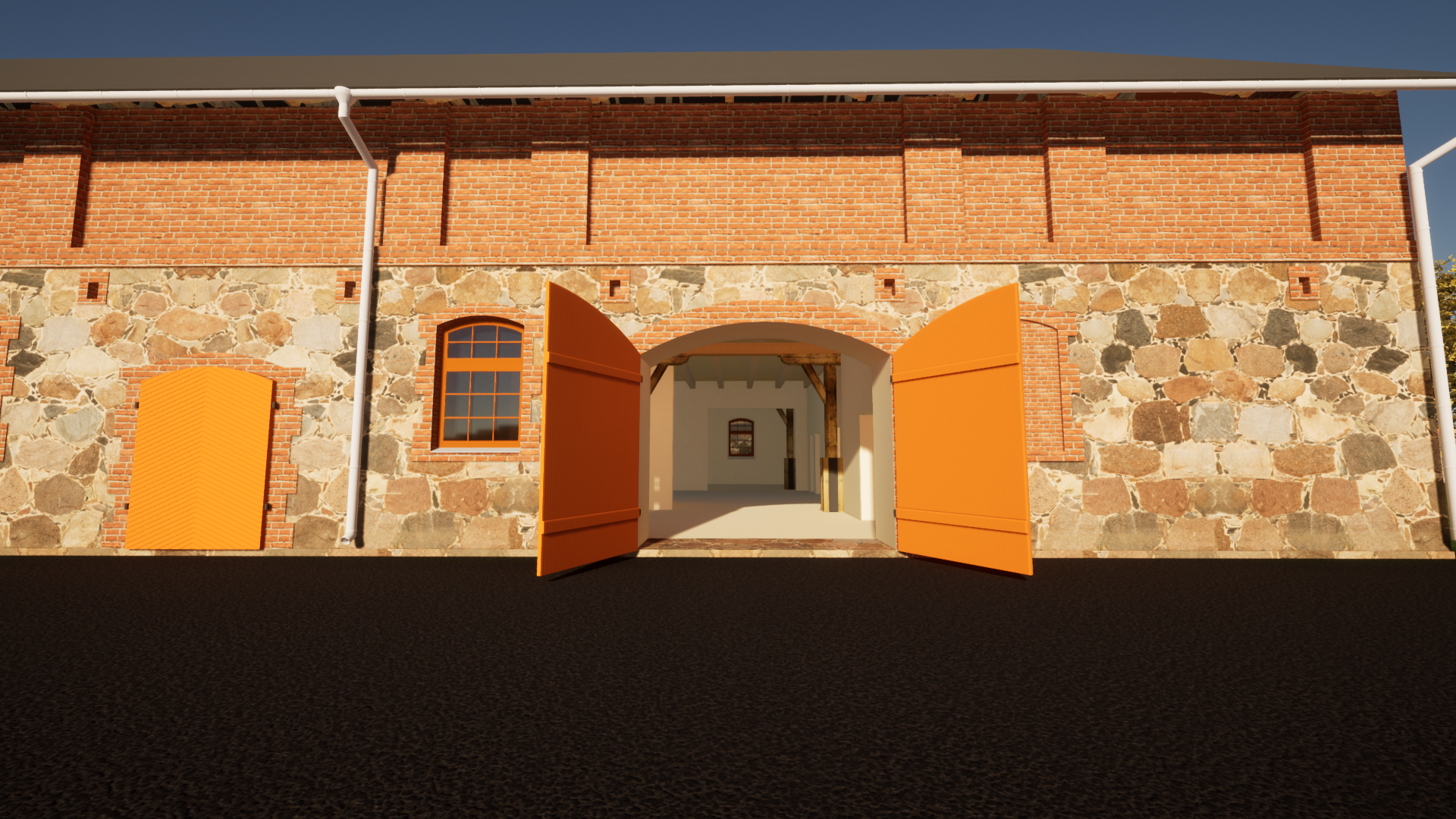
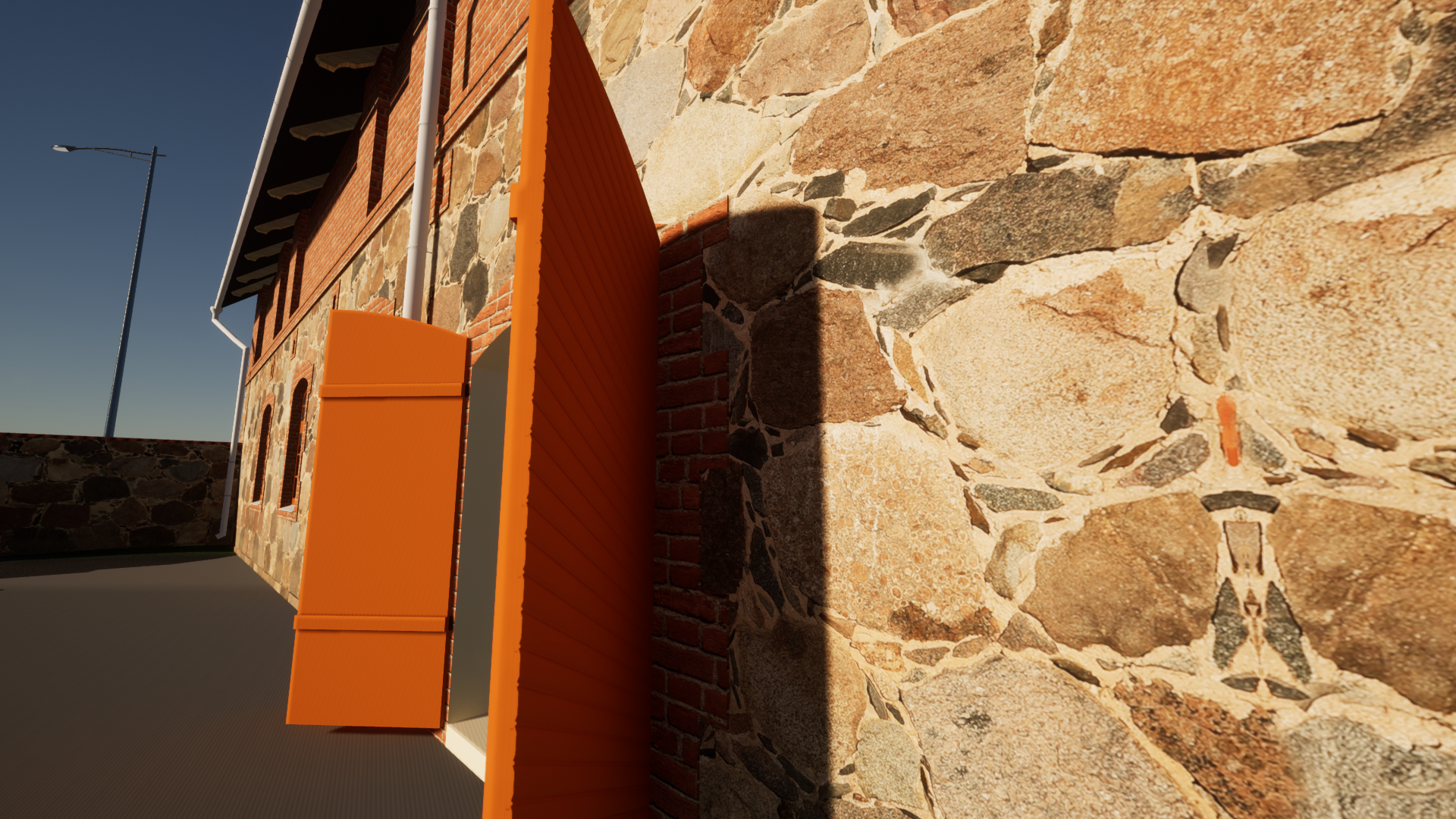
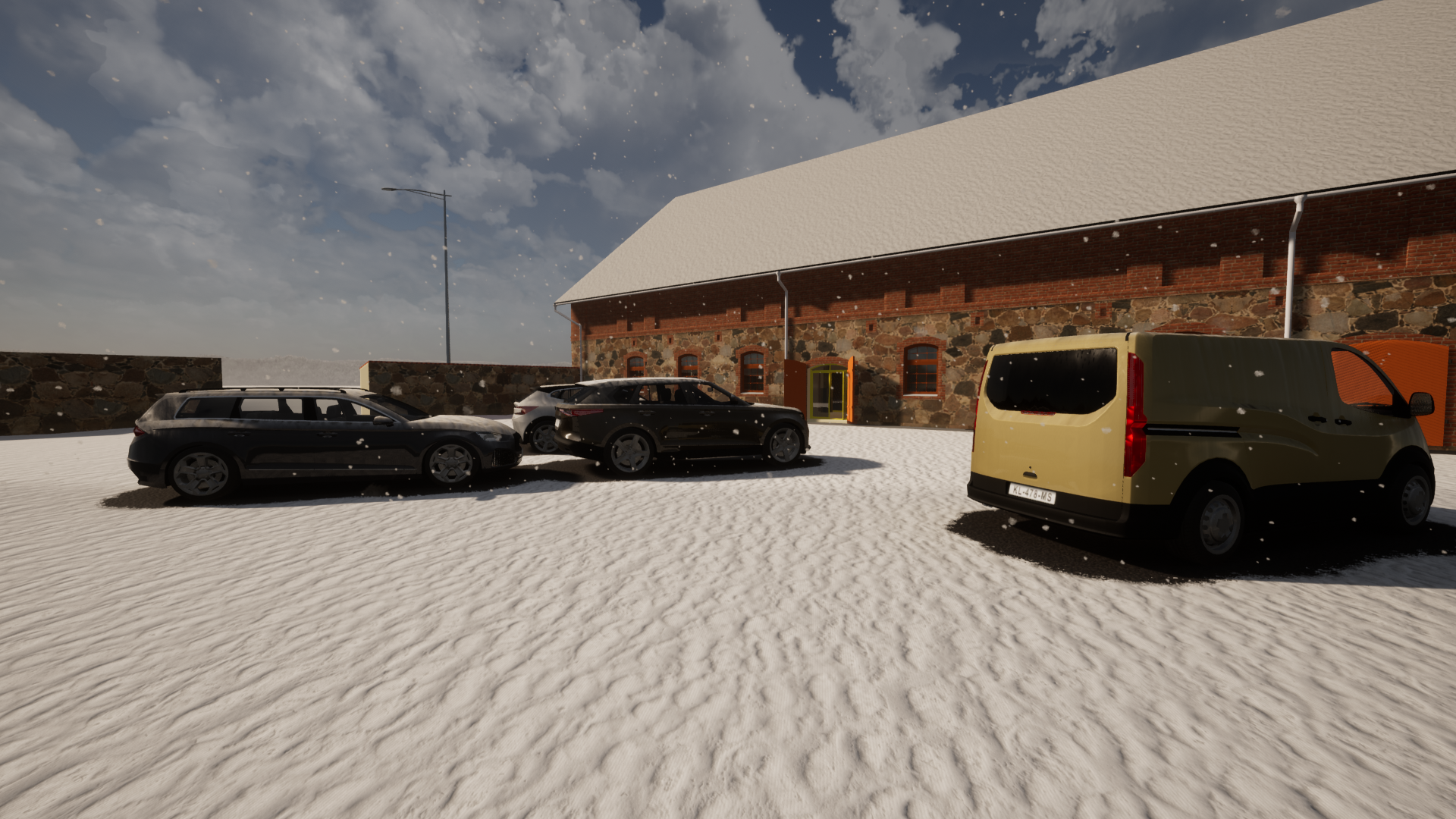
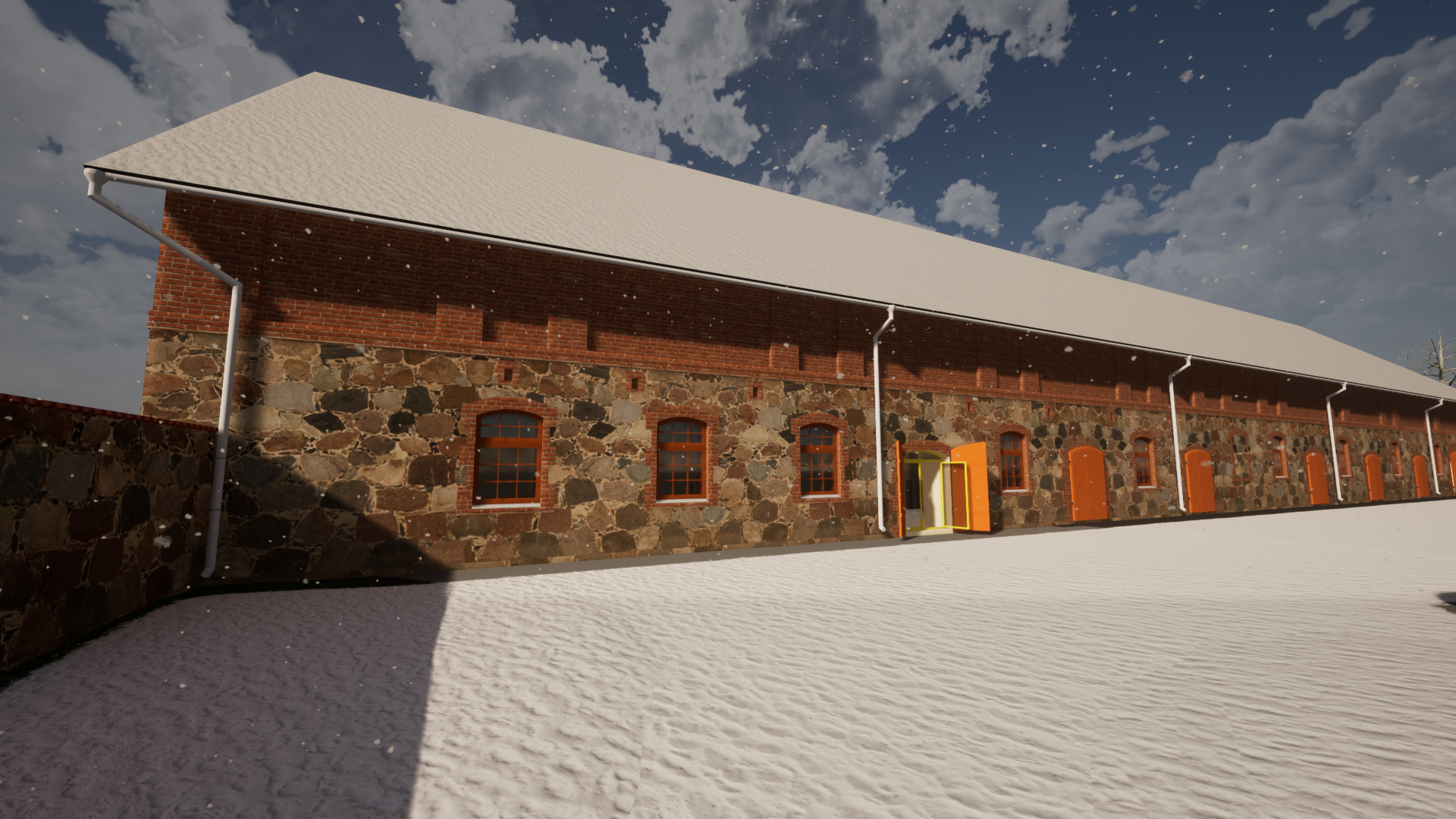
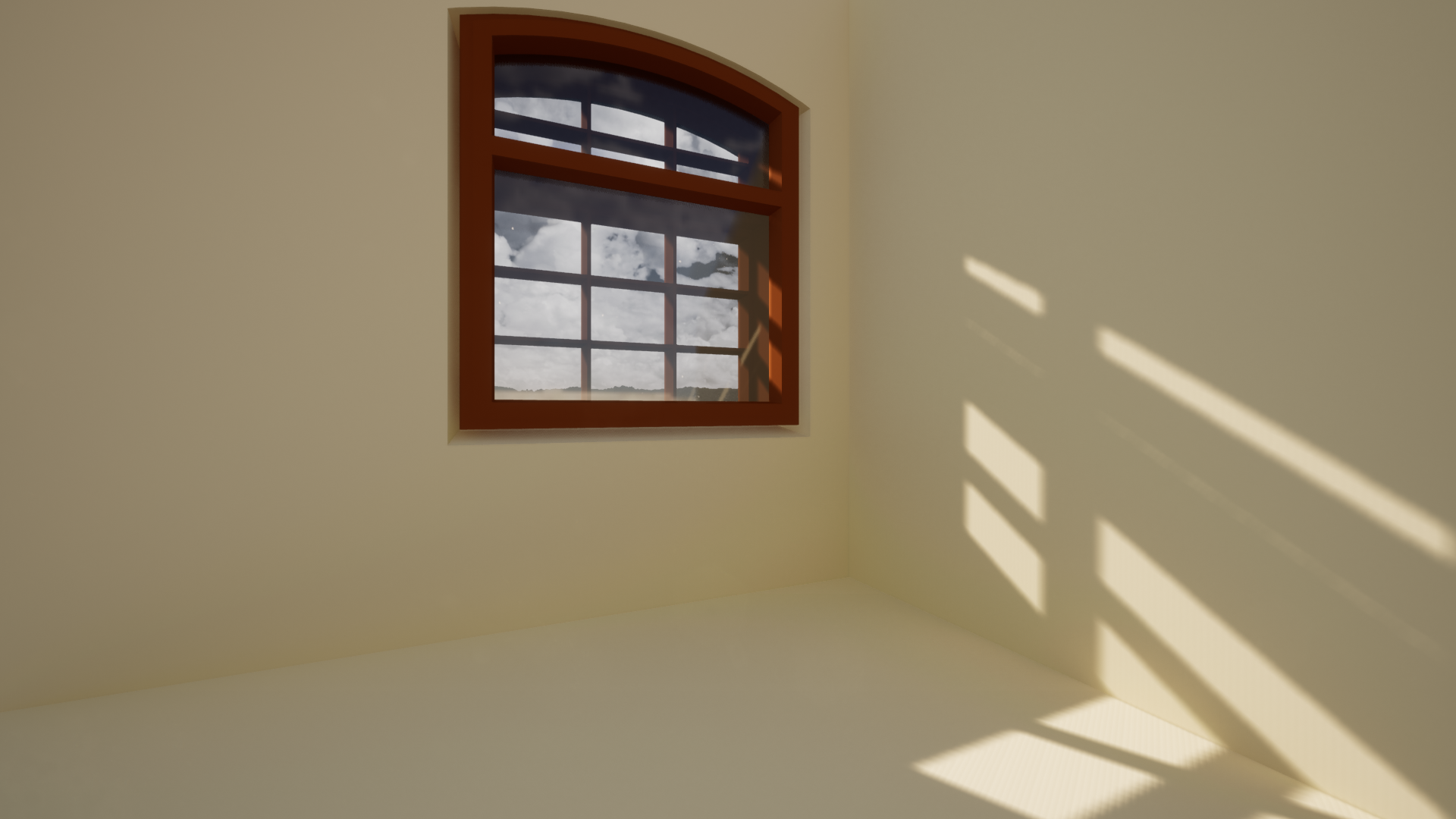
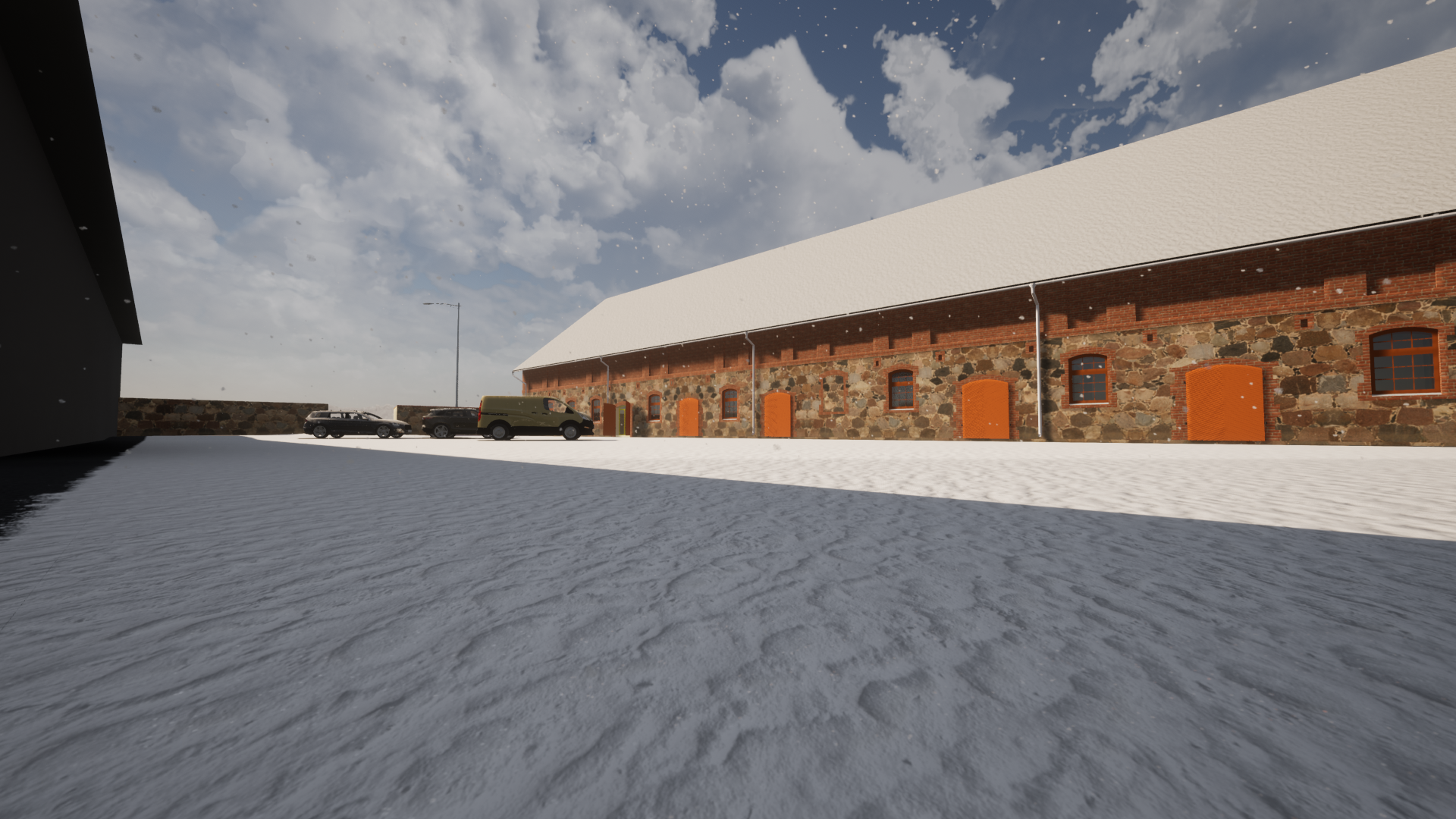
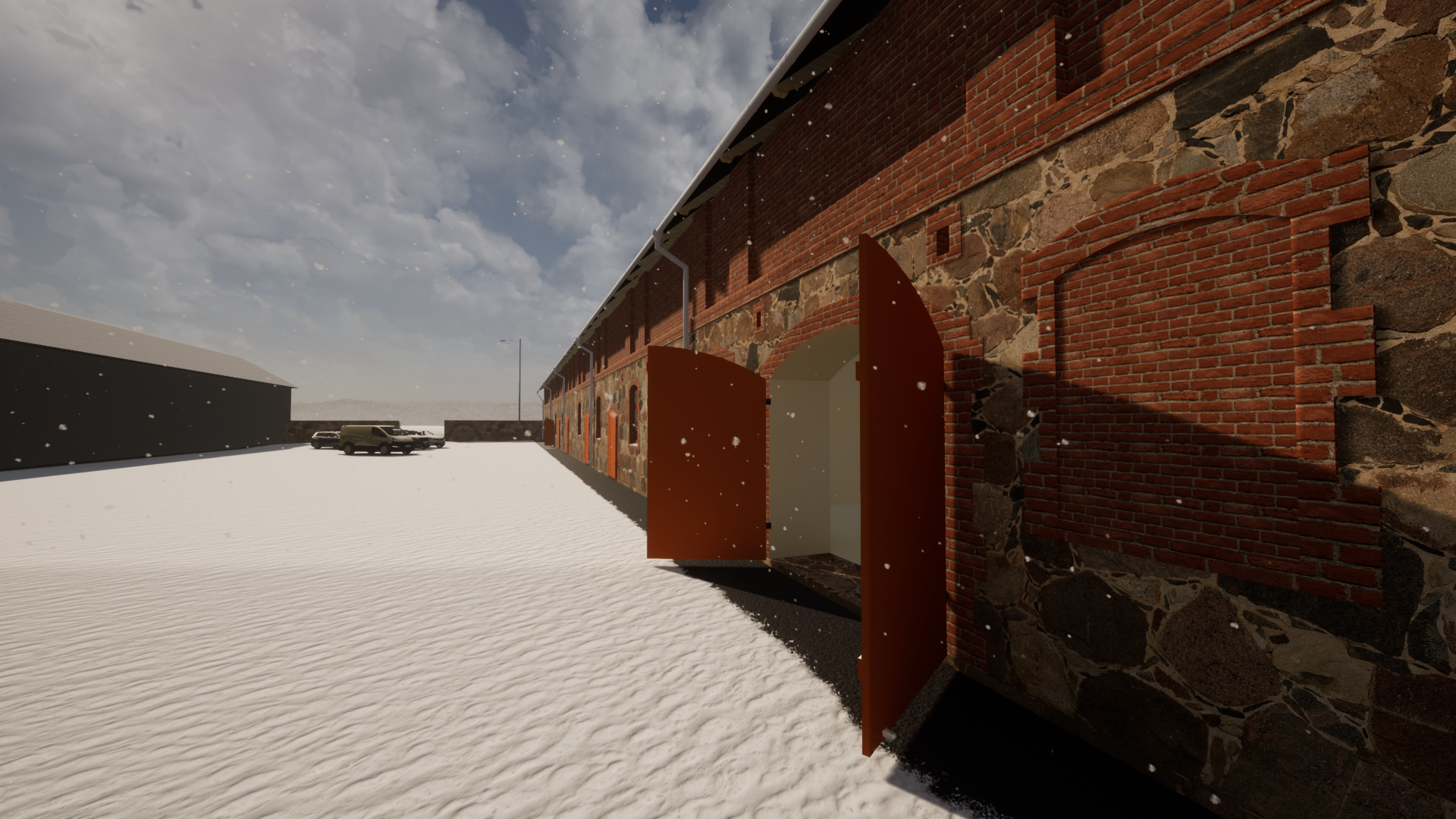
SketcUp + Twinmotion
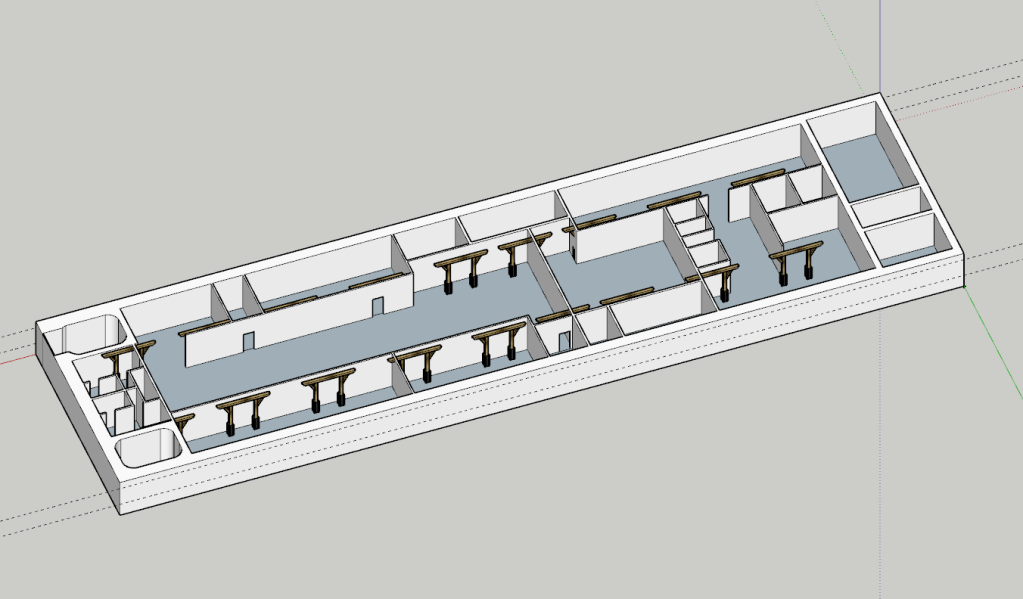
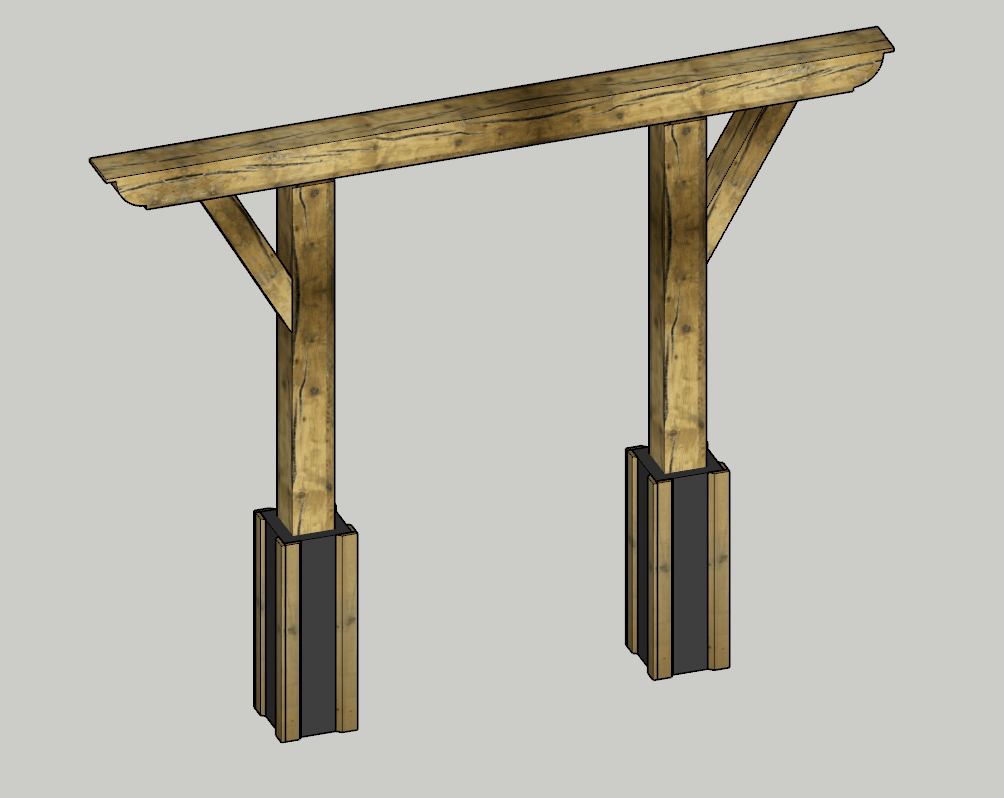
This autumn I learned SketchUp. It is quite different what I have used to use. In work, I use mainly SolidWorks and OnShape on free-time projects. I think SketchUp is good for thing which it is intended: to quickly visualise ideas. And plus side is that lot of other programs can import SketchUp files.
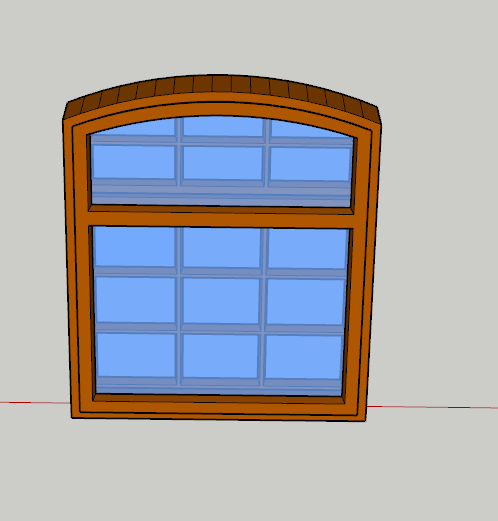
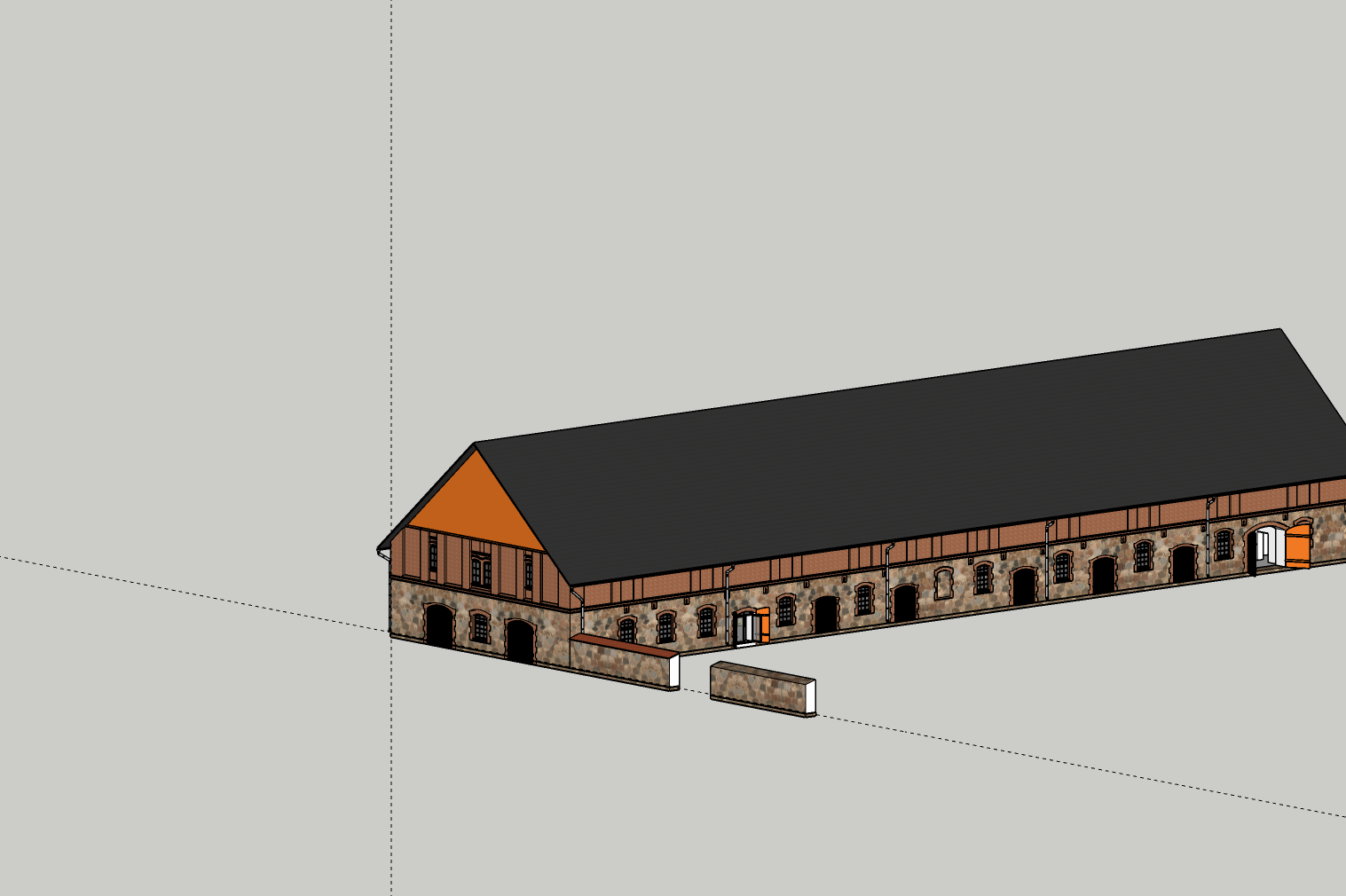
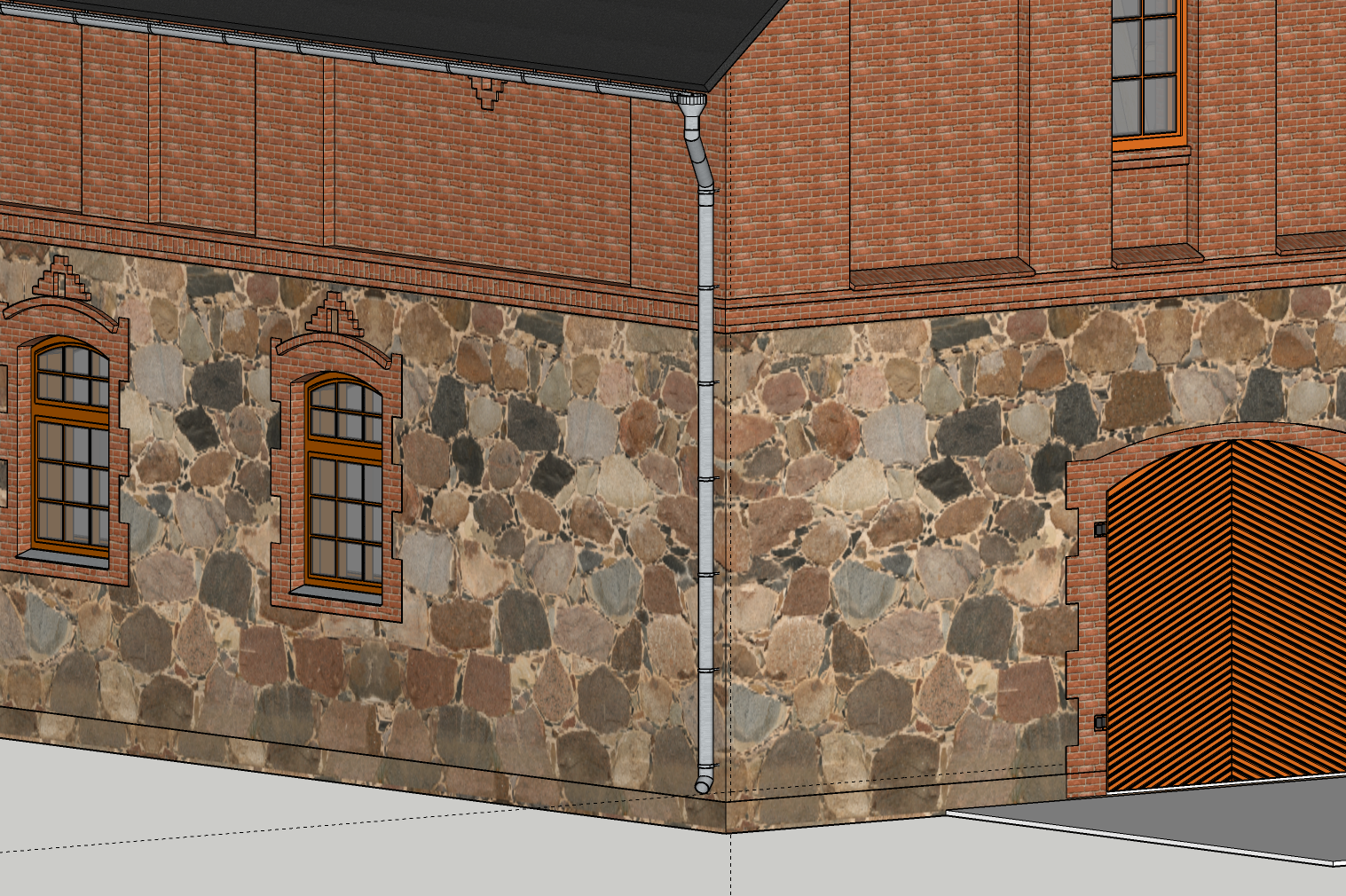
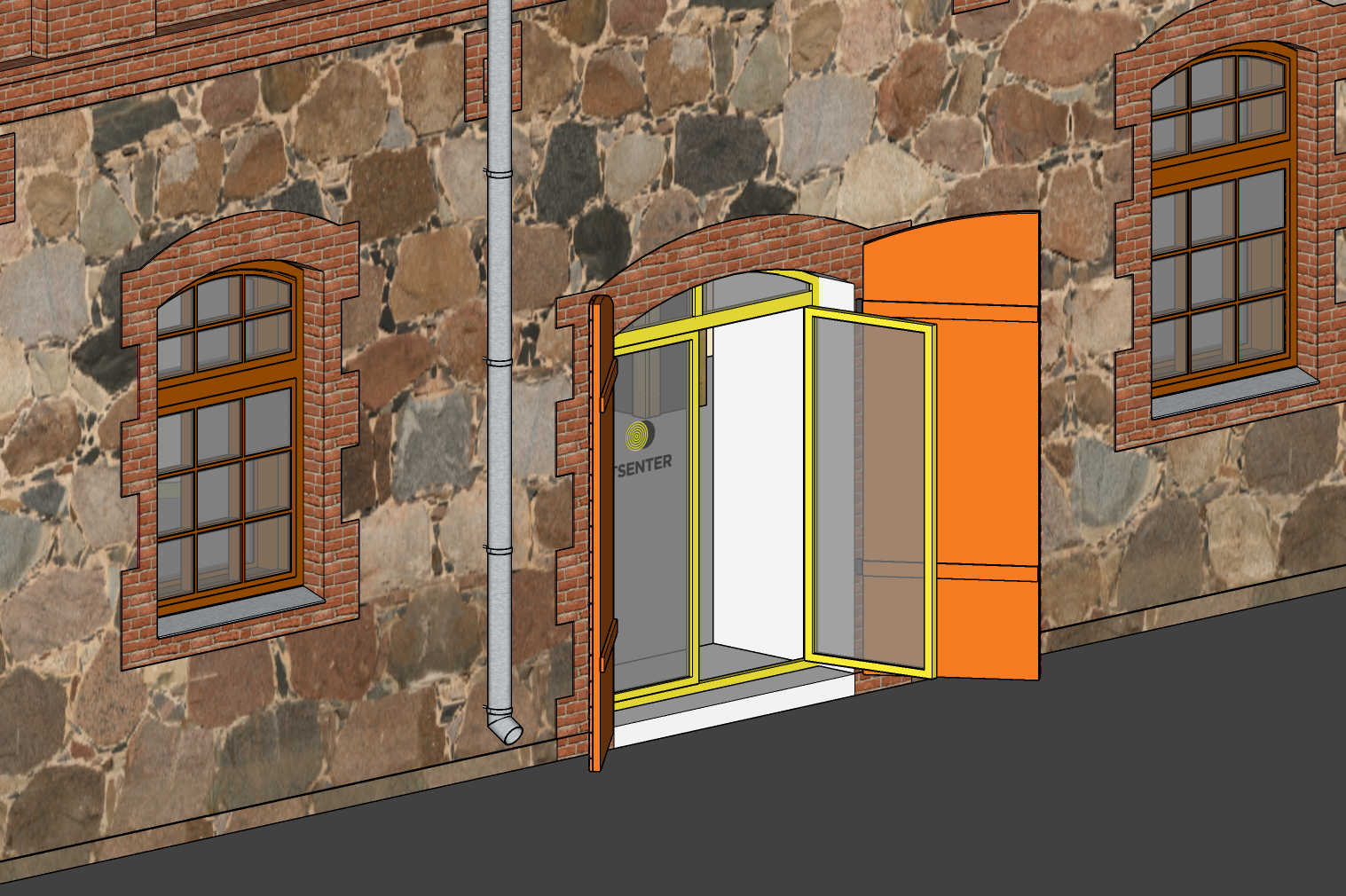
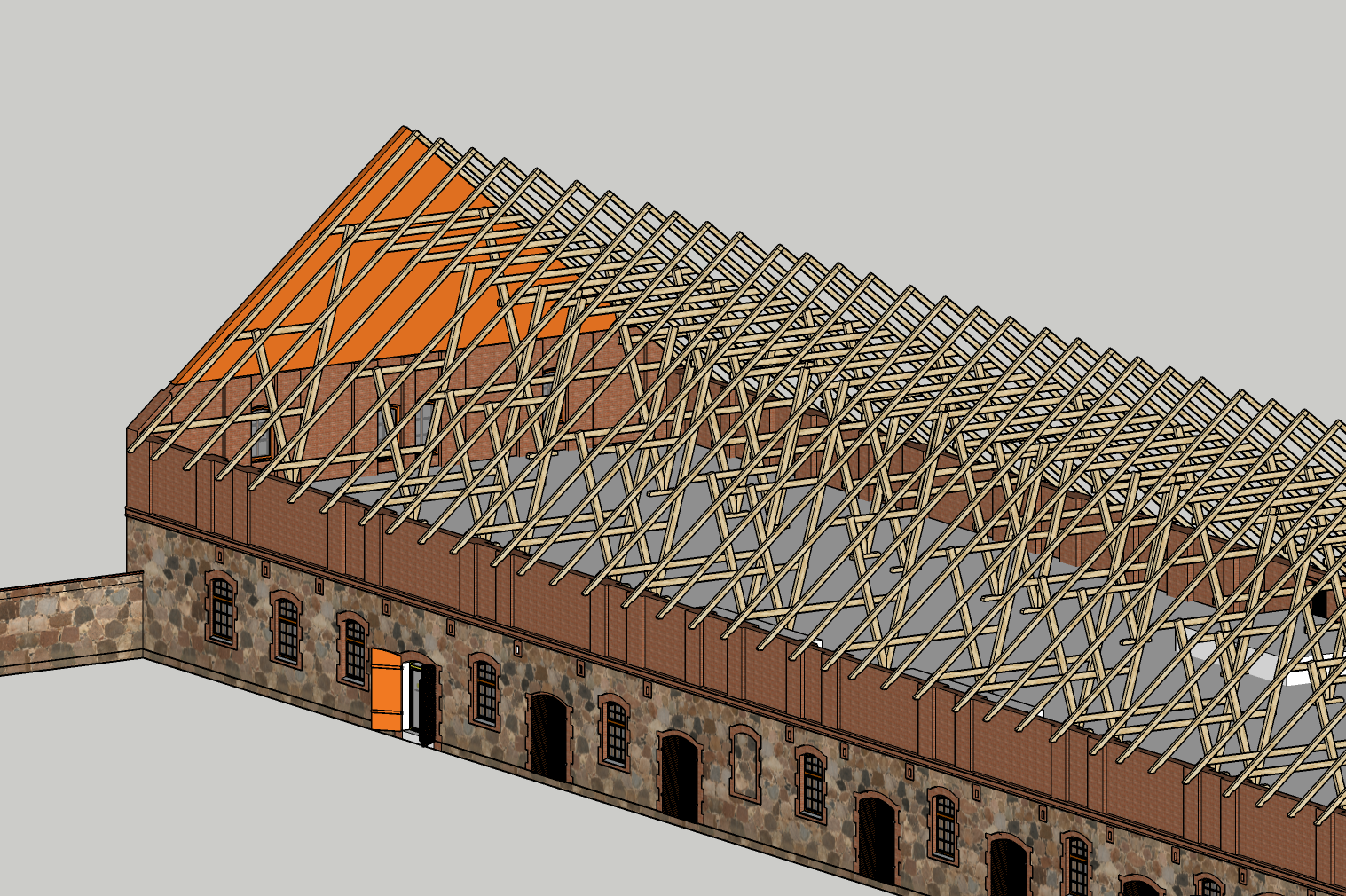
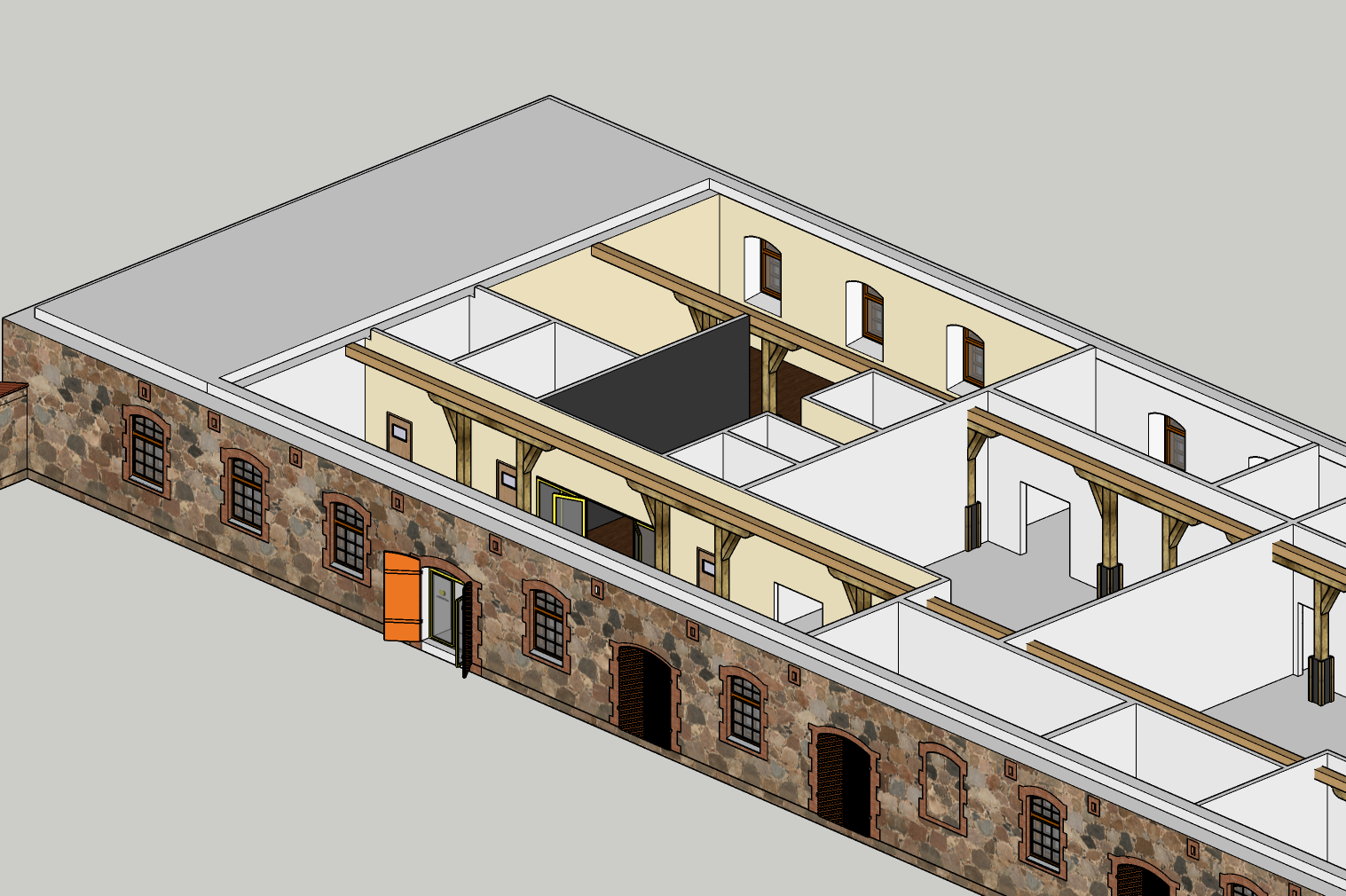
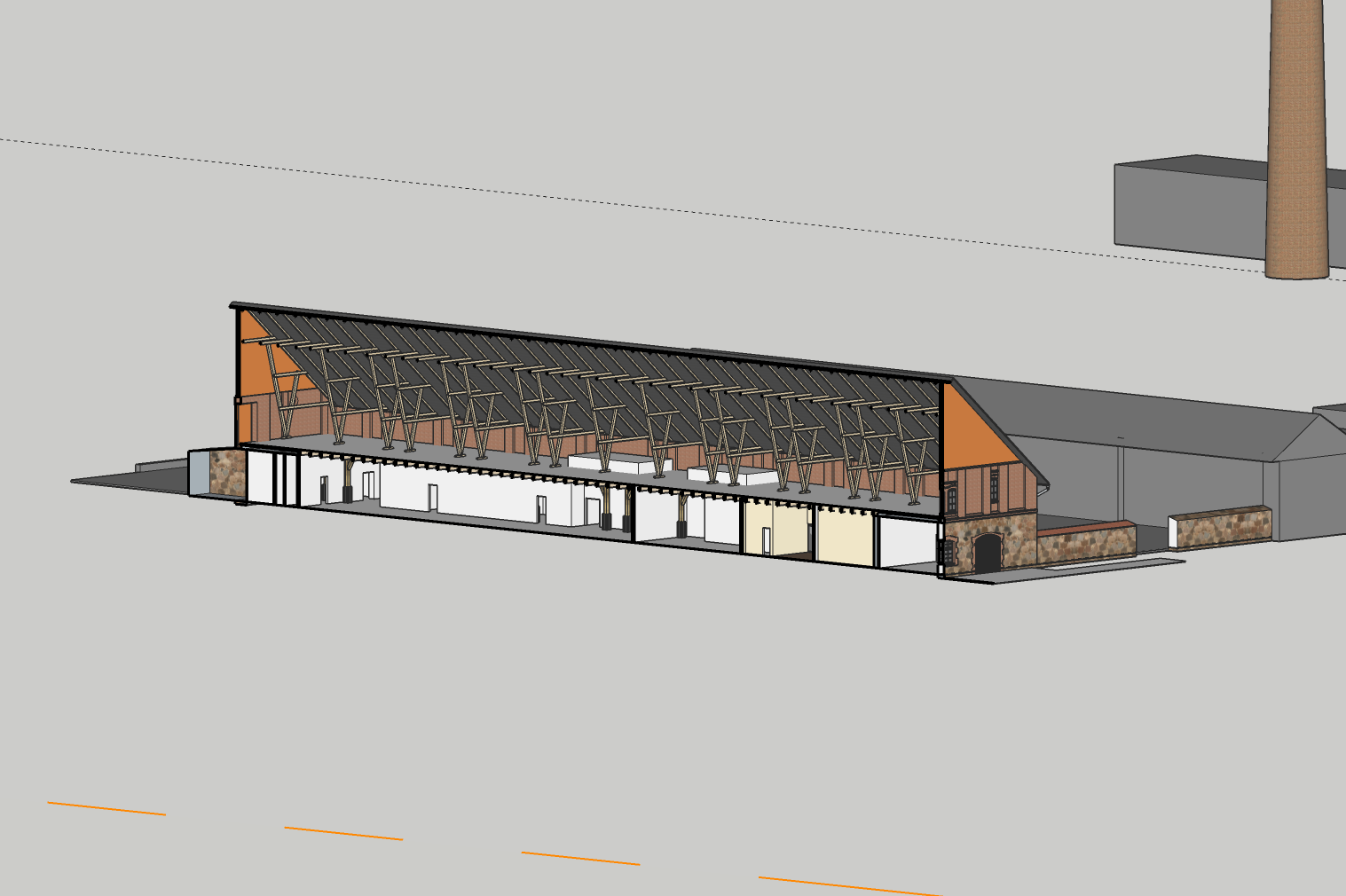
Twinmotion
It is easy to import SketchUp files to Twinmotion. And instantly they look a lot better and more realistic.
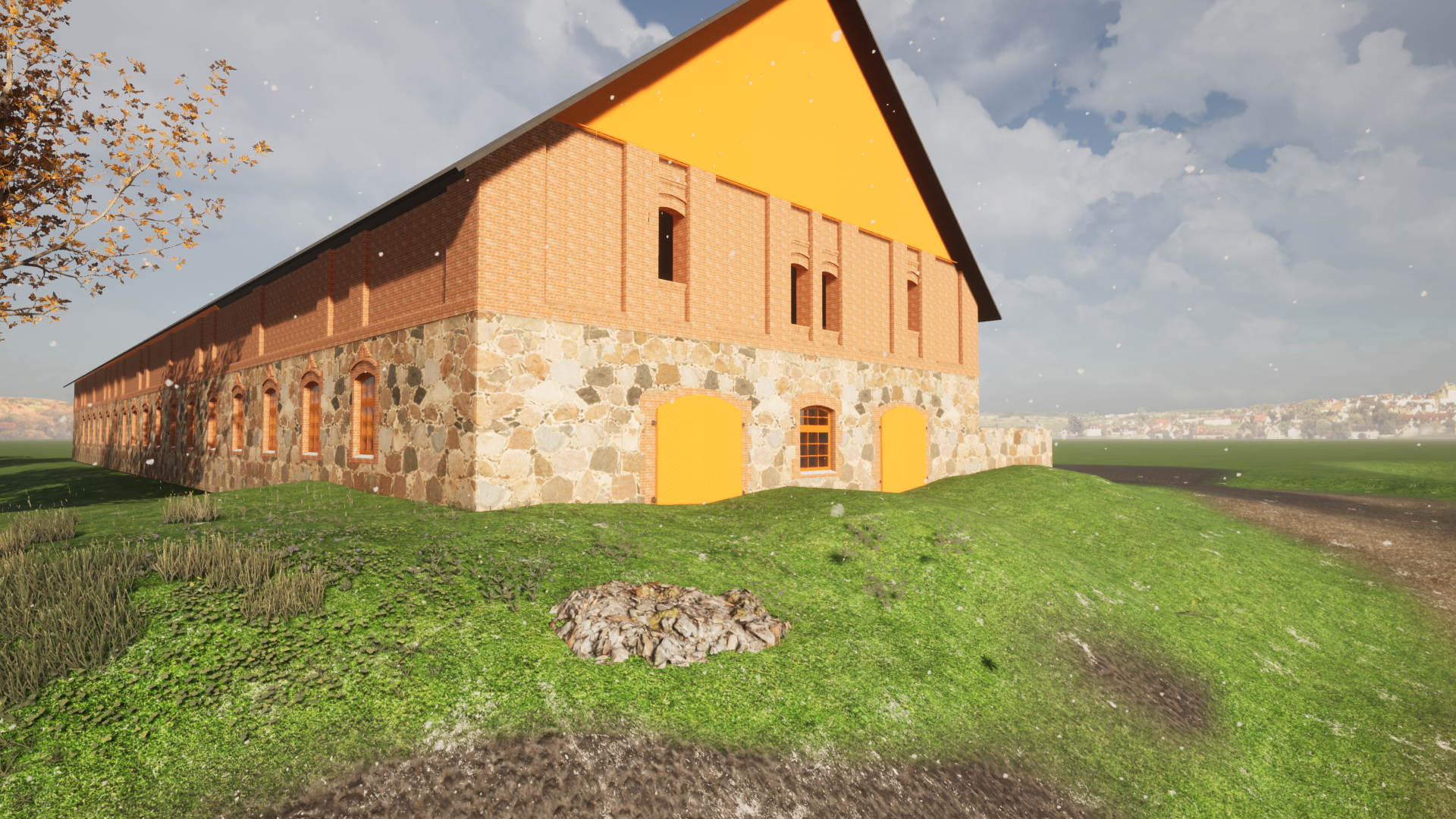
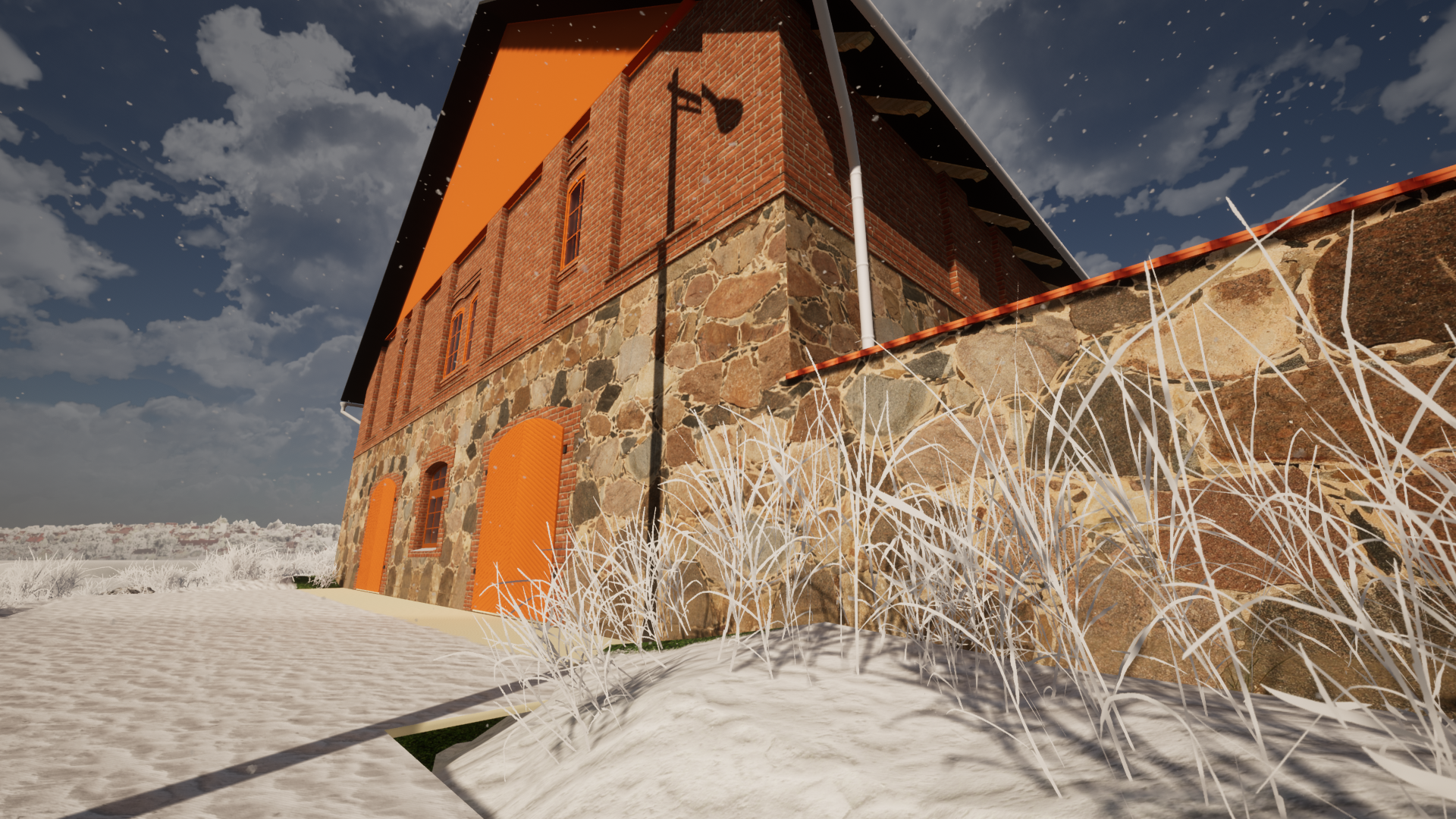
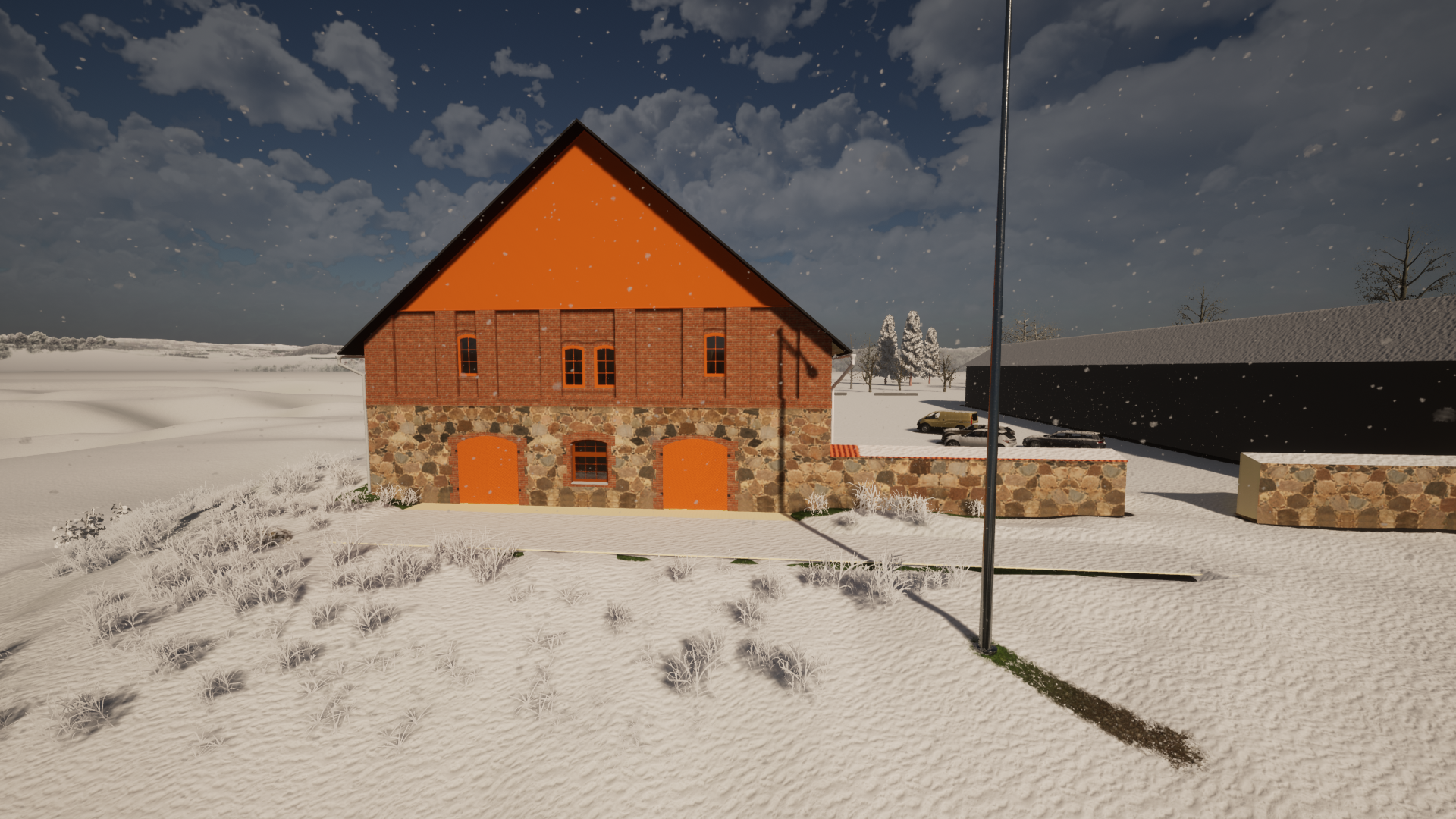
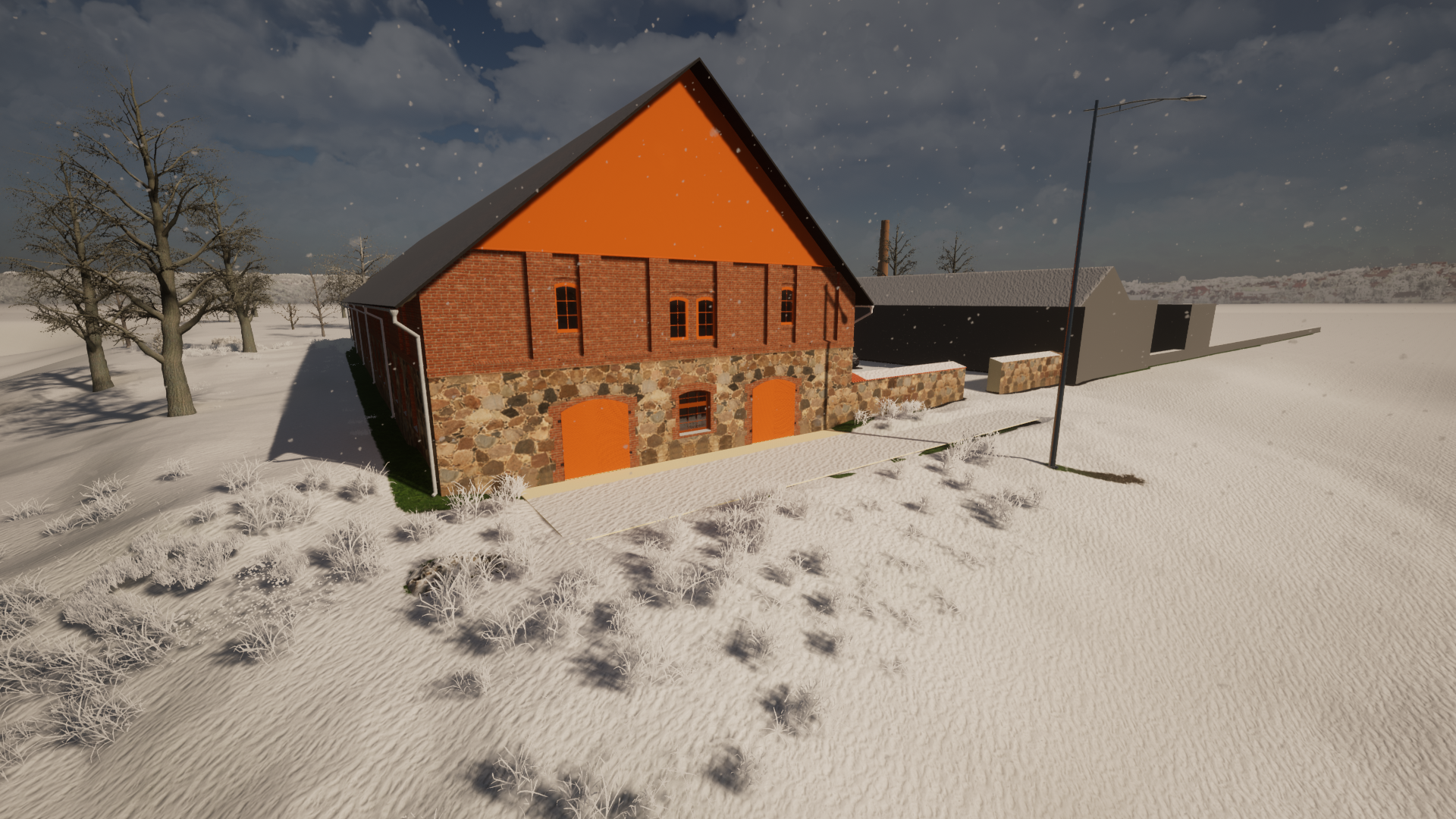
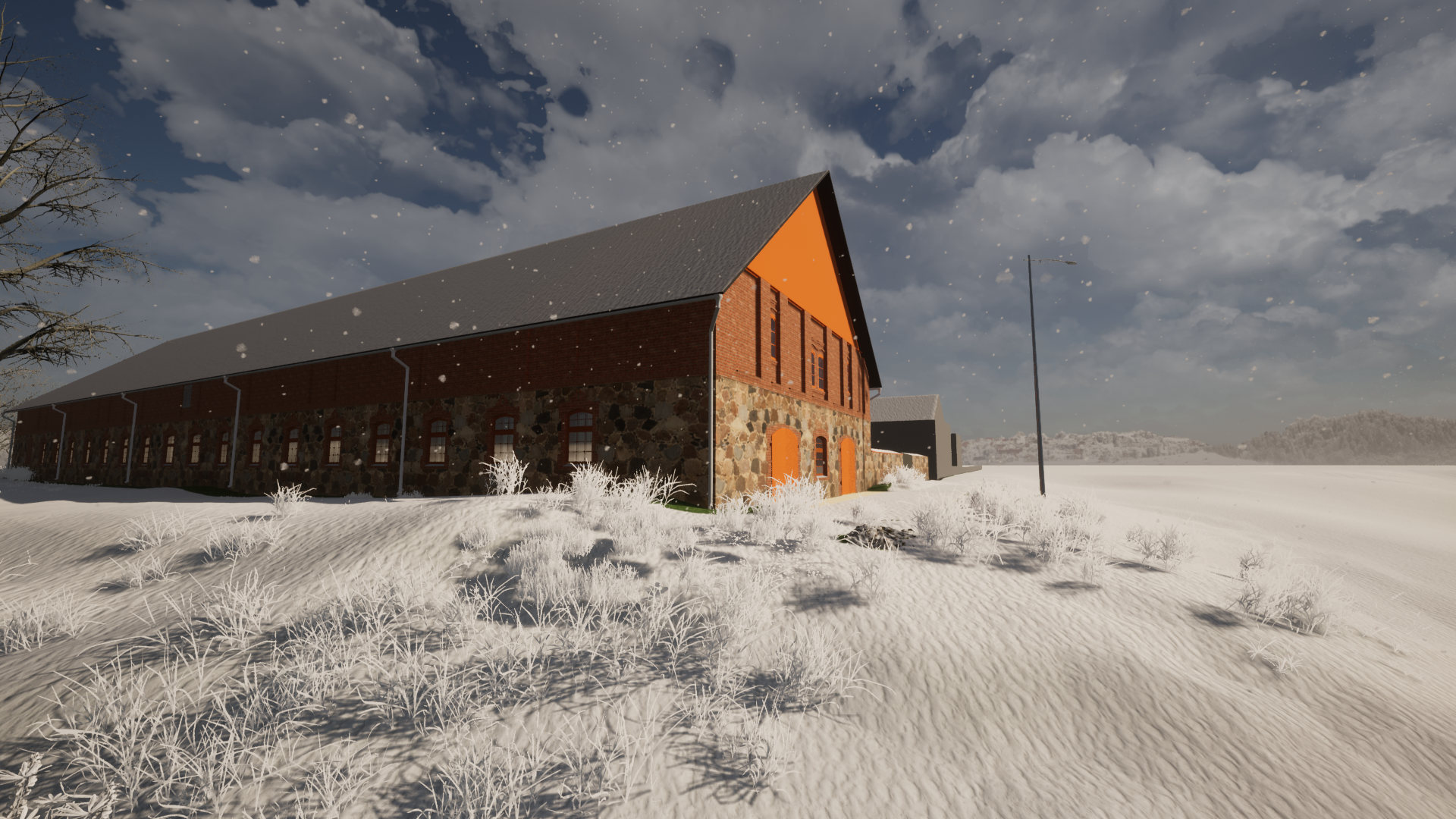
Solar sailer
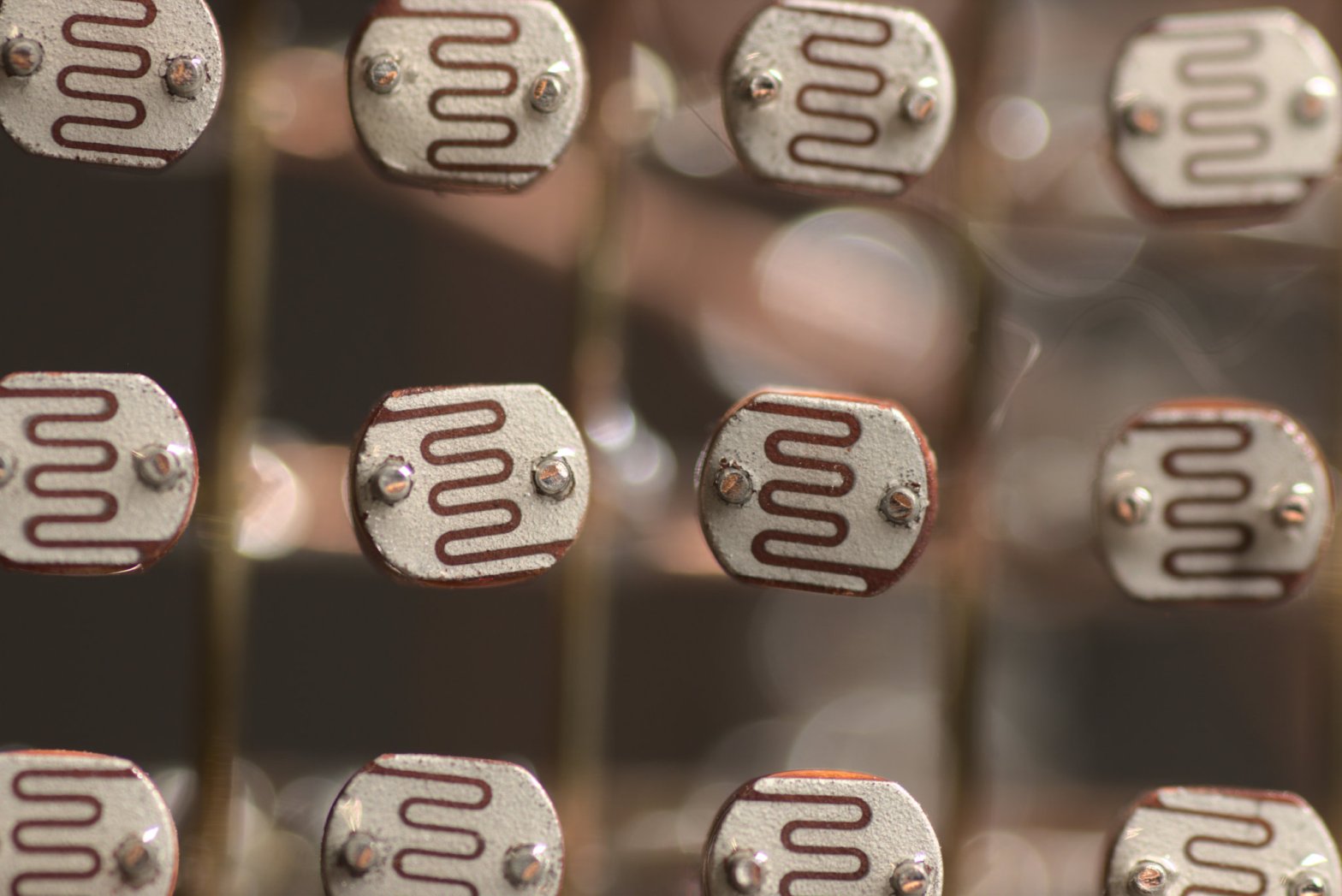
Solar sailer or just array of photoresistors
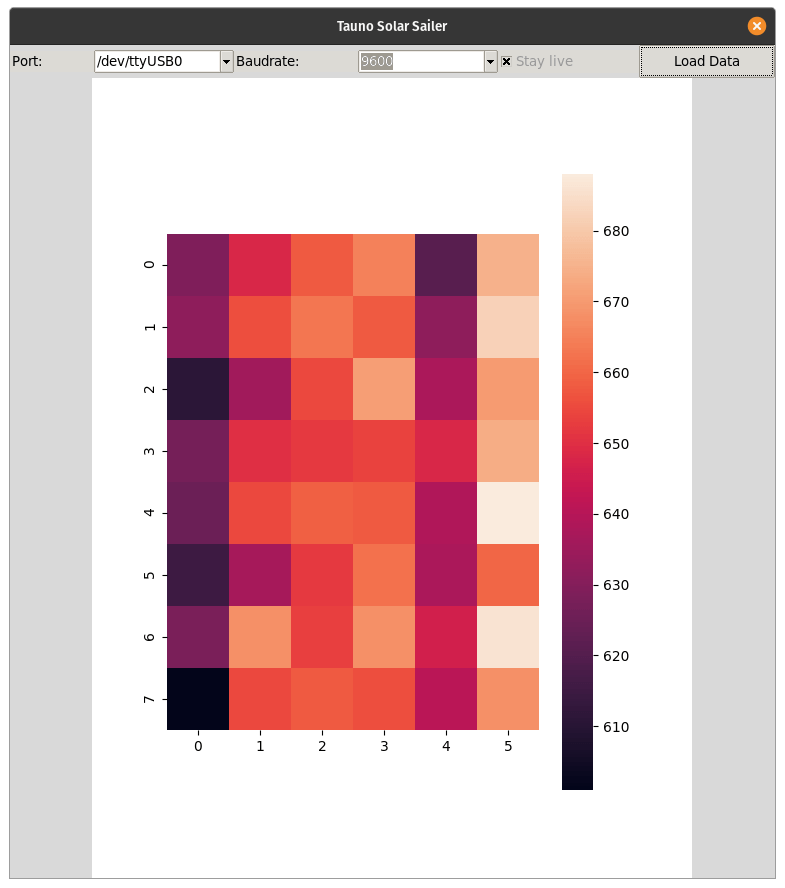
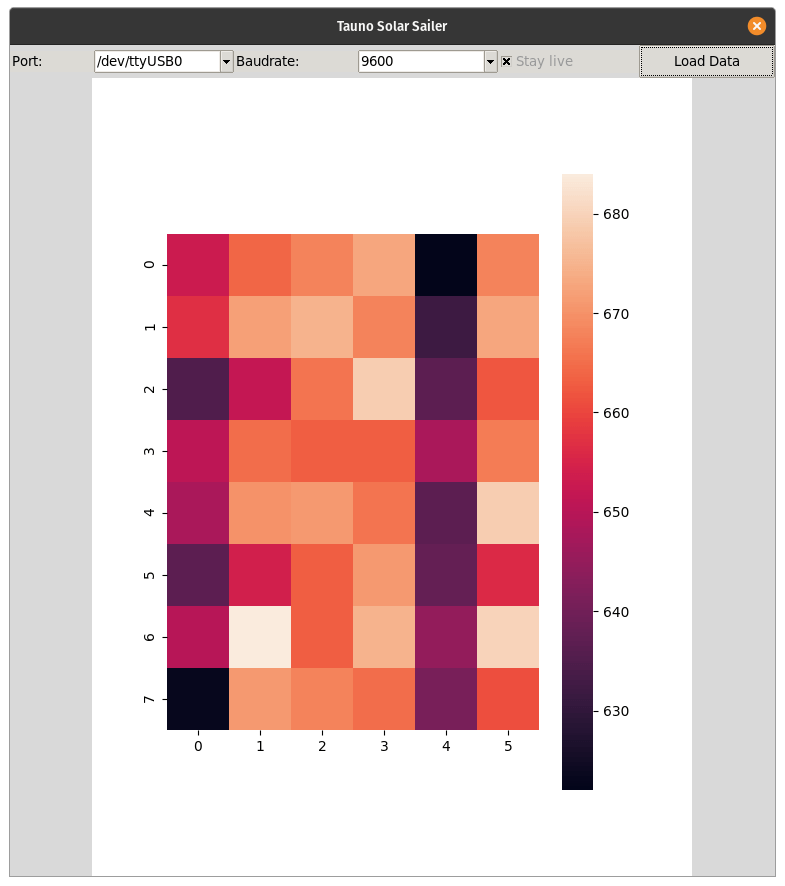
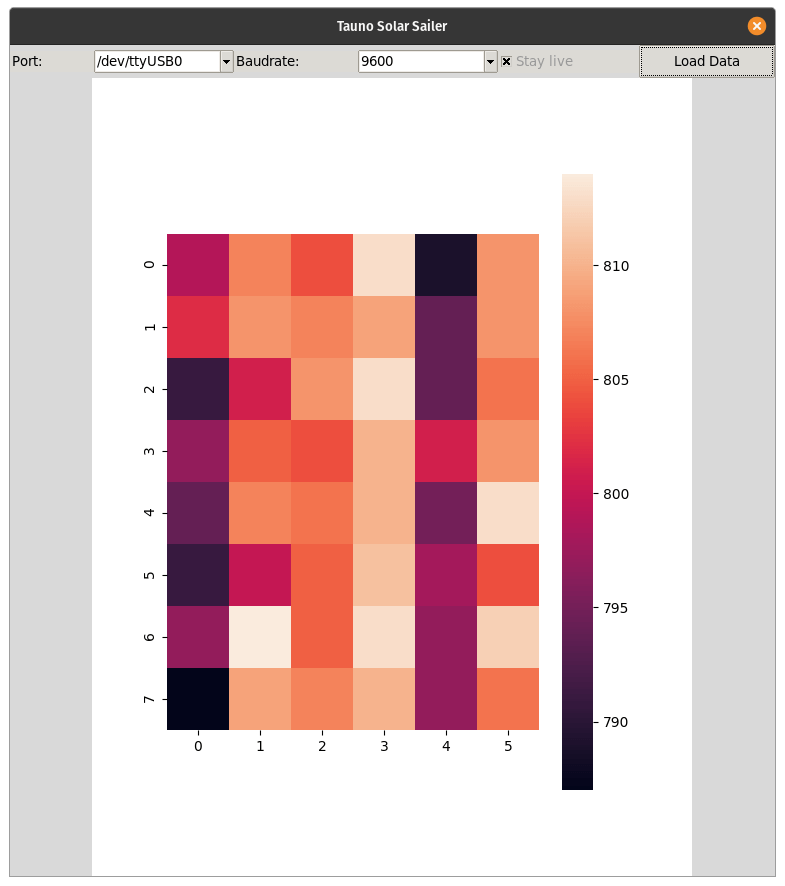
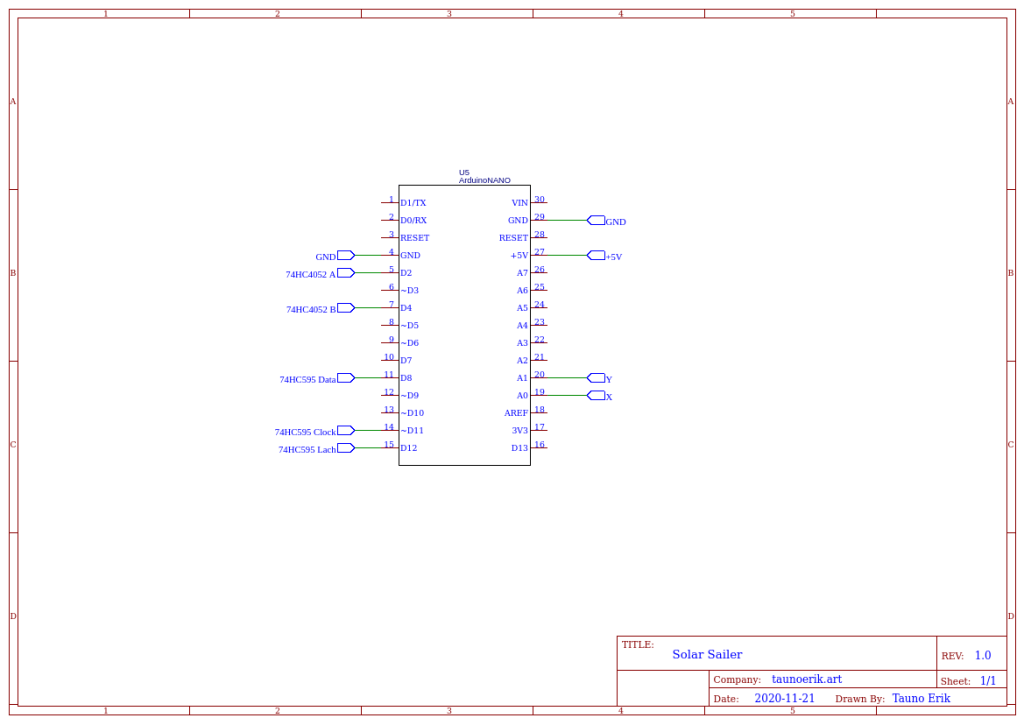
This my little project to measure light. It has 6*8 photoresistors or pixels. So I can measure 48 different values. A longer-term idea is to make small photosensor. I’ve done a little python script and app to display data: a heatmap graph.
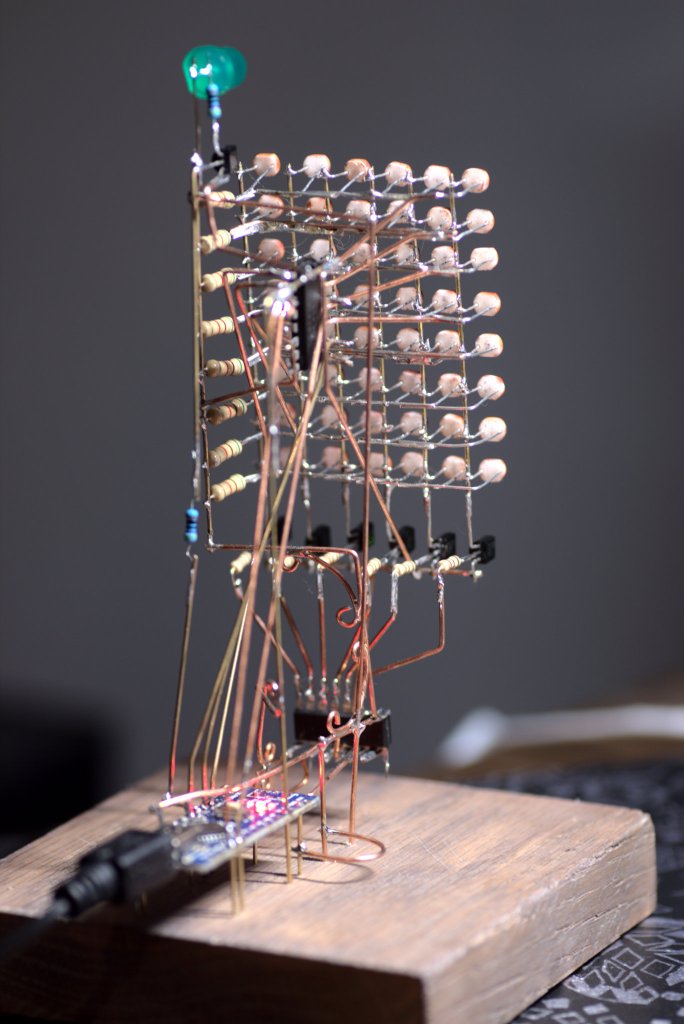
Back 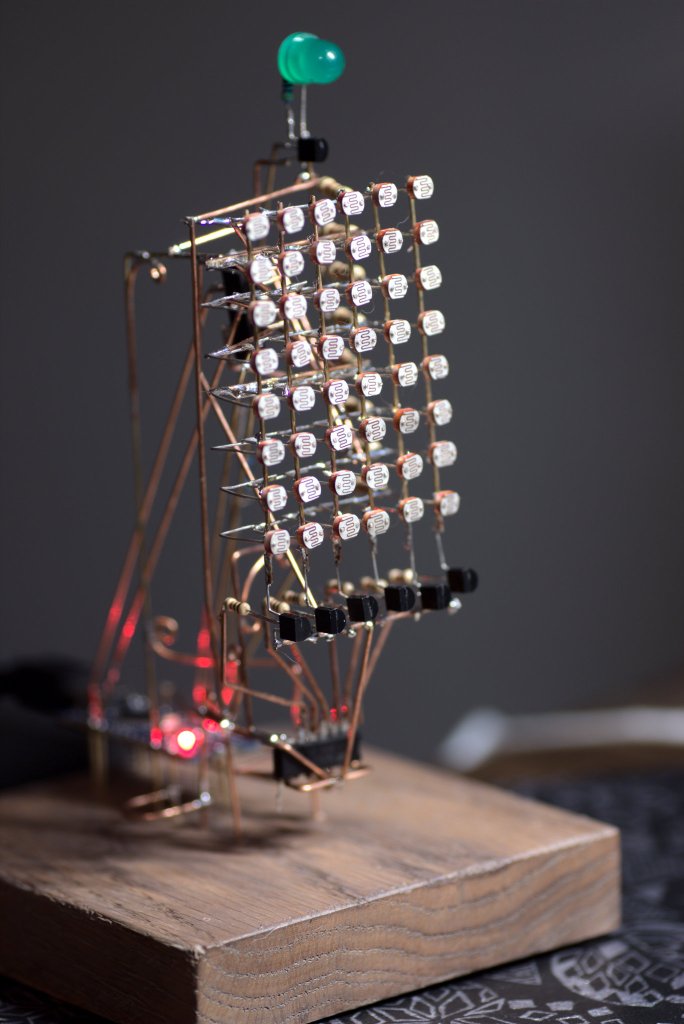
Front 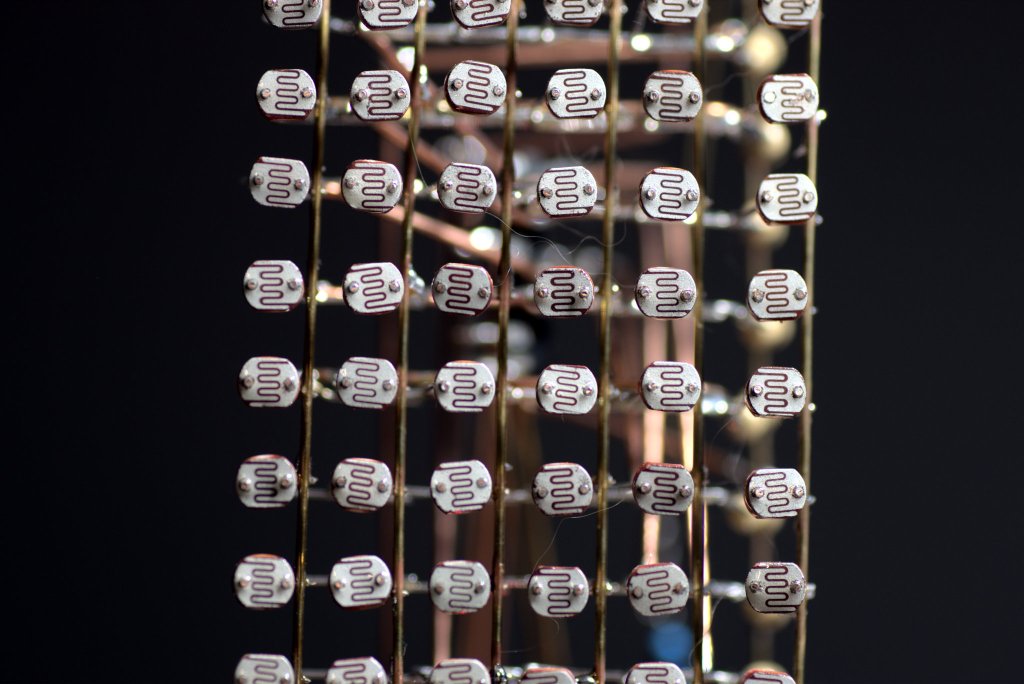
LDRs 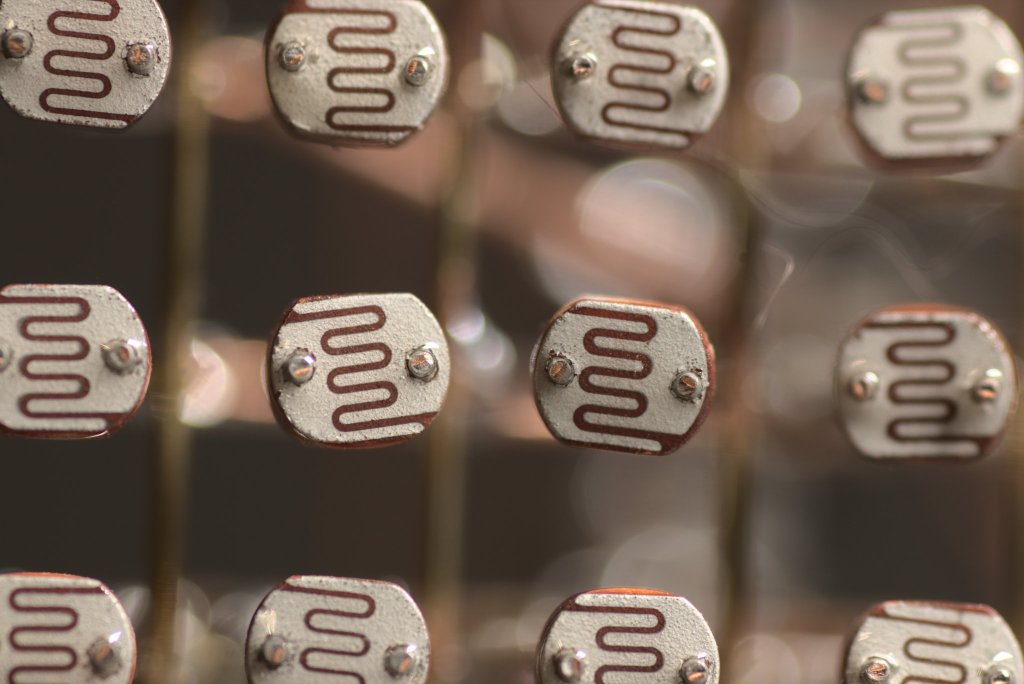
Photoresistors
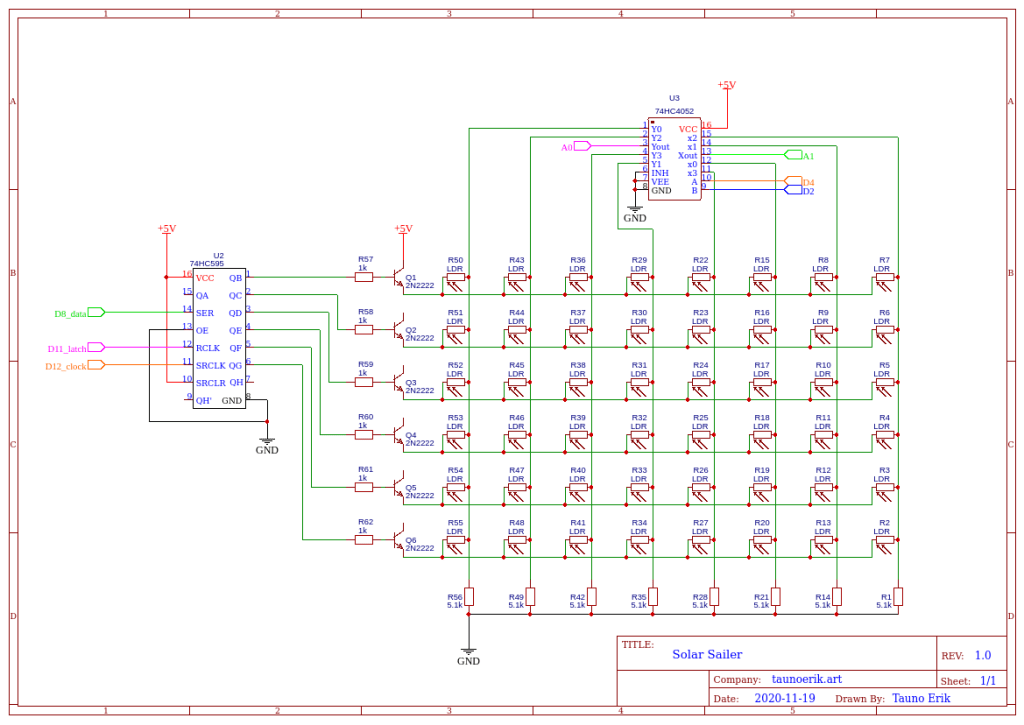
What i learned so far
- I should measure all resistors and LDRs first. So that they have the same value.
Code on GitHub: https://github.com/taunoe/solar-sail
HackSpace magazine
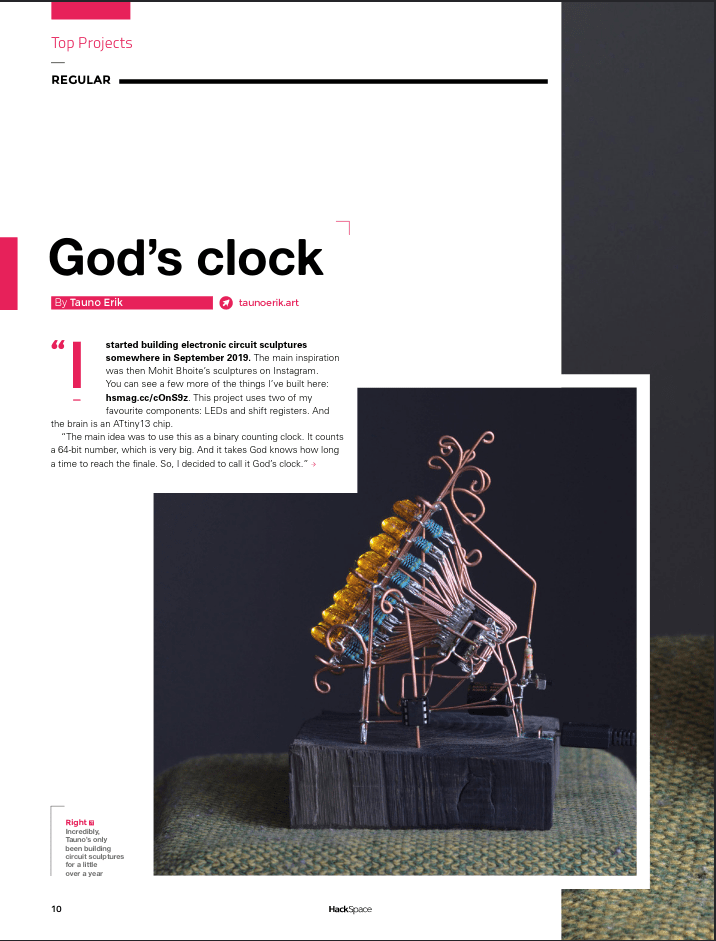
My God’s clock project was published on HackSpace magazine issue 37. (https://hackspace.raspberrypi.org/issues/37/pdf)
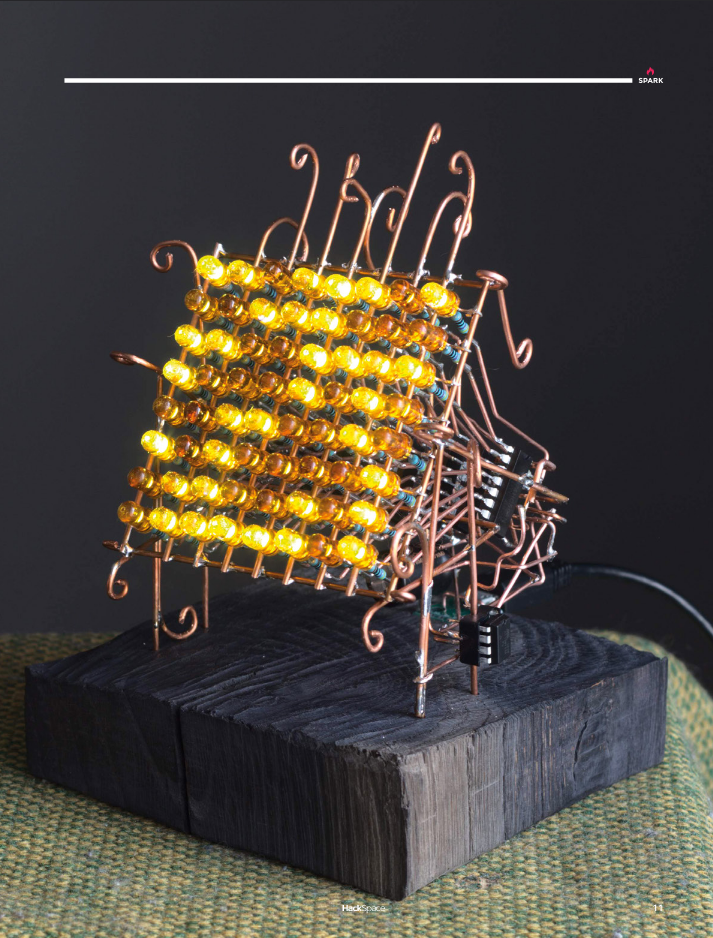
More about my project can find here: https://taunoerik.art/portfolio/matrix/
Watercolour Birds
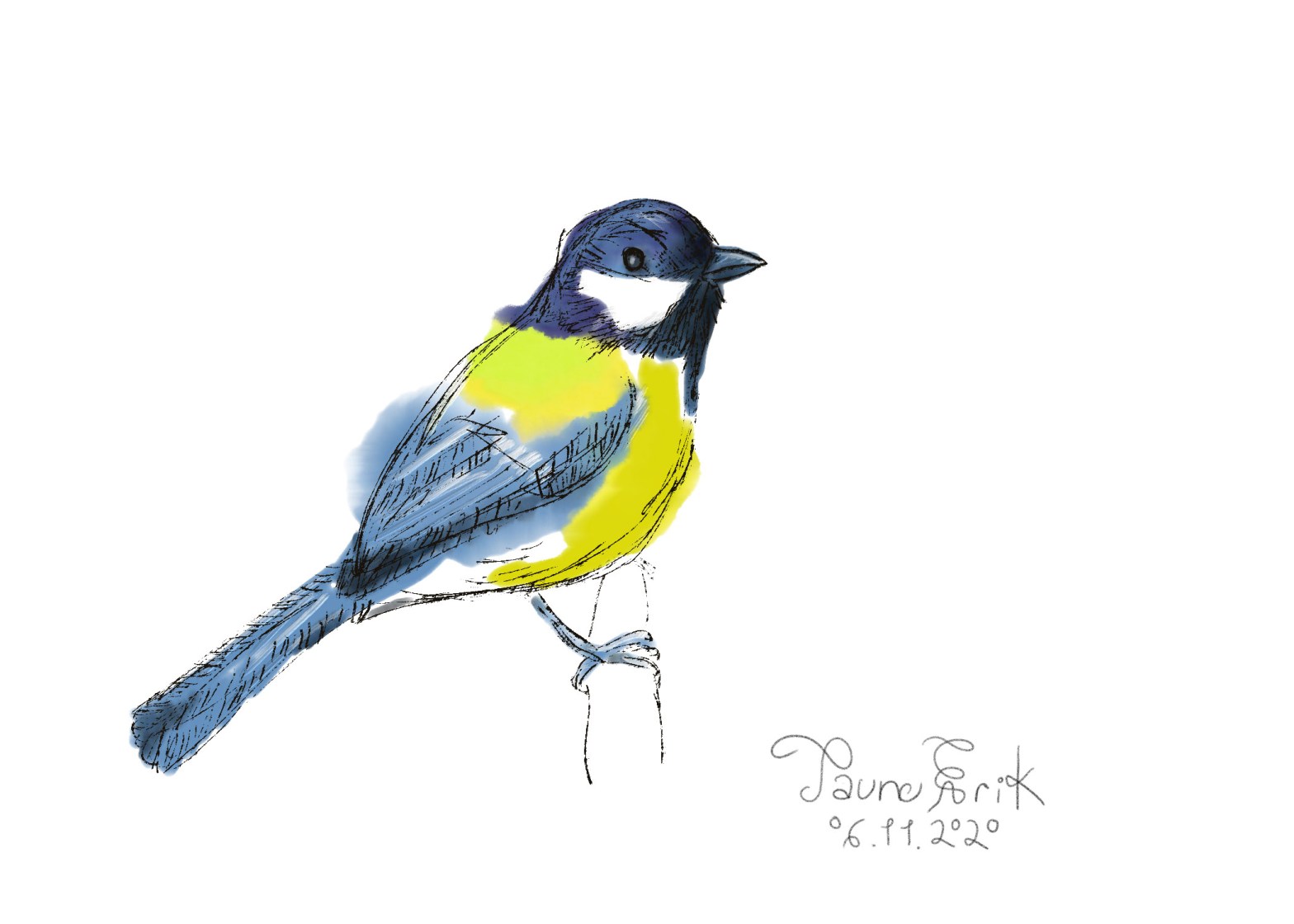
Digitally painted watercolours.
yak
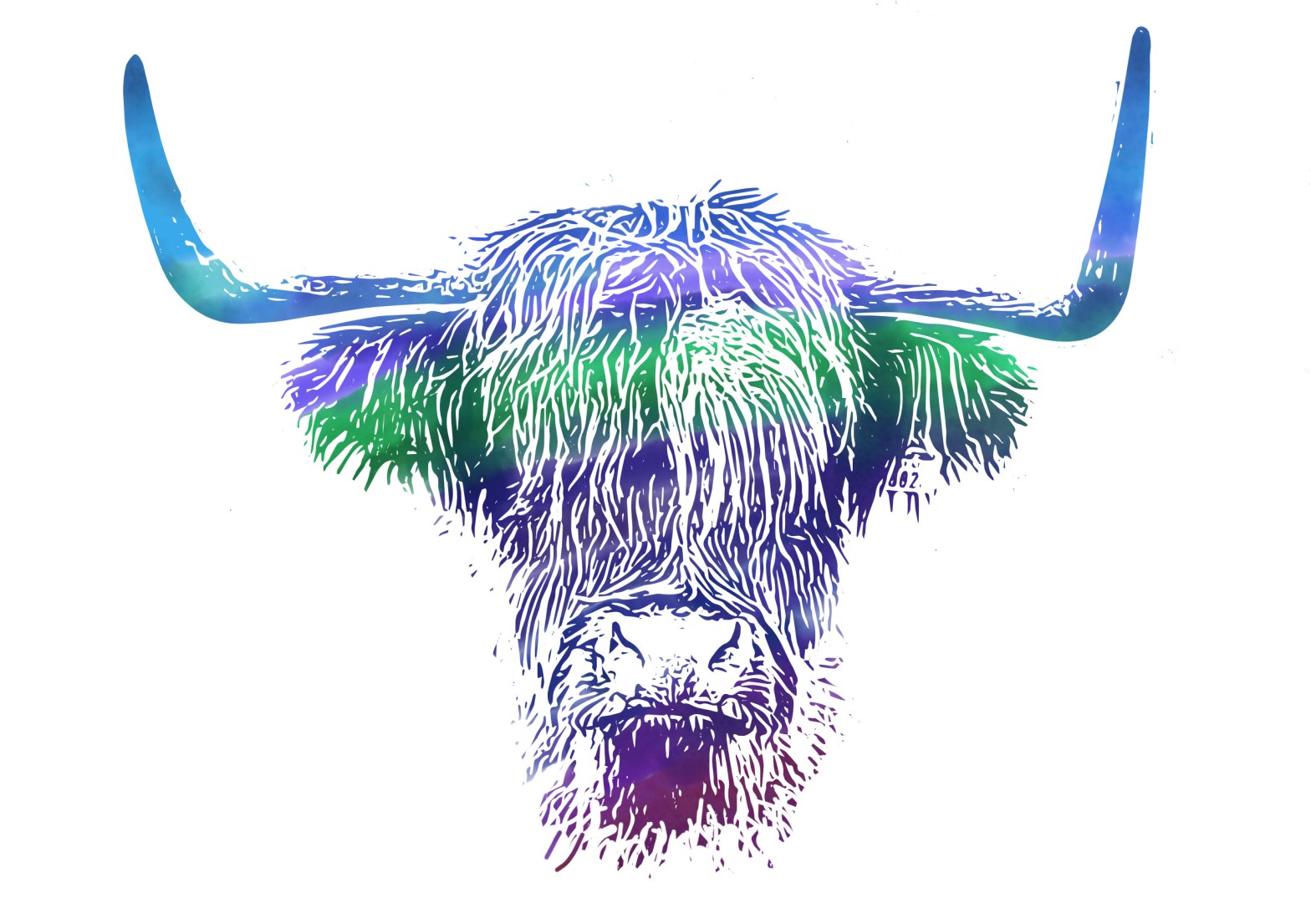
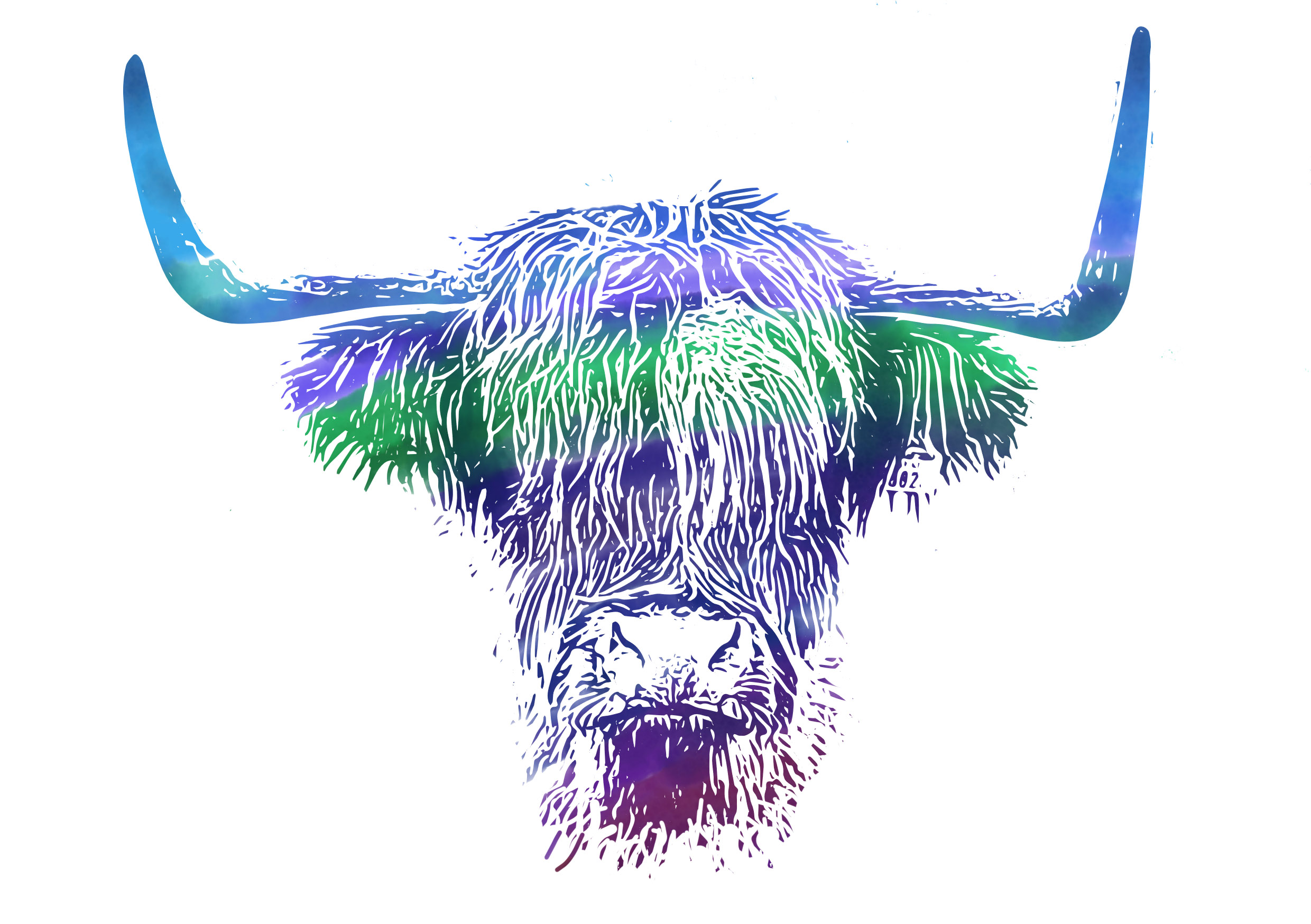
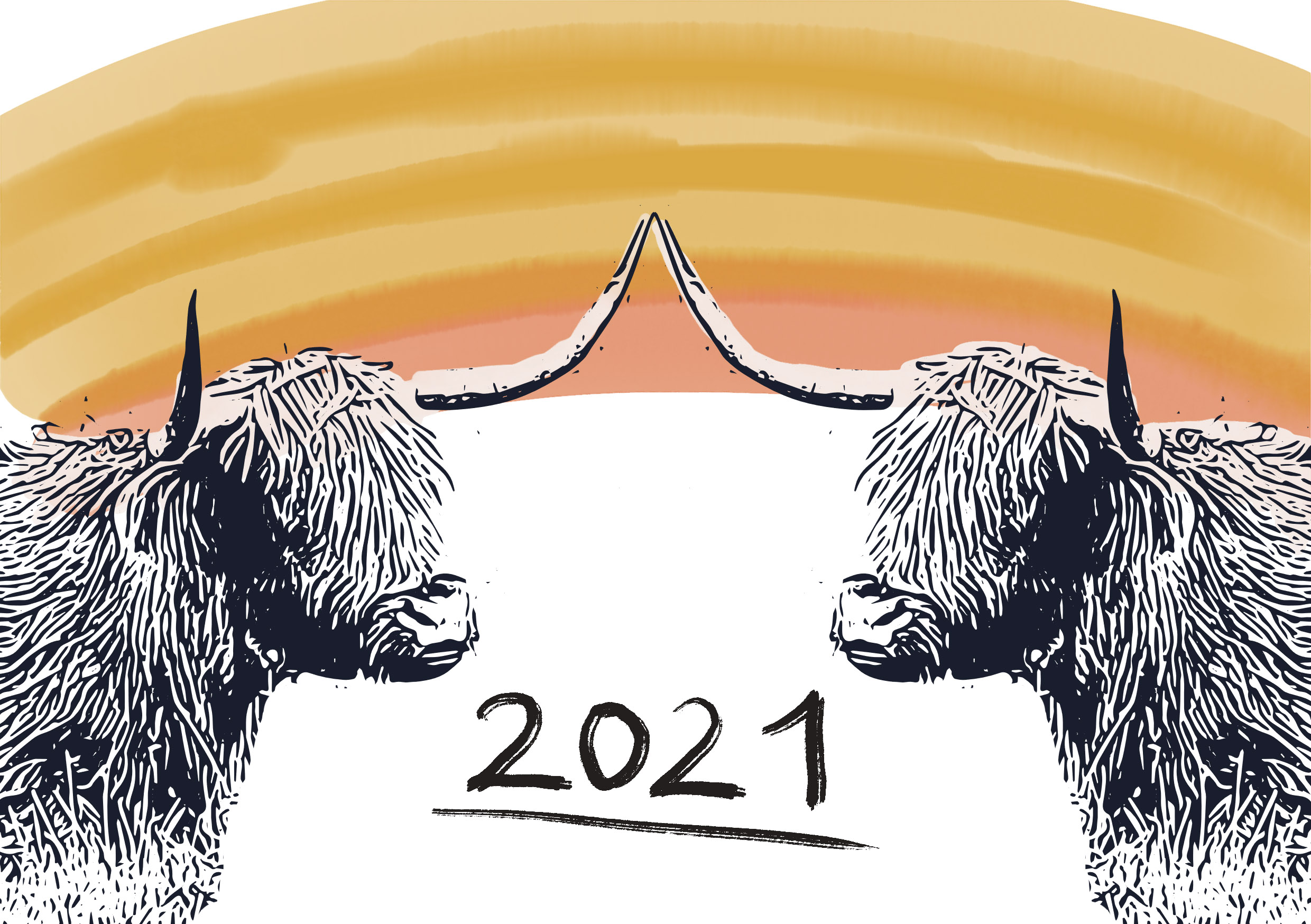
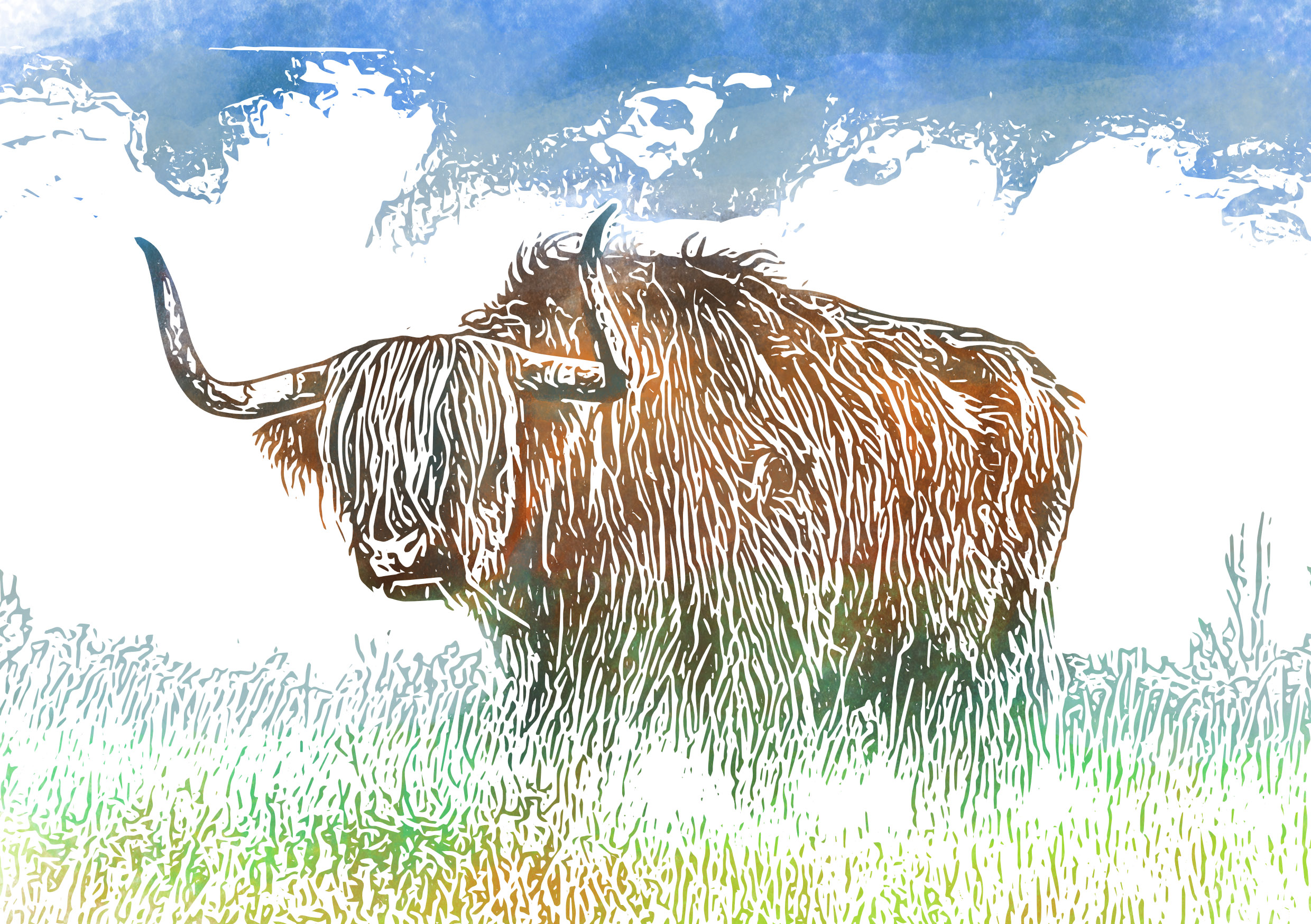
Some digital painting experiments.

 Tauno Erik